
AI Tools for Web Developers: The Ultimate Guide to Shipping Faster in 2026
Editorial note: Some links in this article are affiliate links — we may earn a commission if you sign up, at no extra cost to you. Every tool is independently tested by our team before being recommended. Read our editorial standards →
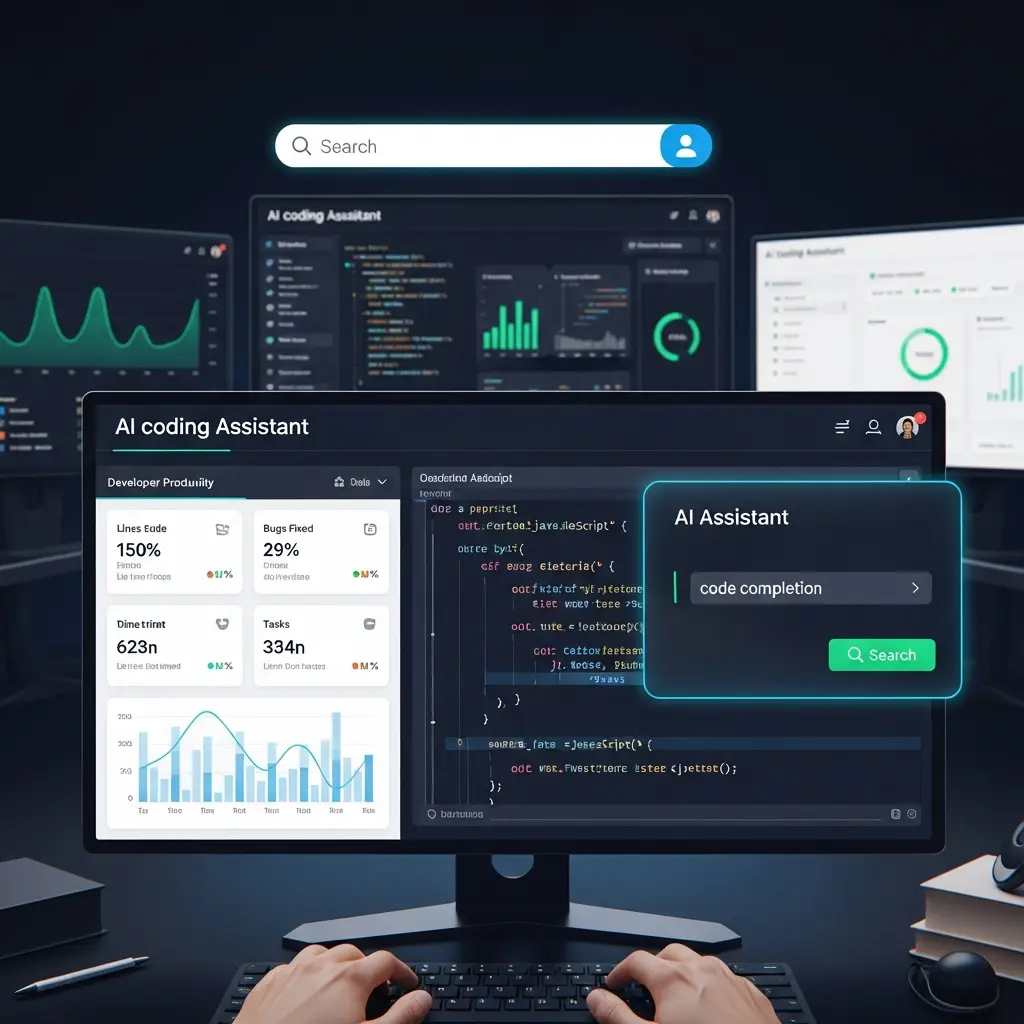
If you are still manually typing out Redux slices, writing basic API fetch wrappers, or spending three hours hunting down a missing bracket in your React components, you are bleeding time.
The Death of the "Boilerplate" Developer
A few years ago, AI for developers meant a simple autocomplete plugin that guessed your next line of JavaScript. It was helpful, but it didn't fundamentally change the software development lifecycle. Today, the landscape is entirely different. We have moved from reactive autocomplete to agentic software engineering.
In 2026, web developers aren't just using AI to write code — they are using it to architect databases, refactor entire monolithic codebases across multiple files, and instantly generate production-ready UI components from natural language.
As a data scientist who analyzes developer productivity metrics, the numbers are staggering. Developers fully integrating modern AI tech stacks report shipping features 3–5x faster, spending 60% less time in the debugger, and catching critical vulnerabilities long before their code hits production.
In this comprehensive guide, we are going to tear down the outdated tools of the past and review the absolute best AI coding assistants, IDEs, and generative platforms dominating web development right now.
The Data Science of Code AI: Why 2026 is Different
Before installing any new extensions, it is critical to understand why the tools have improved so dramatically. Modern coding AI relies on three core advancements:
1. RAG (Retrieval-Augmented Generation) & Context Windows
Early AI models had "amnesia." If you asked an AI to write a function in utils.ts, it had no idea what your database schema in schema.prisma looked like. In 2026, tools utilize massive context windows (up to 2 million tokens) combined with RAG. The AI indexes your entire repository. When you ask a question, it vector-searches your codebase, pulling in the exact routing logic, state management, and API endpoints needed to write context-aware, compiling code.
2. Agentic Multi-File Execution
We are no longer bound to single-file editing. Modern tools feature "Agents" that can plan a task. If you type, "Add a Stripe checkout to the pricing page," the AI will autonomously update your package.json, create a new API route in your backend, update your frontend React components, and write the necessary unit tests — all in one sweeping action.
3. SWE-bench Scoring
This is the industry benchmark for evaluating AI coding models. It measures an AI's ability to resolve real-world, complex GitHub issues. While models in 2024 struggled to hit 2%, models powering today's AI-native IDEs regularly score upwards of 40%, proving they can solve complex architectural bugs without human hand-holding.
Quick Comparison: The 2026 Developer AI Stack
| Platform | Best For | Standout AI Feature | Starting Price |
|---|---|---|---|
| Cursor | Professional Engineers | AI-native IDE with multi-file "Composer" | $20/mo |
| v0 by Vercel | Frontend Generation | Text-to-React UI with Shadcn/Tailwind | Free tier |
| Claude Code | Terminal Power Users | Autonomous CLI coding agent | API pricing |
| GitHub Copilot | Enterprise Teams | Ecosystem integration & security | $10/mo |
| Codeium | Budget-Conscious Devs | Lightning-fast free tier autocomplete | Free |
Deep Dive: The Top 5 AI Tools for Web Developers
1. Cursor — The Undisputed King of IDEs
If you are still using a standard installation of VS Code with a few AI plugins tacked on, you are missing out on the biggest productivity multiplier of the decade.
The Tech: Cursor is a fork of VS Code, meaning all your existing extensions, themes, and keybindings work perfectly. However, it was built from the ground up with AI as the core operating system.
How the AI Works: Cursor's flagship feature is "Composer" (Cmd+I). It opens a multi-file editing interface that understands your entire project structure. You can prompt it to "Refactor our authentication flow from JWT to NextAuth," and it will intelligently touch 15 different files, rewrite the logic, and present you with a clean diff to review. It also features "Cursor Tab" — an autocomplete so advanced it predicts your next cursor location and suggests multi-line edits before you even type.
The Verdict: The absolute gold standard for full-stack developers in 2026. It feels like pair-programming with a senior engineer who has memorized your entire repository.
2. v0 by Vercel — Best for Frontend & UI Architecture
Frontend development used to require hours of nudging CSS margins and building complex interactive components from scratch. Vercel's v0 has completely automated the UI layer.
The Tech: Generative UI platform outputting production-ready React, Next.js, and Tailwind CSS.
How the AI Works: You describe an interface in natural language: "Build a SaaS dashboard sidebar with a dark theme, an expandable user profile dropdown, and active state routing." Within seconds, v0 generates the exact UI. More importantly, it uses standard component libraries like shadcn/ui. The code is clean, accessible, and ready to be directly copied into your codebase. In 2026, v0 also handles multi-page application routing and database connections.
The Verdict: If you are a backend-heavy developer who hates writing CSS, v0 allows you to ship beautiful, professional frontends in minutes.
3. Claude Code — Best for Terminal & Backend Automation
Anthropic took a different approach. Instead of building an IDE, they built an autonomous agent that lives right where developers spend half their lives: the command line.
The Tech: A CLI-first coding agent powered exclusively by the Claude model family.
How the AI Works: You navigate to your project directory in the terminal and run claude. You can then give it high-level engineering tasks. It will autonomously search your codebase using grep, read your logs, write the code, run your test suite, and even commit the code to Git if the tests pass. Because it operates at the filesystem level, it doesn't care if you use VS Code, Neovim, or IntelliJ.
The Verdict: Exceptional for complex backend refactors, debugging obscure server errors, and developers who prefer the speed of the terminal.
4. GitHub Copilot — Best for Enterprise & Ecosystem
While Cursor dominates the indie and startup scene, GitHub Copilot remains the heavyweight champion for massive enterprise teams.
The Tech: Deeply integrated into the Microsoft/GitHub ecosystem, operating as a plugin for virtually every major IDE.
How the AI Works: Copilot excels at standardizing enterprise workflows. It writes exceptional boilerplate, autocompletes massive test suites, and generates Pull Request summaries automatically. Its 2026 updates heavily focus on security, actively scanning your generated code for vulnerabilities (like SQL injection risks or exposed secrets) before you even hit save.
The Verdict: The safest, most compliant choice for large engineering teams operating inside strict corporate firewalls.
5. Codeium — The Best Free Alternative
Not every developer wants to pay $20 a month for an AI subscription. Codeium has stepped in to provide an enterprise-grade experience for free.
The Tech: A highly optimized autocomplete and chat assistant supporting over 40 different IDEs.
How the AI Works: Codeium is blazingly fast. It provides codebase-aware chat and inline autocomplete that rivals paid tools. Because it isn't tied to a specific ecosystem, it works flawlessly whether you are coding in Python on PyCharm, writing C++ in Visual Studio, or spinning up Vue.js in WebStorm.
The Verdict: If you are a student, a junior developer, or just budget-conscious, Codeium is the only tool you need to dramatically accelerate your output.
The 2026 "10x Developer" Workflow
Buying the tools is only step one. The real productivity gains come from orchestrating them into a seamless workflow. Here is how modern web developers build full-stack applications in hours instead of weeks:
Phase 1: The UI Generation (v0) Do not start by writing empty React components. Open v0 by Vercel. Prompt it to build out the major views of your application (Dashboard, Settings, Login). Refine the UI in the browser until it looks perfect. Click "Add to Codebase" to instantly pull the clean, Tailwind-styled components directly into your local Next.js project.
Phase 2: The Logic & Plumbing (Cursor) Open your newly populated repository in Cursor. Use the Composer feature to wire everything up. Highlight your generated UI components and ask the AI: "Connect this login form to our Supabase auth provider, handle the error states, and route the user to the dashboard on success." The AI will write the fetch logic, state management, and error boundaries across all necessary files.
Phase 3: The Debugging & Testing (Claude Code) If you hit a weird backend routing issue or a database connection error, drop into your terminal and wake up Claude Code. Prompt it: "Run the test suite, find out why the auth middleware is failing on the /dashboard route, and fix the underlying logic." Let the agent hunt down the bug, fix it, and commit the passing code.
Phase 4: Seamless Deployment With the code clean and tested, push your branch to GitHub. Let your CI/CD pipeline (whether that is Netlify, Vercel, or GitHub Actions) automatically deploy your AI-accelerated code to production.
The Data Scientist's Warning: The "Code Blindness" Trap
With tools this powerful, it is incredibly easy to fall into the trap of "Code Blindness" — blindly accepting large blocks of AI-generated code without actually understanding the underlying architecture.
This is a massive security and maintenance risk.
AI models are highly confident, even when they are hallucinating. An AI might generate a beautifully complex database query that works perfectly in development but causes catastrophic N+1 performance bottlenecks in production when scaled to 100,000 users.
The Golden Rule for 2026: AI should write the code, but you must own the architecture. Spend the hours you saved on typing to heavily review the PRs, optimize the database indexes, and ensure the system architecture makes logical sense. You are no longer a code typist — you are a code reviewer and systems architect.
Frequently Asked Questions
Q: Will AI replace web developers?
No. AI replaces typing. It replaces boilerplate, repetitive syntax, and manual CSS tweaking. However, an AI cannot sit in a meeting with a client, understand their complex business logic, and architect a custom infrastructure that balances cost, scale, and security. Developers who learn to command these AI tools will replace developers who refuse to adapt.
Q: Can I use these tools if I have a messy, legacy codebase?
Yes, but with caveats. Tools like Cursor use your existing codebase as context. If your legacy code is full of anti-patterns and messy spaghetti logic, the AI will likely generate more messy code to match your style. Before heavily leaning on AI generation, use the AI to refactor and document your legacy code into cleaner, modular patterns.
Q: Are my company's proprietary code and secrets safe?
If you are working on proprietary corporate software, you must read the terms of service. Enterprise tiers of GitHub Copilot and Cursor explicitly guarantee that your code is not used to train their models. However, if you paste a chunk of code containing an API key into a free, public web interface, you are compromising your security. Always use environment variables (.env) and never commit secrets.
Conclusion
The era of struggling through endless Stack Overflow threads to find a single syntax fix is over. By leveraging Cursor for multi-file orchestration, v0 for instant frontend generation, and Claude Code for terminal automation, you are essentially equipping yourself with a tireless team of senior engineers.
Stop fighting the boilerplate. Adopt the 2026 tech stack, let the algorithms handle the syntax, and get back to building incredible products.
Tags
Written by

Sourabh Gupta
Founder & Data Scientist, AI Tools Specialist · 2+ years in AI/ML
Sourabh tests every AI tool he writes about — hands-on, with real use cases. His background in data science means he goes beyond marketing claims to benchmark actual performance, cost, and reliability for developers and creators.
Full bio & editorial process →