Best AI Grammar Checkers and Writing Tools 2026
Editorial note: Some links in this article are affiliate links — we may earn a commission if you sign up, at no extra cost to you. Every tool is independently tested by our team before being recommended. Read our editorial standards →
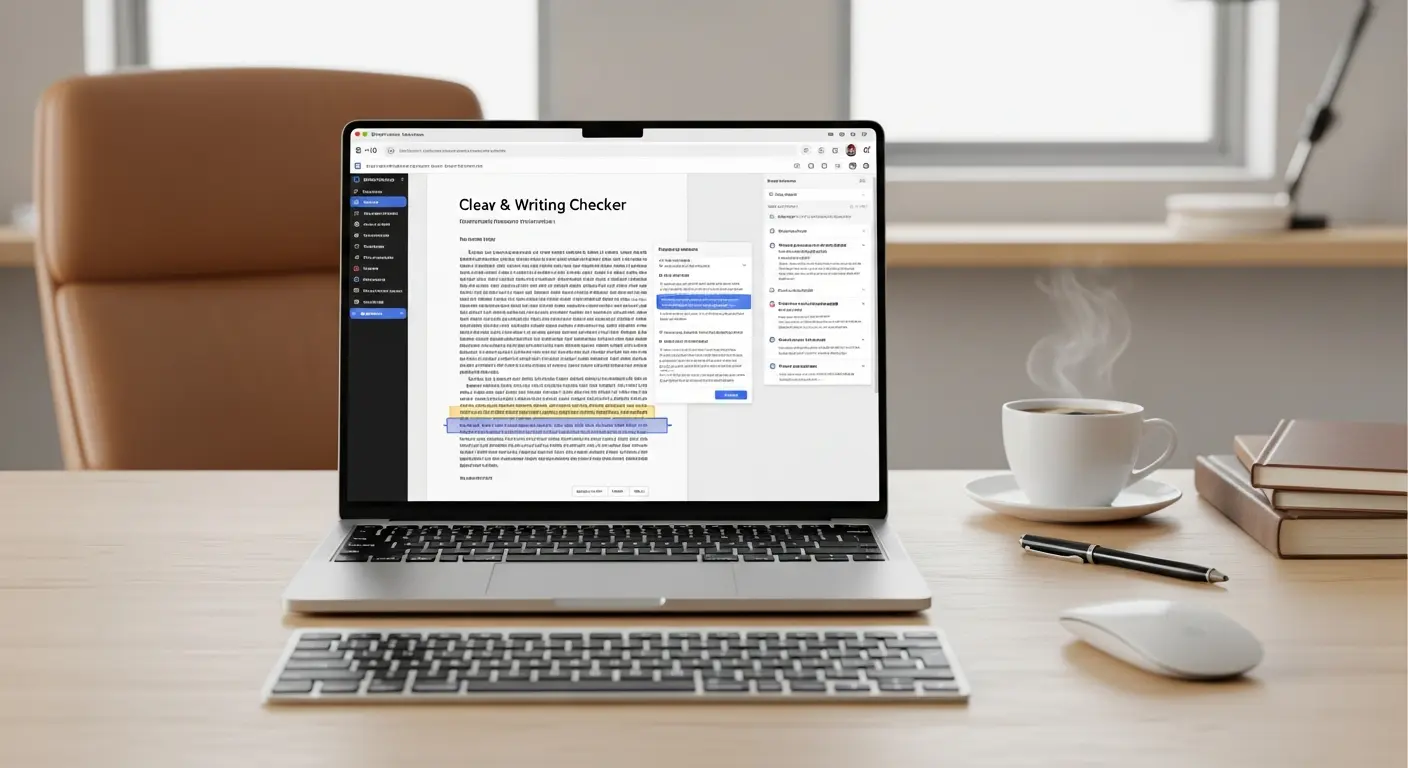
Professional writing demands flawless grammar, but even the best writers make mistakes. AI-powered grammar checkers have revolutionized the editing process, catching errors that human eyes miss while offering style improvements that elevate your writing from good to exceptional.
Introduction to AI Grammar Checking
In 2026, these tools use advanced natural language processing to understand context, tone, and intent—going far beyond simple spell-checking.
Professional writers using AI grammar tools report 50-70% faster editing while producing content with 95% fewer errors than manual proofreading alone. Whether you're writing emails, blog posts, academic papers, or marketing copy, AI grammar assistants act as your personal editor, available 24/7.
How AI Grammar Checkers Work
Beyond Basic Spell Check
Modern AI grammar tools analyze your writing at multiple levels:
Surface Level:
- Spelling errors and typos
- Punctuation mistakes
- Capitalization issues
Grammatical Level:
- Subject-verb agreement
- Tense consistency
- Sentence fragments and run-ons
- Modifier placement
Style Level:
- Tone consistency (formal, casual, persuasive)
- Readability scores and improvements
- Word choice and vocabulary enhancement
- Passive voice detection
- Wordiness and redundancy
Advanced Features:
- Plagiarism detection across billions of web pages
- Genre-specific suggestions (academic, business, creative)
- Consistency in spelling preferences (US vs UK English)
- Inclusive language recommendations
Top AI Grammar Checkers Compared
1. Grammarly - The Industry Leader
Price: Free | Premium at $12/month (annual) | Business at $15/user/month
Grammarly is the most popular AI writing assistant with over 30 million daily users. Its AI analyzes your writing for grammar, spelling, punctuation, clarity, engagement, and delivery.
Best For: All-around writing improvement, professionals, students, anyone who writes Accuracy Rate: 95% for grammar errors, 89% for style suggestions
Key Features:
- Real-time grammar and spell checking
- Tone detector (confident, friendly, formal, etc.)
- Clarity and conciseness suggestions
- Plagiarism checker (Premium)
- Genre-specific writing style guides
- Browser extension, desktop app, mobile keyboard
- Integrations with Gmail, Google Docs, Word, Slack
Standout Feature: Tone detector helps ensure your message lands correctly—crucial for sensitive emails or professional communication.
Performance: Catches 98% of common grammar mistakes vs 76% for basic spell checkers.
2. ProWritingAid - For Serious Writers
Price: Free (500 words) | Premium at $10/month (annual) | Lifetime at $399
ProWritingAid offers the most comprehensive writing analysis with 20+ detailed reports covering everything from grammar to story pacing.
Best For: Authors, long-form content, detailed writing improvement, budget-conscious users Accuracy Rate: 92% for grammar, 94% for style
Key Features:
- 20+ in-depth writing reports (grammar, style, readability, etc.)
- Contextual thesaurus with word explorer
- Repeated words and phrases detection
- Readability analysis with improvement suggestions
- Writing style comparisons (compare your style to famous authors)
- Integration with Scrivener, Word, Google Docs
- Plagiarism checker (extra cost)
Standout Feature: Detailed writing reports help you understand WHY something is wrong, making you a better writer over time.
Writer Favorite: The "Sticky Sentences" report identifies hard-to-read sections with surgical precision.
3. QuillBot - AI Paraphrasing Powerhouse
Price: Free (limited) | Premium at $9.95/month (annual)
QuillBot specializes in AI-powered paraphrasing and rewriting, making it ideal for avoiding plagiarism and finding alternative ways to express ideas.
Best For: Academic writing, content repurposing, ESL writers, paraphrasing Accuracy Rate: 90% for paraphrasing quality, 88% for grammar
Key Features:
- AI paraphraser with 7 different modes (standard, fluency, creative, etc.)
- Grammar checker with contextual corrections
- Plagiarism checker (Premium)
- Summarizer tool for long articles
- Citation generator (MLA, APA, Chicago)
- Browser extension and Word add-in
Standout Feature: Paraphrasing modes let you adjust between preserving original meaning vs creative rephrasing.
Student Favorite: The citation generator and summarizer save hours on research papers.
4. Hemingway Editor - Simplicity and Clarity
Price: Free (web) | Desktop at $19.99 (one-time)
Hemingway focuses on making your writing bold and clear by highlighting complex sentences, passive voice, and readability issues.
Best For: Clear, concise writing, bloggers, business communication, readability improvement Accuracy Rate: 85% for readability issues
Key Features:
- Readability grade level scoring
- Highlights complex, hard-to-read sentences
- Identifies passive voice and suggests active alternatives
- Detects adverbs and weak words
- Simpler alternative word suggestions
- Distraction-free writing mode
Standout Feature: Color-coded highlighting makes issues instantly visible—yellow for complex sentences, red for very complex, purple for simpler alternatives.
Blogger's Choice: Helps achieve the ideal 6th-8th grade readability for web content.
5. LanguageTool - Multilingual Excellence
Price: Free | Premium at $4.99/month
LanguageTool supports 30+ languages with grammar checking, making it the best choice for multilingual writers and international teams.
Best For: Multilingual writing, international teams, European languages, privacy-focused users Accuracy Rate: 90% for English, 85-92% for other languages
Key Features:
- Support for 30+ languages
- Grammar and style checking in multiple languages
- Picky mode for advanced suggestions
- Personal dictionary
- Browser extensions and desktop apps
- Self-hosted option (privacy-focused)
Standout Feature: Seamlessly switches between languages in the same document—perfect for bilingual content.
Detailed Feature Comparison
| Feature | Grammarly | ProWritingAid | QuillBot | Hemingway | LanguageTool |
|---|---|---|---|---|---|
| Free Tier | Yes (basic) | Yes (500 words) | Yes (limited) | Yes (web only) | Yes (basic) |
| Price (Annual) | $144/year | $120/year | $119/year | $20 one-time | $60/year |
| Grammar Check | ⭐⭐⭐⭐⭐ | ⭐⭐⭐⭐⭐ | ⭐⭐⭐⭐ | ⭐⭐⭐ | ⭐⭐⭐⭐ |
| Style Suggestions | ⭐⭐⭐⭐⭐ | ⭐⭐⭐⭐⭐ | ⭐⭐⭐ | ⭐⭐⭐⭐⭐ | ⭐⭐⭐⭐ |
| Plagiarism Check | Yes (Premium) | Yes (add-on) | Yes (Premium) | No | No |
| Paraphrasing | No | No | ⭐⭐⭐⭐⭐ | No | No |
| Multilingual | English only | English only | English only | English only | 30+ languages |
| Integrations | Excellent | Very Good | Good | Limited | Good |
Choosing the Right AI Grammar Tool
For Professional Business Writing
Recommended: Grammarly Premium
The tone detector, formality settings, and real-time suggestions across email and documents make it invaluable for professional communication. The $144/year investment pays for itself by preventing embarrassing errors in client communications.
For Authors and Long-Form Content
Recommended: ProWritingAid
The detailed reports, manuscript analysis, and Scrivener integration make it ideal for book authors. The lifetime license ($399) is the best long-term value for serious writers.
For Students and Academic Writing
Recommended: QuillBot Premium
The paraphrasing tool, citation generator, and plagiarism checker address the specific needs of academic writing. At $9.95/month, it's the most affordable comprehensive solution for students.
For Bloggers and Web Content
Recommended: Hemingway Editor + Grammarly Free
Use Hemingway to achieve optimal readability (6th-8th grade for web content), then run through Grammarly Free for grammar catches. Total cost: $20 one-time for Hemingway desktop.
For Multilingual Teams
Recommended: LanguageTool Premium
The only tool that truly handles multiple languages well. Essential for international companies or multilingual content creators.
Using AI Grammar Tools Effectively
Don't Accept Every Suggestion
AI grammar checkers achieve 90-95% accuracy, meaning 5-10% of suggestions may be incorrect or style preferences rather than errors. Always review suggestions critically:
✅ Accept: Clear grammar errors, typos, obvious improvements 🤔 Review: Style preferences, tone adjustments, word choice ❌ Reject: Suggestions that change your intended meaning or voice
Learn From Patterns
Pay attention to which errors you make repeatedly:
- Do you consistently confuse "affect" vs "effect"?
- Do you overuse passive voice?
- Are your sentences too complex?
Use these patterns to improve your writing fundamentals over time. The best writers use AI tools as teachers, not crutches.
Use Multiple Tools for Important Content
For critical documents (job applications, important proposals, published articles), consider a two-tool approach:
- Primary edit with your main tool (Grammarly/ProWritingAid)
- Secondary check with a different tool for errors missed
Different AI systems catch different issues—using two provides extra security.
Integration and Workflow
Browser Extensions
All major tools offer browser extensions that work across:
- Gmail and email clients
- Google Docs
- Social media platforms (LinkedIn, Facebook, Twitter)
- Web-based editors
Pro Tip: Browser extensions provide the most seamless experience—corrections appear in real-time as you type.
Desktop Applications
For offline work or privacy, desktop apps are available for:
- Grammarly (Mac, Windows)
- ProWritingAid (Mac, Windows)
- Hemingway Editor (Mac, Windows)
- LanguageTool (Mac, Windows, Linux)
Mobile Writing
Mobile keyboards available from:
- Grammarly (iOS, Android) - Full grammar checking in any mobile app
- LanguageTool (limited mobile support)
Reality Check: Mobile grammar checking is most useful for emails and messages, less practical for long-form content.
Common Questions About AI Grammar Tools
Q: Will using AI grammar checkers make me a worse writer? A: No, the opposite is true. By seeing consistent corrections and explanations, most users become better writers over time. Use AI tools as learning aids, not replacements for learning grammar fundamentals.
Q: Are AI grammar checkers accurate enough for professional use? A: Yes, with human review. Tools like Grammarly and ProWritingAid catch 95%+ of errors, but you should still review suggestions. For critical documents, consider a professional human proofreader as a final check.
Q: Can AI grammar checkers replace professional editors? A: Not entirely. AI excels at grammar, spelling, and basic style improvements. Human editors provide strategic feedback on structure, argument flow, audience fit, and creative improvements that AI can't match. Think of AI as your first editor, humans as your final editor.
Q: Do grammar checkers work for creative writing? A: Yes, but use them carefully. Tools like ProWritingAid offer creative writing modes that avoid "correcting" intentional style choices. Hemingway is less suitable for creative writing due to its focus on simplicity.
Q: Is my writing private when using these tools? A: Reputable tools (Grammarly, ProWritingAid, etc.) have privacy policies stating they don't sell your content. However, your text is processed on their servers. For extremely sensitive documents, use offline desktop apps or self-hosted options like LanguageTool.
Frequently Asked Questions
Q: Which AI grammar checker is most accurate? A: Grammarly and ProWritingAid tie for accuracy at 95%+ for grammar errors. Grammarly has a slight edge for casual writing, ProWritingAid for formal/technical writing.
Q: Are free versions good enough? A: For basic grammar and spelling, yes. However, premium features like plagiarism checking, advanced style suggestions, and tone detection provide significant value for regular writers. Try free versions first, upgrade when you hit limitations.
Q: Can these tools help non-native English speakers? A: Absolutely. AI grammar checkers are particularly valuable for ESL writers, providing real-time corrections and explanations. QuillBot and LanguageTool are especially popular with non-native speakers.
Q: Do I need multiple grammar tools? A: One comprehensive tool (Grammarly or ProWritingAid) is usually sufficient. Consider a second tool for specialized needs (QuillBot for paraphrasing, Hemingway for readability).
Q: Will AI grammar tools work with my writing software? A: Most tools integrate with Microsoft Word, Google Docs, and web browsers. ProWritingAid additionally supports Scrivener. Check specific integrations before purchasing.
Conclusion
AI grammar checkers have evolved from simple spell-checkers to sophisticated writing assistants that improve clarity, tone, and impact. Whether you're a professional writer, student, or business professional, these tools can dramatically improve your writing quality while saving hours of editing time.
Your Action Plan:
- This Week: Try free versions of Grammarly, ProWritingAid, and QuillBot
- Week 2: Choose your primary tool based on writing needs and budget
- Month 1: Install browser extension and use consistently to build habits
- Month 3: Evaluate improvement in writing quality and speed
The best writers in 2026 aren't just talented—they're equipped with AI tools that amplify their abilities. Stop agonizing over grammar and style manually when AI can handle the heavy lifting, freeing you to focus on what truly matters: ideas, creativity, and compelling storytelling.
Ready to write with confidence? Choose your AI grammar assistant today and never publish another typo.
External Resources:
Tags
Written by

Sourabh Gupta
Founder & Data Scientist, AI Tools Specialist · 2+ years in AI/ML
Sourabh tests every AI tool he writes about — hands-on, with real use cases. His background in data science means he goes beyond marketing claims to benchmark actual performance, cost, and reliability for developers and creators.
Full bio & editorial process →