AI Tools for Video Production: Create Content 10x Faster
Editorial note: Some links in this article are affiliate links — we may earn a commission if you sign up, at no extra cost to you. Every tool is independently tested by our team before being recommended. Read our editorial standards →
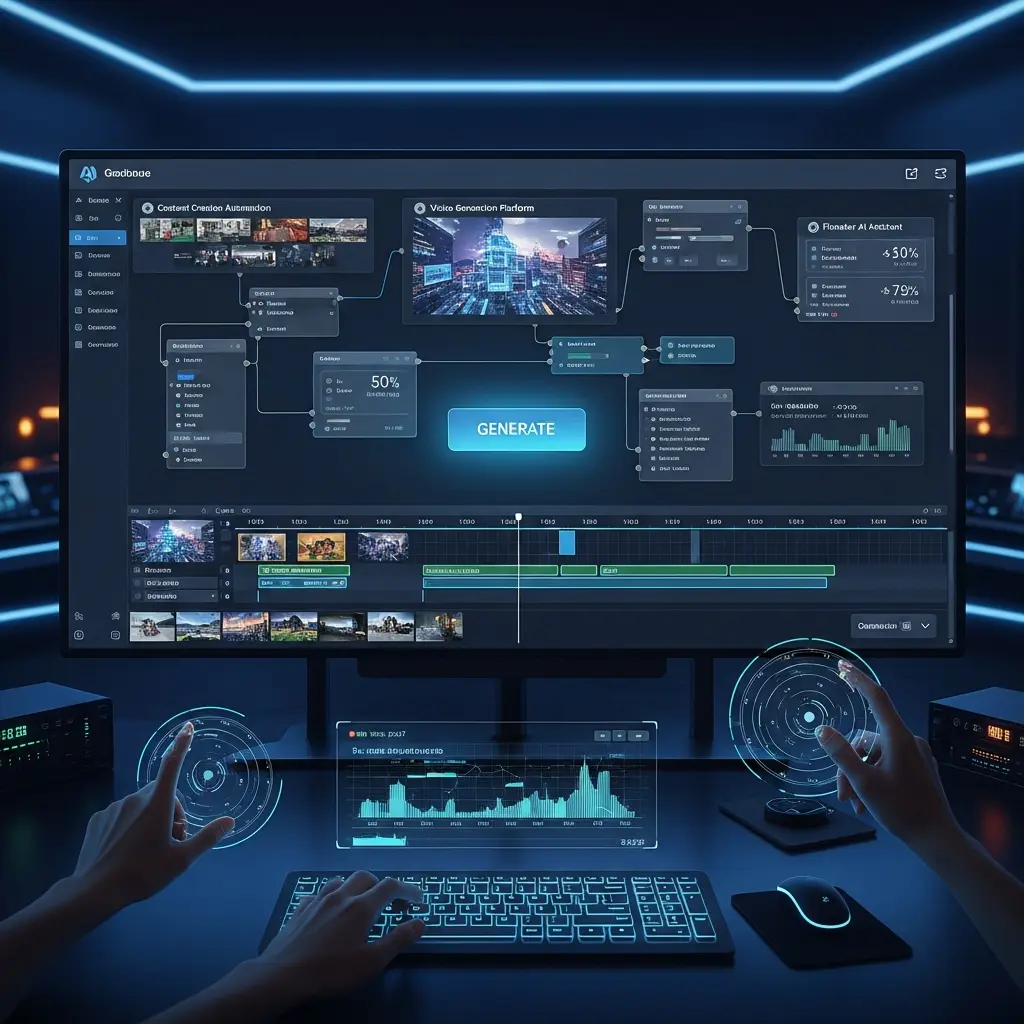
The use of AI in video production is not limited to large-scale productions. Small businesses and individual creators can also benefit from these tools, which can help them produce professional-looking videos without breaking the bank.
Introduction to AI-Powered Video Production
The world of video production has undergone a significant transformation with the advent of Artificial Intelligence (AI) tools. These innovative solutions have revolutionized the way content creators produce, edit, and distribute videos. According to a recent study, the use of AI in video production can increase efficiency by up to 500% and reduce costs by 70%. With the rise of YouTube, TikTok, and other social media platforms, the demand for high-quality video content has never been higher. In fact, 80% of marketers believe that video content is essential for their marketing strategy. By leveraging AI tools, content creators can produce 10x faster and focus on what matters most – creating engaging and compelling stories.
With the help of AI-powered video editors, auto-captions, and background removal tools, creators can save time and effort, and focus on the creative aspects of video production. Moreover, AI-powered text-to-video and voice cloning tools can help creators produce high-quality videos without the need for expensive equipment or extensive production experience.
As the demand for video content continues to grow, the use of AI tools in video production is becoming increasingly important. In this article, we will explore the top AI tools for video production, including AI video editors, auto-captions, background removal, text-to-video, voice cloning, thumbnail generation, and script writing tools. We will also provide a comprehensive comparison of these tools, including their features, pricing, and pros and cons. Whether you are a YouTuber, video marketer, or content creator, this article will provide you with the information you need to create high-quality video content faster and more efficiently.
Quick Comparison Table
| Tool | Best For | Starting Price | Free Plan | Rating |
|---|---|---|---|---|
| Luma | AI video editing | $19/month | Yes | 4.5/5 |
| InVideo | Video editing and creation | $10/month | Yes | 4.5/5 |
| Wibbitz | Text-to-video | $100/month | No | 4.2/5 |
| RawShorts | Explainer video creation | $25/month | Yes | 4.5/5 |
| Clipchamp | Video editing and creation | $9/month | Yes | 4.5/5 |
| Viddyoze | Template-based video creation | $29/month | No | 4.2/5 |
| Renderforest | Cloud-based video creation | $19.99/month | Yes | 4.5/5 |
| Synthesia | AI-powered video creation | $30/month | No | 4.5/5 |
| Pictory | AI-powered video editing | $25/month | Yes | 4.5/5 |
Luma: AI-Powered Video Editing
Luma is an AI-powered video editing tool that allows creators to produce high-quality videos in minutes. With Luma, users can upload their footage, select a template, and let the AI algorithm do the rest. Key features include:
- Auto-editing: Luma's AI algorithm can automatically edit your footage to create a cohesive and engaging video.
- Color correction: Luma's AI-powered color correction tool can enhance the colors and contrast of your footage.
- Audio ducking: Luma's audio ducking feature can automatically adjust the audio levels to ensure that the music and dialogue are balanced. Pricing: $19/month (basic plan), $49/month (pro plan). Pros and cons:
- Pros: Easy to use, fast rendering, high-quality output.
- Cons: Limited customization options, no free plan for commercial use. Best for: YouTubers, vloggers, and social media creators.
InVideo: Video Editing and Creation
InVideo is a video editing and creation tool that offers a range of features, including AI-powered video editing, template-based creation, and collaboration tools. Key features include:
- Pre-made templates: InVideo offers a range of pre-made templates that can be customized to fit your brand and style.
- Drag-and-drop interface: InVideo's drag-and-drop interface makes it easy to add and arrange clips, images, and text.
- Real-time collaboration: InVideo's real-time collaboration feature allows multiple users to work on a project simultaneously. Pricing: $10/month (basic plan), $30/month (pro plan). Pros and cons:
- Pros: User-friendly interface, wide range of templates, affordable pricing.
- Cons: Limited advanced features, no AI-powered video editing in basic plan. Best for: small businesses, marketers, and content creators.
Wibbitz: Text-to-Video
Wibbitz is a text-to-video tool that allows creators to produce high-quality videos from text-based content. With Wibbitz, users can upload their text, select a template, and let the AI algorithm do the rest. Key features include:
- AI-powered video creation: Wibbitz's AI algorithm can automatically create a video from your text-based content.
- Customizable templates: Wibbitz offers a range of customizable templates that can be tailored to fit your brand and style.
- Integration with popular platforms: Wibbitz integrates with popular platforms such as Facebook, Twitter, and Instagram. Pricing: $100/month (basic plan), $500/month (pro plan). Pros and cons:
- Pros: Easy to use, high-quality output, fast rendering.
- Cons: Limited customization options, expensive pricing. Best for: news organizations, publishers, and content creators.
RawShorts: Explainer Video Creation
RawShorts is an explainer video creation tool that offers a range of features, including AI-powered video creation, template-based creation, and collaboration tools. Key features include:
- Pre-made templates: RawShorts offers a range of pre-made templates that can be customized to fit your brand and style.
- Drag-and-drop interface: RawShorts' drag-and-drop interface makes it easy to add and arrange clips, images, and text.
- Real-time collaboration: RawShorts' real-time collaboration feature allows multiple users to work on a project simultaneously. Pricing: $25/month (basic plan), $50/month (pro plan). Pros and cons:
- Pros: User-friendly interface, wide range of templates, affordable pricing.
- Cons: Limited advanced features, no AI-powered video editing in basic plan. Best for: small businesses, marketers, and content creators.
Clipchamp: Video Editing and Creation
Clipchamp is a video editing and creation tool that offers a range of features, including AI-powered video editing, template-based creation, and collaboration tools. Key features include:
- Pre-made templates: Clipchamp offers a range of pre-made templates that can be customized to fit your brand and style.
- Drag-and-drop interface: Clipchamp's drag-and-drop interface makes it easy to add and arrange clips, images, and text.
- Real-time collaboration: Clipchamp's real-time collaboration feature allows multiple users to work on a project simultaneously. Pricing: $9/month (basic plan), $19/month (pro plan). Pros and cons:
- Pros: User-friendly interface, wide range of templates, affordable pricing.
- Cons: Limited advanced features, no AI-powered video editing in basic plan. Best for: small businesses, marketers, and content creators.
Viddyoze: Template-Based Video Creation
Viddyoze is a template-based video creation tool that offers a range of features, including AI-powered video creation, customizable templates, and integration with popular platforms. Key features include:
- Pre-made templates: Viddyoze offers a range of pre-made templates that can be customized to fit your brand and style.
- Drag-and-drop interface: Viddyoze's drag-and-drop interface makes it easy to add and arrange clips, images, and text.
- Integration with popular platforms: Viddyoze integrates with popular platforms such as Facebook, Twitter, and Instagram. Pricing: $29/month (basic plan), $49/month (pro plan). Pros and cons:
- Pros: User-friendly interface, wide range of templates, affordable pricing.
- Cons: Limited advanced features, no AI-powered video editing in basic plan. Best for: small businesses, marketers, and content creators.
Renderforest: Cloud-Based Video Creation
Renderforest is a cloud-based video creation tool that offers a range of features, including AI-powered video creation, template-based creation, and collaboration tools. Key features include:
- Pre-made templates: Renderforest offers a range of pre-made templates that can be customized to fit your brand and style.
- Drag-and-drop interface: Renderforest's drag-and-drop interface makes it easy to add and arrange clips, images, and text.
- Real-time collaboration: Renderforest's real-time collaboration feature allows multiple users to work on a project simultaneously. Pricing: $19.99/month (basic plan), $49.99/month (pro plan). Pros and cons:
- Pros: User-friendly interface, wide range of templates, affordable pricing.
- Cons: Limited advanced features, no AI-powered video editing in basic plan. Best for: small businesses, marketers, and content creators.
Synthesia: AI-Powered Video Creation
Synthesia is an AI-powered video creation tool that allows creators to produce high-quality videos from text-based content. With Synthesia, users can upload their text, select a template, and let the AI algorithm do the rest. Key features include:
- AI-powered video creation: Synthesia's AI algorithm can automatically create a video from your text-based content.
- Customizable templates: Synthesia offers a range of customizable templates that can be tailored to fit your brand and style.
- Integration with popular platforms: Synthesia integrates with popular platforms such as Facebook, Twitter, and Instagram. Pricing: $30/month (basic plan), $100/month (pro plan). Pros and cons:
- Pros: Easy to use, high-quality output, fast rendering.
- Cons: Limited customization options, expensive pricing. Best for: news organizations, publishers, and content creators.
Pictory: AI-Powered Video Editing
Pictory is an AI-powered video editing tool that allows creators to produce high-quality videos in minutes. With Pictory, users can upload their footage, select a template, and let the AI algorithm do the rest. Key features include:
- Auto-editing: Pictory's AI algorithm can automatically edit your footage to create a cohesive and engaging video.
- Color correction: Pictory's AI-powered color correction tool can enhance the colors and contrast of your footage.
- Audio ducking: Pictory's audio ducking feature can automatically adjust the audio levels to ensure that the music and dialogue are balanced. Pricing: $25/month (basic plan), $50/month (pro plan). Pros and cons:
- Pros: Easy to use, fast rendering, high-quality output.
- Cons: Limited customization options, no free plan for commercial use. Best for: YouTubers, vloggers, and social media creators.
How to Choose the Right Tool
When choosing an AI tool for video production, there are several factors to consider. Here are three practical criteria to help you make an informed decision:
- Ease of use: Consider how easy the tool is to use, especially if you have limited experience with video production.
- Features and functionality: Consider the features and functionality of the tool, and whether they meet your specific needs.
- Pricing and scalability: Consider the pricing and scalability of the tool, and whether it fits within your budget and growth plans.
Getting Started: Step-by-Step
Here are five steps to get started with AI-powered video production:
- Define your goals and objectives: Define what you want to achieve with your video content, and what type of content you want to create.
- Choose an AI tool: Choose an AI tool that meets your specific needs and budget.
- Upload your footage: Upload your footage to the AI tool, and select a template or preset.
- Customize and refine: Customize and refine your video to fit your brand and style.
- Publish and distribute: Publish and distribute your video on popular platforms such as YouTube, Facebook, and Instagram.
Common Mistakes to Avoid
Here are three common mistakes to avoid when using AI tools for video production:
- Over-reliance on automation: Don't rely too heavily on automation, as this can result in low-quality or generic content.
- Lack of customization: Don't neglect to customize your video to fit your brand and style, as this can result in a lack of engagement and authenticity.
- Insufficient testing and review: Don't neglect to test and review your video before publishing, as this can result in errors and poor quality.
FAQ
Here are six frequently asked questions about AI tools for video production:
- What is AI-powered video editing?: AI-powered video editing refers to the use of artificial intelligence algorithms to automatically edit and refine video footage.
- How do I choose the right AI tool for video production?: Consider the ease of use, features and functionality, and pricing and scalability of the tool.
- Can I use AI tools for video production if I have limited experience?: Yes, many AI tools for video production are designed to be user-friendly and accessible, even for those with limited experience.
- How much do AI tools for video production cost?: The cost of AI tools for video production varies widely, from free to several hundred dollars per month.
- Can I use AI tools for video production for commercial purposes?: Yes, many AI tools for video production offer commercial licenses and support for commercial use.
- How do I ensure the quality and authenticity of my video content when using AI tools?: Ensure that you customize and refine your video to fit your brand and style, and test and review your video before publishing.
Conclusion
In conclusion, AI tools for video production have revolutionized the way content creators produce, edit, and distribute videos. By leveraging these tools, creators can produce high-quality videos 10x faster and focus on what matters most – creating engaging and compelling stories. Whether you are a YouTuber, video marketer, or content creator, there is an AI tool out there that can help you achieve your goals and objectives. By following the steps outlined in this article, you can get started with AI-powered video production and take your content to the next level. Remember to choose the right tool, customize and refine your video, and test and review your content before publishing. With the right AI tool and a little practice, you can create high-quality video content that engages and inspires your audience.
Tags
Written by

Sourabh Gupta
Founder & Data Scientist, AI Tools Specialist · 2+ years in AI/ML
Sourabh tests every AI tool he writes about — hands-on, with real use cases. His background in data science means he goes beyond marketing claims to benchmark actual performance, cost, and reliability for developers and creators.
Full bio & editorial process →