Best AI Scheduling and Calendar Tools 2026: Let AI Own Your Time
Editorial note: Some links in this article are affiliate links — we may earn a commission if you sign up, at no extra cost to you. Research guides are distinguished from documented firsthand reviews in our editorial standards. Read our editorial standards →
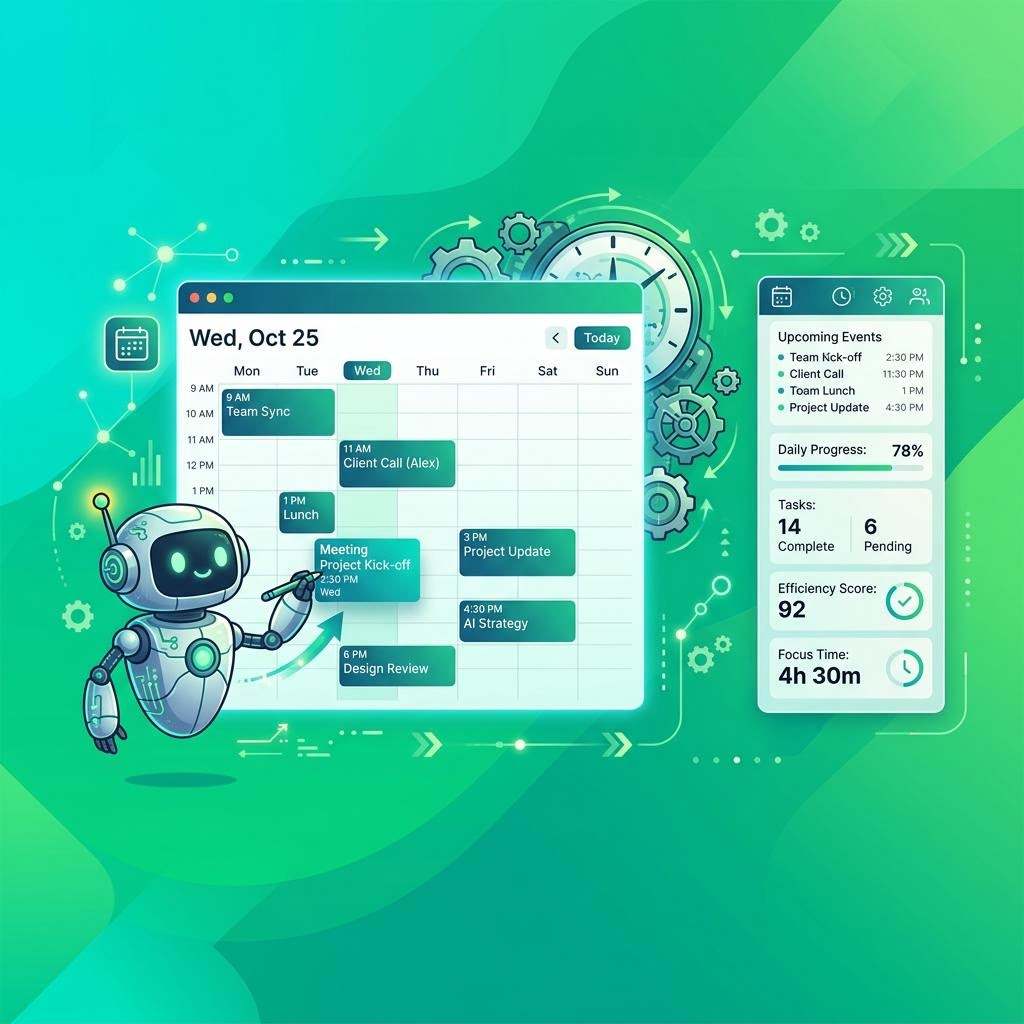
It feels less like you're delegating your schedule and more like you're finally giving your calendar the guardrails it has always needed.
Best AI Scheduling and Calendar Tools 2026: Let AI Own Your Time
Calendar management is one of the most cognitively expensive parts of knowledge work — and yet it's almost entirely a solved problem for AI. Deciding when to schedule a meeting, where to carve out deep work time, how to handle a conflict, and how to recover a productive day after last-minute changes are all tasks that rule-based AI can handle more consistently than the average human brain context-switching between emails.
In 2026, AI scheduling tools have matured to the point where early adopters report recovering 5–7 hours of productive work time per week. A 2026 study by Stanford's Work Design Lab found that knowledge workers who used AI calendar management tools completed 28% more high-priority tasks per week than those managing their own calendars — not because they worked more hours, but because the AI protected their deep work time more consistently.
This guide covers the best AI scheduling tools: from fully autonomous calendar managers to smart booking pages.
Quick Comparison: AI Scheduling Tools 2026
| Tool | Price/month | Auto-Schedule Tasks | Meeting Booking | Focus Time | Calendar Sync |
|---|---|---|---|---|---|
| Motion | $19 (annual) | ✅ Best | ✅ | ✅ | Google, Outlook |
| Reclaim AI | $10 | ✅ | ✅ | ✅ | Google, Outlook |
| Clockwise | Free/$7 | ✅ | ✅ | ✅ | Google only |
| Morgen | $9 | ❌ | ✅ | ✅ | All major |
| Cal.ai | $12 | ❌ | ✅ | ❌ | Google, Outlook |
| Scheduler AI | $20 | ❌ | ✅ AI email | ❌ | Google, Outlook |
1. Motion – Best Fully Autonomous AI Scheduler
Price: $12.73/month (billed annually) | $34/month monthly | Team plans from $20/user/month
Motion is the most ambitious AI scheduling tool on the market. Instead of helping you manage your calendar, Motion takes over your task and calendar management entirely. You tell Motion your tasks, their priorities, deadlines, and estimated durations — and Motion automatically schedules them into your calendar around your meetings, protecting focus time as blocks.
The AI continuously re-schedules throughout the day. If a meeting runs long, Motion automatically adjusts all your planned tasks. If a new urgent task comes in, Motion reschedules lower-priority work. Your calendar becomes a live, AI-maintained schedule rather than a static plan that falls apart by 10am.
Key features:
- Autonomous task scheduling: AI places tasks in your calendar automatically
- Dynamic rescheduling: adjusts in real-time as your day changes
- Project management built-in (tasks, subtasks, deadlines)
- Meeting booking pages (like Calendly, built in)
- Time zone-aware scheduling for distributed teams
- Recurring task scheduling
- Workload view: see where you're overcommitted
- Team task assignment and visibility
Standout feature: Motion's "Intelligent Calendar" — when you add a task with a deadline, Motion doesn't just add a reminder; it finds real time slots in your calendar to do the work, accounting for your meetings, working hours, and task priorities. It then defends those slots as it would a meeting.
Real consideration: Motion has a steep learning curve. Getting value from it requires trusting the AI with your schedule, which feels uncomfortable for the first week or two. Users who push through the adaptation period report the biggest productivity gains.
Best for: Knowledge workers with high task loads who want to maximize deep work time, and founders/freelancers managing many concurrent projects.
2. Reclaim AI – Best Balance of Automation and Control
Price: Free (1 calendar, limited) | $10/month Starter | $16/month Business | $22/month Enterprise
Reclaim AI threads the needle between full autonomy (Motion) and manual control. It's opinionated about protecting your most important commitments — habits, focus time, and tasks — while leaving you in control of the overall structure.
The Habits feature is particularly strong: tell Reclaim you want to exercise for 30 minutes each day, have a daily review block, or protect lunch, and Reclaim defends those slots from meeting schedulers — moving them only when genuinely necessary. This turns good intentions into automatic calendar commitments.
Key features:
- Habits: auto-schedule recurring personal commitments
- Tasks: schedule work tasks around meetings
- Smart 1:1 scheduler: finds optimal recurring meeting times
- Scheduling Links: smart booking pages (like Calendly)
- Focus Time: auto-block deep work periods
- Buffer Time: automatic breaks between meetings
- Slack integration: auto-updates status based on calendar events
- Meeting conflict resolution
Standout feature: Reclaim's Smart 1:1 feature automatically finds the best recurring meeting slots for your regular one-on-ones based on both participants' calendars, preferences, and existing commitments — and it adjusts the time automatically when conflicts arise, without requiring a manual reschedule.
No documented firsthand test record was supplied for this guide. Treat proposed workflows as examples to evaluate, rather than measured outcomes.
Best for: Professionals who want significant scheduling automation without fully surrendering calendar control to AI.
3. Clockwise – Best for Team Meeting Optimization
Price: Free (individuals) | $7.68/month Teams | Custom Enterprise
Clockwise focuses on a specific problem: optimizing meeting timing across teams so that everyone gets more contiguous focus time. Its "Autopilot" feature can move flexible meetings — those with a window of acceptable times — to slots that create larger blocks of uninterrupted work time for the whole team.
For engineering teams, design teams, and knowledge-work organizations that want to protect deep work time company-wide, Clockwise is the most effective tool. It can analyze an entire team's calendar and restructure meeting timing to maximize collective focus time — something no individual can do manually.
Key features:
- Autopilot: automatically moves flexible meetings to optimize focus blocks
- Focus Time: blocks deep work time that meeting schedulers can't override
- Team Analytics: see where meeting load is crushing productivity
- Scheduling Links (like Calendly)
- Slack sync: auto-updates status
- Google Calendar native integration
Limitation: Clockwise only integrates with Google Calendar — Outlook users need to look at Reclaim or Motion.
Best for: Engineering and knowledge-work teams that want to optimize collective focus time, not just individual scheduling.
4. Morgen – Best Multi-Calendar Unified View
Price: Free | $9/month Pro | $15/user/month Team
Morgen solves a different problem: unifying multiple calendars and task managers in one place. If you have a personal Google Calendar, a work Microsoft Outlook calendar, and tasks spread across Todoist and Linear, Morgen pulls all of it into a single, clean daily view.
Its AI assistant can propose schedules based on your tasks and free time, create time blocks for deep work, and handle meeting booking — but the core value is the unified workspace, not autonomous AI management.
Key features:
- Unified view of all calendars (Google, Outlook, iCloud, CalDAV)
- Task integration (Todoist, Linear, Asana, Notion, GitHub)
- AI-proposed daily schedule based on tasks and free time
- Smart meeting booking links
- Availability overlays for finding mutual free time
- Daily agenda email
- Video conferencing integration (Zoom, Meet, Teams)
Best for: Professionals juggling multiple calendars across Google and Microsoft ecosystems who need one place to see and plan their day.
5. Cal.ai – Best Smart Meeting Booking
Price: Free (basic) | $12/month Pro | $19/month Team
Cal.com is an open-source Calendly alternative, and Cal.ai is its AI-powered booking assistant that can handle meeting scheduling via email. Instead of sending someone a Calendly link, you can simply CC cal.ai@yourdomain.com on an email thread, and the AI reads the conversation, proposes meeting times, and books the meeting when confirmed — entirely autonomously.
For high-volume meeting schedulers — sales teams, recruiters, executive assistants — this can save dozens of manual scheduling interactions per week.
Key features:
- AI email scheduling agent: CC to handle booking automatically
- Smart booking pages with availability management
- Round-robin meeting distribution for teams
- Collective meeting scheduling (multiple attendees)
- Buffer time and daily meeting limits
- CRM integrations (Salesforce, HubSpot)
- Open source self-hosting option
Standout feature: The AI email agent — the idea of an AI that handles the entire scheduling conversation in an email thread without any app or link required is genuinely novel and saves significant back-and-forth.
Best for: Sales teams, recruiters, and executives who do high volumes of external meeting scheduling.
Building Your AI Scheduling Stack
Most productive knowledge workers use a combination:
- Motion or Reclaim — autonomous task and focus time management
- Cal.com or Calendly — external meeting booking
- Clockwise — if you're on a team optimizing collective focus time
- Morgen — if you have multiple calendar ecosystems to unify
Frequently Asked Questions
Is Motion worth the price compared to Reclaim? Motion costs roughly 2× Reclaim. The difference: Motion manages your tasks autonomously; Reclaim needs more manual input. If you have many concurrent tasks with deadlines, Motion's autonomous scheduling is worth the premium. If you primarily need focus time and habit protection, Reclaim is excellent at lower cost.
Does Clockwise work with Outlook? No — Clockwise is Google Calendar only. Reclaim and Motion both support Google and Outlook.
Can these tools see my meeting content? All tools see calendar metadata: event titles, times, durations, attendees. They do not typically access meeting content or video call recordings. Check each tool's privacy policy for your specific situation.
Do AI scheduling tools work for shift workers? These tools are designed for knowledge workers with flexible schedules. Shift workers with fixed, rostered hours have different needs — dedicated workforce management tools (Deputy, When I Work) are better suited.
How long does it take to see productivity gains from Motion? Most users report the adjustment period taking 1–2 weeks. Users who commit to trusting Motion's scheduling during this period typically report significant productivity gains by week 3. Those who keep overriding the AI don't see the same results.
Conclusion
AI scheduling tools have crossed from "productivity gimmick" to "genuine necessity" for knowledge workers who take their time seriously. Whether you want full autonomy (Motion), smart automation with control (Reclaim), or team-wide optimization (Clockwise), there's a tool that can reliably protect more focus time every week than you're currently getting.
Start with a free trial of Reclaim or Clockwise — both have free tiers that show real value quickly. If you find yourself wanting more AI autonomy after a month, upgrade to Motion. The ROI, measured in hours of protected deep work time, is typically clear within the first two weeks.
If you're tired of the constant back-and-forth of manual scheduling, these tools offer the most immediate relief available today.
Tags
Written by

Sourabh Gupta
Author at Teach AI Tools
Sourabh Gupta is responsible for Teach AI Tools. Research guides and documented firsthand reviews are identified separately. An author profile is not evidence of testing; look for sources, test records, and limitations in the article.
Full bio & editorial process →