Vibe Coding in 2026: How to Build Real Apps Without Writing Code
Editorial note: Some links in this article are affiliate links — we may earn a commission if you sign up, at no extra cost to you. Research guides are distinguished from documented firsthand reviews in our editorial standards. Read our editorial standards →
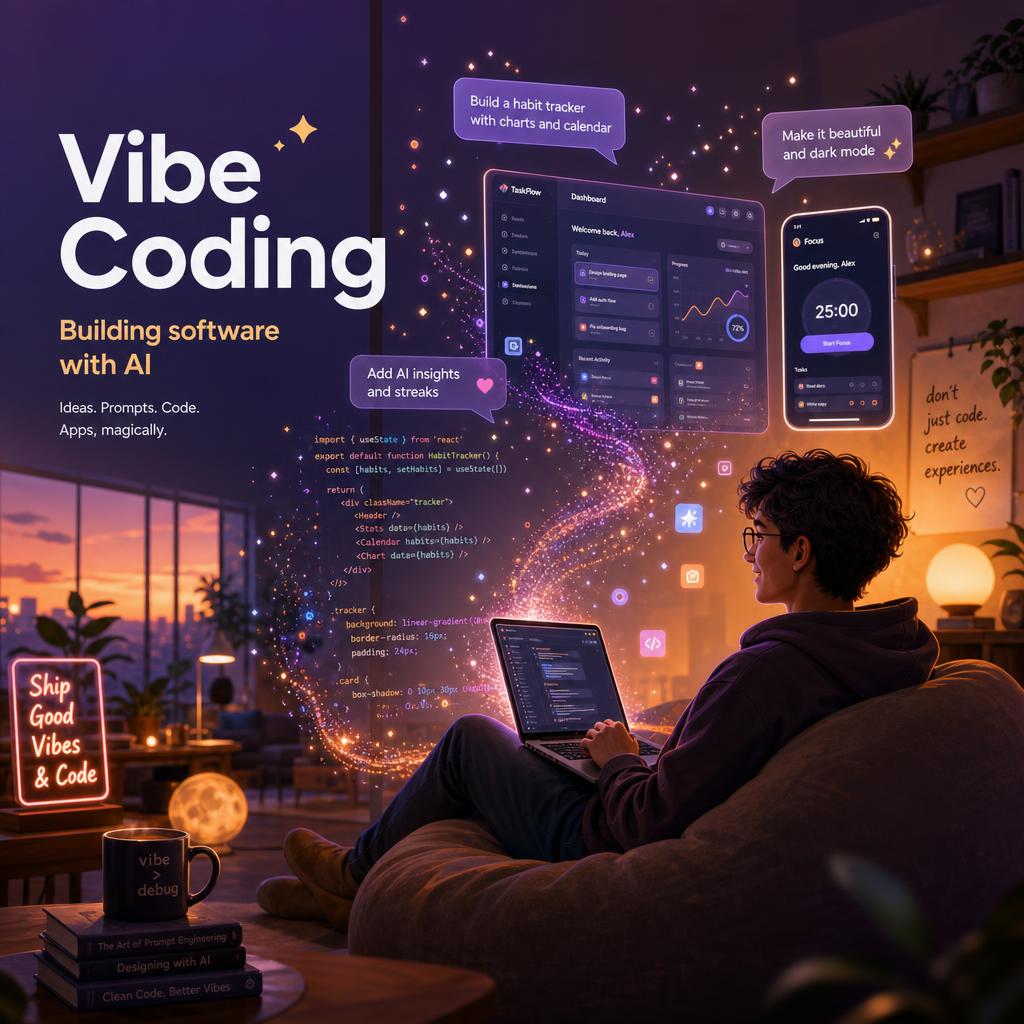
Vibe coding can turn a clear product idea into a working prototype surprisingly quickly. It is not a substitute for product thinking, testing, security, or maintenance; it is a faster way to get from a written brief to something a person can try.
This guide explains where AI app builders are genuinely useful, how to give them better instructions, and where a project still needs an experienced developer or a more conventional engineering workflow.
What Vibe Coding Actually Means
Traditional coding: you know Python, you write def calculate_discount(price, pct): return price * (1 - pct/100).
Vibe coding: you say "I need a function that takes a price and a percentage and returns the discounted price." The AI writes that function, handles edge cases you didn't mention, and places it in the right file.
The important distinction from earlier AI coding assistants is context. Tools like GitHub Copilot autocomplete the line you are writing. Vibe coding tools understand your entire project — the file structure, the existing functions, the framework conventions — and make changes that fit the whole, not just the cursor position.
The Best Vibe Coding Tools in 2026
Cursor
Cursor is the most popular AI code editor in 2026. It is a fork of VS Code, meaning it looks familiar to anyone who has used VS Code, but it wraps an AI layer around the entire development environment.
Composer mode is where vibe coding happens. You open a chat panel, describe a feature or a fix in plain English, and Cursor edits the relevant files. It reads your entire codebase as context, so when you say "add dark mode to the settings page", it knows which CSS variables to change, which component to update, and which Storybook story to modify.
Key features:
- Codebase indexing — understands your full project structure
- Multi-file editing — changes span files automatically
- Chat history — you can undo AI changes or ask follow-up questions
- Custom rules — you can tell Cursor to "always use TypeScript strict mode" and it obeys
- Agent mode — Cursor can run terminal commands, install packages, and run tests
Pricing: Free tier (2,000 completions/mo), Pro at $20/mo
Best for: Web development, React, Python, full-stack apps
Windsurf (by Codeium)
Windsurf launched in late 2024 and rapidly became the main challenger to Cursor. Its "Cascade" AI flows are deeper than Cursor's — Windsurf's agent can open terminals, run builds, read error output, and fix the error in a single uninterrupted flow. You describe a feature, Cascade runs a feedback loop until the tests pass.
Key features:
- Cascade agentic flows — code, run, fail, fix, repeat automatically
- Deep repository awareness
- Inline edit with natural language (select code, say "refactor this to use async/await")
- Preview tab with live reload
Pricing: Free tier generous, Pro at $15/mo
Best for: Those who want maximum automation with minimum prompting
Replit (with Replit Agent)
Replit is a browser-based IDE that added an AI agent layer. The Replit Agent can scaffold a complete application from a prompt, install dependencies, configure a database, and get a working app running in minutes — no local setup required.
For non-developers, Replit is the most accessible entry point. You describe your app in the chat, and the agent makes it appear. You share a link before you understand a line of the code it generated.
Pricing: Free tier, Core plan at $25/mo
Best for: Non-developers, quick prototypes, apps you want hosted immediately
Claude (Anthropic)
Claude is not an IDE, but it is one of the strongest pure coding AI tools in 2026. Its 200K context window means it can hold an entire codebase in working memory. Its coding benchmark scores are among the highest of any model.
Claude is best used for: explaining complex code, designing architecture before you build, writing test suites, debugging production errors, and reviewing code for security issues. Combined with an IDE like Cursor (which can use Claude as its underlying model), it covers all phases of development.
Pricing: $20/mo Claude Pro, API from $3/M input tokens
GitHub Copilot
Copilot has expanded significantly from line-level autocomplete. The 2026 version includes Copilot Chat (ask questions about your codebase), Copilot Workspace (plan and execute multi-file changes from a GitHub issue), and integration with GitHub Actions for automated code review.
Pricing: Free tier (2,000 completions + 50 chat requests/mo), Individual at $10/mo
Best for: Developers already working in VS Code or GitHub who want seamless integration
The Vibe Coding Workflow That Actually Works
Here is the workflow used by thousands of solo founders and non-technical builders in 2026:
Phase 1: Define Before You Build
Write a one-page product brief. What does the app do? Who is it for? What are the 5 core screens or interactions? What data does it need to store?
Give this to Claude first. Ask it: "Review this product brief. What's ambiguous? What technical decisions should I make before starting?" This 20-minute conversation prevents hours of rework.
Phase 2: Scaffold
Use Replit Agent or Cursor Composer to scaffold the project. A good starting prompt:
"Build a React + Supabase web app with the following structure: [paste your brief]. Start with the file structure, install dependencies, and create the main layout component. Don't add any placeholder data yet."
Review the result before adding features. Does the file structure make sense? Does the tech stack match your goal?
Phase 3: Build Feature by Feature
Never ask the AI to "build everything." Ask it to build one feature at a time:
"Add a user authentication flow using Supabase Auth. Include email/password signup, login, and a route guard that redirects unauthenticated users to /login."
Test each feature before requesting the next one.
Phase 4: Validate and Debug
When something breaks, give the AI the full error message and ask: "Here is the error: [paste error]. Here is the relevant code: [paste code]. What is causing this and how do I fix it without breaking the existing auth flow?"
Never ask "why is it broken?" with no context. Context quality determines answer quality.
Phase 5: Review Before Shipping
Before any feature goes live, ask Claude or Copilot: "Review this code for security issues, especially around [authentication / payments / user data]." AI-generated code is not immune to SQL injection, exposed API keys, or missing input validation.
What Vibe Coding Cannot (Yet) Do
Understand your business logic deeply. The AI does not know that your discount calculation needs to account for loyalty tier, geographic tax rules, and a hard floor of $1. You have to specify every business rule explicitly.
Make architecture decisions for you. The AI will suggest an architecture, but it defaults to the most common one, not necessarily the right one for your scale, team, or budget.
Self-debug production issues. AI is strong at fixing errors when you paste them in. It does not have access to your production logs automatically — you have to be the bridge.
Replace code review. Use AI to assist review, not replace it. AI reviewers miss business-context bugs.
The Real Barrier to Vibe Coding Success
The barrier is not technical skill. The barrier is learning to write precise specifications.
"Make it look better" will produce random CSS changes. "Increase the padding inside the card component from 12px to 20px, increase the heading font size from 16px to 18px, and change the border radius from 4px to 8px" will produce exactly what you mean.
The most productive vibe coders are people who can think precisely about product requirements. That is a writing skill and a product thinking skill — not a coding skill.
Final Thoughts
Vibe coding in 2026 is real and it works. Thousands of apps built by non-developers are running in production. The tools — Cursor, Windsurf, Replit, Copilot — are polished, fast, and context-aware.
The opportunity is open. If you have a product idea and you can describe it clearly, you can build it.
Frequently Asked Questions About Vibe Coding
What is vibe coding?
Vibe coding is a term coined in 2025 describing the practice of building software by describing what you want in plain English — and letting an AI write the code for you. You provide the idea, requirements, and feedback; the AI handles the implementation. Tools like Cursor, Replit Agent, and Windsurf are the most popular vibe coding environments.
What is the best vibe coding tool for beginners in 2026?
Replit Agent is the easiest starting point — it runs in the browser, handles deployment automatically, and requires no local setup. Cursor is best for people comfortable with VS Code who want more control. Windsurf (by Codeium) is a strong free alternative to Cursor with impressive context awareness.
Can you build a production-ready app with vibe coding?
Yes — thousands of production apps (SaaS tools, internal dashboards, landing pages, APIs) have been built with vibe coding in 2025-2026. The key is reviewing the generated code before deploying, especially for security-sensitive parts (auth, payments, data access). Most vibe coders do a light review even if they cannot write the code themselves.
Do you need to know programming to vibe code?
No programming knowledge is required to get started. However, understanding basic concepts — what a database is, what an API does, the difference between frontend and backend — helps you write better prompts and debug issues when they arise. Most people pick these up naturally after a few projects.
What is the difference between Cursor and GitHub Copilot?
GitHub Copilot primarily autocompletes code at your cursor while you write. Cursor operates at a higher level — you can describe a feature in a chat, and Cursor edits multiple files across your entire codebase to implement it. Cursor also lets you ask questions about your codebase, run terminal commands, and apply edits with one click.
Is vibe coding free?
Most tools have free tiers. Cursor offers 2,000 completions/month free; paid plan at $20/month. Replit Agent includes basic usage free; Pro at $25/month. Windsurf has a generous free tier. The underlying AI models (Claude, GPT-4o) cost money on the paid tiers, which fund the inference.
Tags
Written by

Sourabh Gupta
Author at Teach AI Tools
Sourabh Gupta is responsible for Teach AI Tools. Research guides and documented firsthand reviews are identified separately. An author profile is not evidence of testing; look for sources, test records, and limitations in the article.
Full bio & editorial process →