Best AI Interior Design Tools 2026
Editorial note: Some links in this article are affiliate links — we may earn a commission if you sign up, at no extra cost to you. Every tool is independently tested by our team before being recommended. Read our editorial standards →
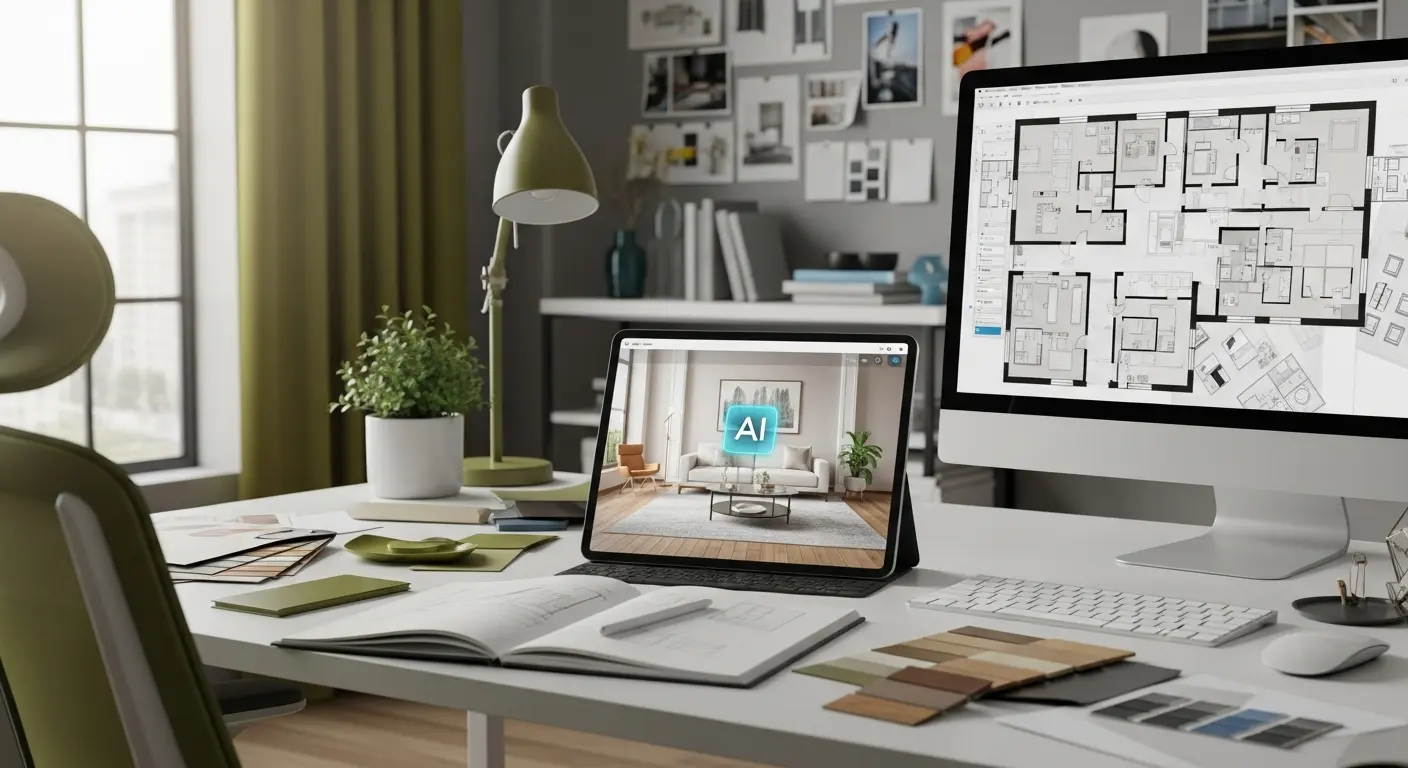
Interior design has traditionally required expensive designers ($100-200/hour) or advanced technical skills with complex software. AI-powered interior design tools have democratized the process, enabling homeowners, renters, and real estate professionals to visualize room transformations in seconds.
Introduction to AI Interior Design
In 2026, AI interior design tools generate photorealistic room redesigns, suggest furniture arrangements, and create professional-quality design plans at a 95% cost reduction compared to traditional designers.
Whether you're renovating your home, staging a property for sale, or simply exploring design ideas, AI design tools provide instant visualization, endless style options, and professional-quality results without the hefty price tag or steep learning curve.
How AI Interior Design Works
Image-to-Image Transformation
Modern AI design tools use generative AI to transform existing room photos:
The Process:
- Upload photo of your current room
- Select desired style (modern, minimalist, traditional, etc.)
- AI analyzes room structure, lighting, and dimensions
- Generates photorealistic redesign maintaining room layout
- Preview multiple design variations in seconds
Accuracy: AI preserves architectural elements (windows, doors, built-ins) while completely transforming furniture, colors, and decor with 90-95% photorealism.
3D Room Planning
Advanced AI tools create 3D models from 2D photos or floor plans:
- Automatically detects room dimensions
- Generates 3D models with accurate scale
- Allows furniture placement with collision detection
- Renders photorealistic visualizations from multiple angles
- Calculates exact furniture measurements and spacing
Result: Professional-quality 3D designs without CAD software expertise.
AI Design Assistance
Conversational AI helps with design decisions:
- Suggests color palettes based on preferences and room lighting
- Recommends furniture styles that complement existing pieces
- Identifies design mistakes (scale issues, poor flow, clashing colors)
- Provides product recommendations with links to purchase
- Generates shopping lists with budget estimates
Top AI Interior Design Tools
1. Planner 5D - Comprehensive Design Suite
Price: Free (basic) | Premium at $9.99/month | Professional at $24.99/month
Planner 5D combines AI-powered design with comprehensive 3D planning tools for complete home design projects.
Best For: Homeowners, renovators, real estate professionals, complete home planning Learning Curve: Moderate (2-3 hours to proficiency)
Key Features:
- AI interior design from photos
- 2D and 3D floor plan creation
- 7,000+ furniture and decor items catalog
- AR/VR room visualization (view designs in your actual space)
- AI-powered layout suggestions
- Photorealistic rendering
- Multi-room projects
- Collaboration tools for sharing designs
Standout Feature: Augmented reality mode lets you see AI-generated designs overlaid in your actual space via smartphone camera—revolutionary for visualizing changes.
Homeowner Success: "Planner 5D's AI helped us visualize three different kitchen layouts. We avoided a $15,000 mistake by seeing the design wouldn't work before demolition started." - Jennifer, Homeowner
2. RoomGPT - Free AI Room Redesign
Price: 100% Free
RoomGPT uses AI to instantly redesign rooms from uploaded photos, offering the simplest, fastest room transformation tool available.
Best For: Quick design inspiration, renters, budget-conscious users, simple projects Learning Curve: Instant (under 5 minutes)
Key Features:
- Upload room photo, get AI redesign in 30 seconds
- 10+ design styles (modern, minimalist, professional, etc.)
- Photorealistic rendering
- Completely free with unlimited designs
- No account required
- Before/after comparison
- Download high-resolution images
Standout Feature: Fastest and simplest AI design tool—upload photo, click style, receive professional redesign in 30 seconds. Free forever.
Renter's Solution: "As a renter, I can't make major changes. RoomGPT showed me how different furniture and colors would transform my apartment without spending on a designer." - Mike, Apartment Renter
3. Decoratly - AI Room Makeover Specialist
Price: Free (limited) | Pro at $29/month
Decoratly specializes in rapid room transformations with AI, offering advanced customization and style variety.
Best For: Interior designers, home stagers, multiple project management Learning Curve: Easy (30 minutes)
Key Features:
- AI room redesign from photos
- 35+ interior design styles
- Advanced customization (specify colors, materials, furniture types)
- Before/after slider comparison
- Multiple variations per room
- High-resolution exports (4K)
- Project organization and management
- White-label options for designers
Standout Feature: Advanced style customization—specify exact colors, materials, and furniture types beyond just selecting preset styles.
Professional Stager: "Decoratly generates virtual staging for our real estate listings. $29/month vs $300-500 per traditional staging—saved our company $20K+ annually." - Real Estate Staging Company
4. Homestyler - AR-Powered Room Design
Price: Free (basic) | Premium at $9.99/month
Homestyler combines AI design with augmented reality, enabling visualization of furniture and designs in your actual space.
Best For: Furniture shopping, AR visualization, trying before buying Learning Curve: Easy (1 hour)
Key Features:
- 2D and 3D floor planning
- Massive furniture catalog (real products from Home Depot, Wayfair, etc.)
- AR furniture placement via smartphone
- AI design suggestions
- Photorealistic rendering
- Collaborate and share designs
- Direct product links for shopping
Standout Feature: "Try Before You Buy" AR mode places real furniture products in your room via phone camera—see exact size, color, and style before purchasing.
Smart Shopper: "Homestyler's AR saved me from buying a couch that looked perfect online but was way too large for my living room. Saw it in my space before ordering." - Sarah, Homeowner
5. Modsy - Personalized AI Design Service
Price: $89-$229 per room (one-time design)
Modsy combines AI technology with professional designer review, offering AI-generated designs refined by human experts.
Best For: High-end designs, personalized service, comprehensive room makeovers Learning Curve: Easy (designer does the work)
Key Features:
- AI room scanning and 3D modeling from photos
- Professional designer consultation
- Personalized 3D design renderings
- Shoppable product recommendations
- Multiple design concepts to choose from
- Realistic visualizations with your actual space
- Designer support and revisions
Standout Feature: Hybrid AI + human designer approach—AI handles technical modeling, humans add creative expertise and personalization.
Design Investment: "Modsy's $89 design fee saved us $2,000 vs hiring traditional interior designer. Got professional-quality designs with exact product links for everything." - Rachel, First-Time Homebuyer
6. Spacely AI - Virtual Staging for Real Estate
Price: $29 per month (unlimited staging)
Spacely AI specializes in virtual staging for real estate listings, transforming empty rooms into beautifully furnished spaces instantly.
Best For: Real estate agents, property sellers, rental listings Learning Curve: Very Easy (15 minutes)
Key Features:
- AI-powered virtual staging in seconds
- Remove existing furniture and replace
- 20+ staging styles
- Before/after comparisons
- Unlimited staging (monthly subscription)
- High-resolution downloads
- Batch processing for multiple listings
Standout Feature: Empty-to-furnished transformation—upload photos of vacant rooms, receive staged versions in 30 seconds vs $300-500 traditional staging cost per room.
Realtor ROI: "Spacely AI increased our listing inquiries by 40%. Staged photos sell homes 88% faster than empty rooms. $29/month is incredible ROI." - Real Estate Agent
Feature Comparison Matrix
| Feature | Planner 5D | RoomGPT | Decoratly | Homestyler | Modsy | Spacely AI |
|---|---|---|---|---|---|---|
| Price | $10-25/mo | Free | $29/mo | Free-$10/mo | $89-229/room | $29/mo |
| AI Redesign | ⭐⭐⭐⭐ | ⭐⭐⭐⭐⭐ | ⭐⭐⭐⭐⭐ | ⭐⭐⭐⭐ | ⭐⭐⭐⭐⭐ | ⭐⭐⭐⭐⭐ |
| 3D Planning | ⭐⭐⭐⭐⭐ | ❌ | ❌ | ⭐⭐⭐⭐⭐ | ⭐⭐⭐⭐⭐ | ❌ |
| AR Visualization | ⭐⭐⭐⭐⭐ | ❌ | ❌ | ⭐⭐⭐⭐⭐ | ❌ | ❌ |
| Style Variety | ⭐⭐⭐⭐ | ⭐⭐⭐ | ⭐⭐⭐⭐⭐ | ⭐⭐⭐⭐ | ⭐⭐⭐⭐ | ⭐⭐⭐ |
| Human Designer | ❌ | ❌ | ❌ | ❌ | ⭐⭐⭐⭐⭐ | ❌ |
| Virtual Staging | ❌ | ⭐⭐⭐ | ⭐⭐⭐⭐ | ⭐⭐ | ⭐⭐⭐ | ⭐⭐⭐⭐⭐ |
Choosing the Right AI Design Tool
By Use Case
Quick Inspiration (No Commitment):
- Best: RoomGPT (free, instant results)
Complete Home Renovation:
- Best: Planner 5D or Modsy (comprehensive planning)
Real Estate Staging:
- Best: Spacely AI (specialized, unlimited staging)
Furniture Shopping:
- Best: Homestyler (AR try-before-buy with real products)
Professional Design Projects:
- Best: Decoratly Pro or Modsy (advanced customization)
Renter-Friendly Decoration:
- Best: RoomGPT or Homestyler Free (visualize without commitment)
By Budget
$0/month:
- RoomGPT (unlimited free designs)
- Homestyler Free (limited features)
- Planner 5D Free (basic tools)
$10-30/month:
- Planner 5D Premium ($10)
- Homestyler Premium ($10)
- Decoratly Pro ($29)
- Spacely AI ($29)
One-Time Investment:
- Modsy ($89-229 per room, no subscription)
By Experience Level
Complete Beginner:
- RoomGPT (click and done)
- Spacely AI (specialized, simple)
Some Design Experience:
- Decoratly (customization without complexity)
- Homestyler (intuitive 3D tools)
Advanced Users:
- Planner 5D Professional (comprehensive features)
Maximizing AI Design Tools
Getting Best Results
Photography Tips:
- Shoot in good natural lighting (avoid harsh shadows)
- Capture entire room, including all walls
- Use level, straight-on angles (not wide-angle distortion)
- Clear clutter for AI to accurately identify room structure
- Multiple angles help AI understand 3D space
Better Input = Better Output: AI works best with clear, well-lit photos showing room structure.
Combining AI with Real Design Principles
AI handles:
- Generating design variations quickly
- Matching styles and color palettes
- Placing furniture at scale
- Creating photorealistic visualizations
You still need:
- Personal taste and lifestyle preferences
- Budget constraints and priorities
- Existing furniture and belongings to incorporate
- Practical considerations (traffic flow, daily use, kids/pets)
Best Approach: Use AI for inspiration and visualization, apply personal judgment for final decisions.
Workflow for Home Renovation
Phase 1: Inspiration (Week 1)
- Upload room photos to RoomGPT or Decoratly
- Generate designs in 5-10 different styles
- Identify preferred direction and elements
- Share with family for input
Phase 2: Planning (Week 2-3)
- Use Planner 5D or Homestyler for detailed 3D plan
- Arrange furniture considering traffic flow
- Select exact products with AR visualization
- Calculate budget with product links
Phase 3: Execution (Weeks 4+)
- Purchase furniture and decor from design plan
- Paint, renovate, and install in phases
- Compare to AI visualization to ensure accuracy
- Adjust as needed based on real-world results
Time Saved: 3-5 weeks of design planning condensed into 1-2 weeks with AI.
Common Mistakes to Avoid
Trusting AI blindly: AI suggestions aren't always practical. Verify furniture fits through doorways, traffic flow works, and designs match your lifestyle.
Ignoring lighting differences: AI renderings often show idealized lighting. Your actual room lighting may differ significantly—consider natural light, windows, and artificial lighting.
Not measuring spaces: AI estimates proportions but can't measure. Always measure furniture and spaces before purchasing.
Forgetting budget: AI will generate beautiful designs without considering your budget. Set limits before getting attached to expensive recommendations.
Skipping the AR check: If available, always use AR visualization before purchasing major pieces. Seeing furniture in actual space prevents expensive mistakes.
Frequently Asked Questions
Q: How accurate are AI room redesigns? A: AI maintains 90-95% photorealism for furniture, colors, and decor. However, proportions, lighting, and exact materials may differ slightly from reality. Use AI for inspiration and planning, verify measurements in person.
Q: Can AI design work for oddly shaped rooms? A: Advanced tools (Planner 5D, Homestyler) handle complex room shapes well. Simple tools (RoomGPT) work best with standard rectangular rooms. For complex spaces, 3D planning tools produce better results.
Q: Is free AI design as good as paid versions? A: Free tools (RoomGPT, Homestyler Free) provide excellent quick inspiration. Paid versions offer more styles, higher resolution, customization, and features like AR, 3D planning, and professional support. For simple projects, free is sufficient.
Q: Can I use AI designs commercially (real estate staging)? A: Check each tool's terms. Most allow commercial use for paid subscriptions (Decoratly, Spacely AI). Modsy and some free tools may restrict commercial use.
Q: Will AI replace interior designers? A: No. AI handles visualization and planning but lacks understanding of client needs, lifestyle, budget constraints, and creative problem-solving. AI makes designers more efficient; it doesn't replace their expertise and personalization.
Q: Can I get exact product links from AI designs? A: Tools like Homestyler and Modsy provide direct product links. Others (RoomGPT, Decoratly) show styles—you'll need to find similar products yourself or use reverse image search.
Conclusion
AI interior design tools have democratized home design, making professional-quality visualizations accessible to everyone regardless of budget or expertise. Whether you're a homeowner planning a renovation, a renter exploring decoration ideas, or a real estate professional staging properties, AI design tools provide instant inspiration and practical planning capabilities at a fraction of traditional costs.
Your Action Plan:
- This Week: Upload room photos to RoomGPT and Decoratly to explore possibilities
- This Month: Choose comprehensive tool (Planner 5D or Homestyler) for detailed planning
- Before Purchasing: Use AR visualization to verify furniture in your actual space
- During Renovation: Reference AI designs but adjust based on real-world constraints
The homeowners and designers succeeding in 2026 aren't spending $10,000 on designers for simple projects—they're leveraging AI for visualization and planning, investing budgets in quality furnishings instead of design fees.
Ready to transform your space? Choose your AI interior design tool and visualize your dream room today.
External Resources:
Tags
Written by

Sourabh Gupta
Founder & Data Scientist, AI Tools Specialist · 2+ years in AI/ML
Sourabh tests every AI tool he writes about — hands-on, with real use cases. His background in data science means he goes beyond marketing claims to benchmark actual performance, cost, and reliability for developers and creators.
Full bio & editorial process →