Best AI Meeting Transcription Tools 2026
Editorial note: Some links in this article are affiliate links — we may earn a commission if you sign up, at no extra cost to you. Every tool is independently tested by our team before being recommended. Read our editorial standards →
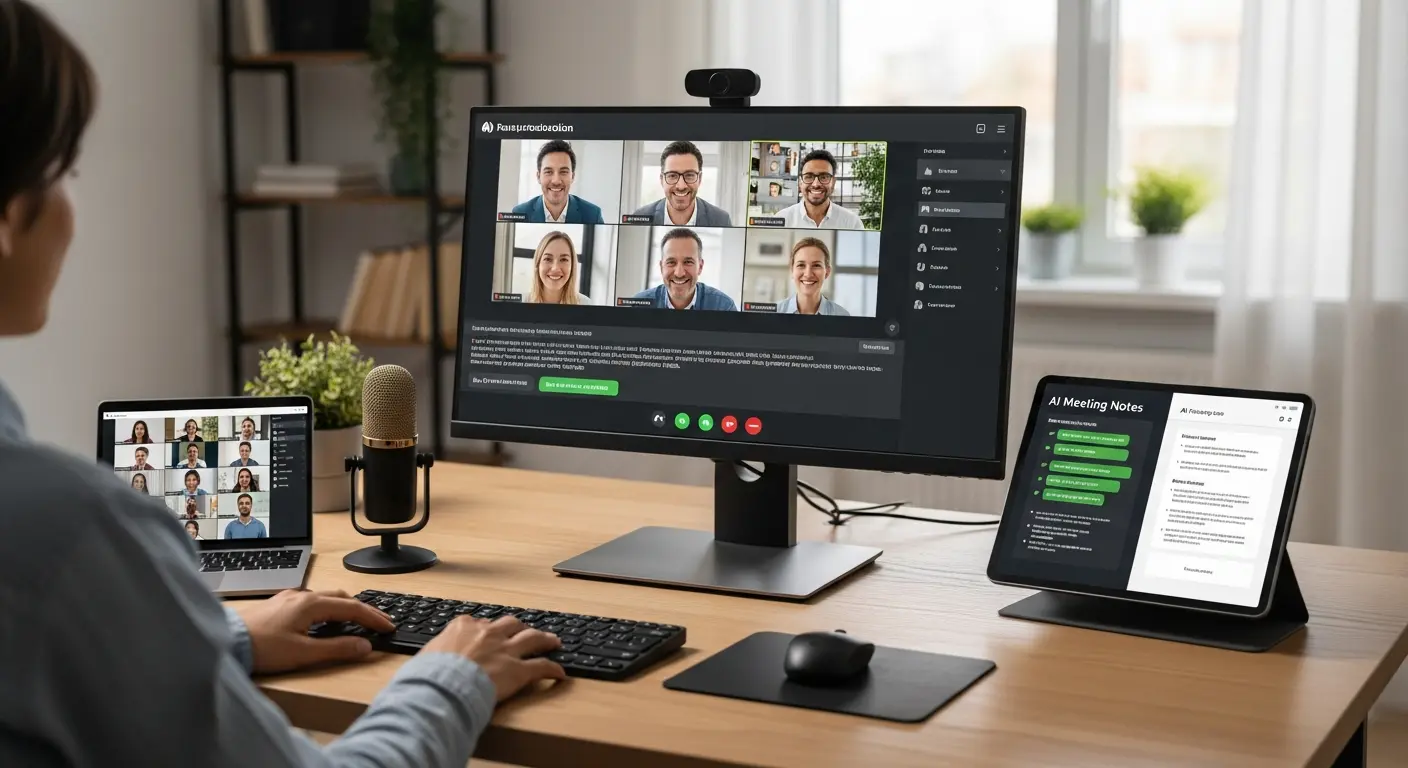
Meeting notes are useful only when people can trust them and act on them. A polished transcript is not enough if speaker labels are wrong, the key decision is buried, or follow-up tasks disappear into another app.
This guide compares transcription tools by recording quality, summaries, search, integrations, and the kinds of meetings where each one is genuinely useful.
How AI Meeting Transcription Works
Real-Time Speech Recognition
Modern AI transcription tools use advanced speech recognition models trained on millions of hours of conversation:
During the Meeting:
- Audio is captured from your microphone or directly from the meeting platform
- AI converts speech to text in real-time (1-2 second delay)
- Speaker identification distinguishes who said what
- Key points and action items are automatically highlighted
After the Meeting:
- Full transcript is saved with timestamps
- AI generates summary with key discussion points
- Action items are extracted and assigned
- Recordings and transcripts are indexed for searching
Advanced Features
Speaker Diarization: AI identifies and labels different speakers, even without prior training on their voices.
Keyword Detection: Important terms (project names, deadlines, decisions) are automatically highlighted.
Sentiment Analysis: Some tools detect tone and engagement levels during discussions.
Multi-Language Support: Leading tools support 30+ languages with automatic language detection.
Top AI Meeting Transcription Tools
1. Otter.ai - The Meeting Assistant Leader
Price: Free (600 min/month) | Pro at $16.99/month | Business at $30/user/month
Otter.ai is the most popular AI meeting assistant with exceptional accuracy and seamless integration with major video conferencing platforms.
Best For: Teams using Zoom/Google Meet, sales calls, interviews, lectures Accuracy Rate: 95-98% for clear audio
Key Features:
- Real-time transcription with live captions
- Automatic meeting join for Zoom and Google Meet
- Speaker identification with custom labels
- AI-generated summaries and key points
- Action item extraction and assignment
- Searchable transcripts with keyword highlighting
- Mobile app for in-person meetings
- Integration with Slack, Salesforce, HubSpot
Standout Feature: OtterPilot automatically joins scheduled Zoom and Google Meet calls, transcribes them, and shares notes with attendees—completely hands-free.
User Report: "Otter saved our team 15+ hours weekly on meeting notes. The automatic join feature means we never miss capturing important discussions." - Sarah, Product Manager
2. Fireflies.ai - Comprehensive Meeting Intelligence
Price: Free (limited) | Pro at $10/user/month | Business at $19/user/month
Fireflies offers powerful AI transcription with advanced analytics and CRM integration, making it ideal for sales and customer success teams.
Best For: Sales teams, customer calls, deal tracking, meeting analytics Accuracy Rate: 94-97% for business conversations
Key Features:
- Records and transcribes across Zoom, Meet, Teams, Webex
- AI-powered search across all meetings
- Conversation intelligence and analytics (talk time, questions asked, etc.)
- Automatic CRM logging (Salesforce, HubSpot)
- Custom topic tracking (competitors, pricing, features)
- Team collaboration with comments and clips
- Meeting summaries with action items
- API access for custom integrations
Standout Feature: Conversation analytics provide insights like talk ratio, questions asked, and longest monologues—invaluable for sales coaching.
Sales Team Favorite: Automatic CRM integration means every customer call is logged with notes without manual data entry.
3. Fathom - Free Video Meeting Recorder
Price: 100% Free
Fathom offers completely free AI transcription and recording for video meetings, making it accessible to individuals and small teams on any budget.
Best For: Budget-conscious teams, freelancers, startups, casual users Accuracy Rate: 92-95% for standard meetings
Key Features:
- Unlimited free transcription and recording
- Works with Zoom, Meet, Teams
- AI-generated summaries
- Highlight key moments during calls
- Share clips and highlights
- Searchable transcript library
- CRM sync (limited)
Standout Feature: Completely free with unlimited transcription—no catch, no credit card required.
Bootstrapper's Choice: "As a solo consultant, Fathom saves me $200/year vs paid alternatives with essentially the same core features." - Mike, Business Consultant
4. Grain - Video Meeting Recorder with Highlights
Price: Free (limited) | Starter at $19/user/month | Business at $39/user/month
Grain specializes in creating shareable video clips from meetings, perfect for highlighting key moments and creating a searchable video library.
Best For: Product teams, user research, creating highlight reels, remote collaboration Accuracy Rate: 93-96% for meeting transcription
Key Features:
- AI transcription with speaker labels
- One-click highlight creation during meetings
- Video clips shareable via link
- AI-generated summaries
- Integration with Slack, Notion, Salesforce
- Screen recording included
- Searchable video library
Standout Feature: Create and share video highlights instantly—perfect for capturing user feedback, product demos, or key decisions.
Product Team Favorite: "Grain transformed our user research. We create highlight reels of customer feedback to share with the whole company." - Jessica, UX Researcher
5. Tldv - Lightweight Meeting Recorder
Price: Free | Pro at $20/user/month
Tldv focuses on simplicity and ease of use, offering AI transcription and recording with minimal setup and clean interface.
Best For: Simple meeting recording, minimal setup, European privacy compliance Accuracy Rate: 92-95% for clear recordings
Key Features:
- AI transcription in 30+ languages
- Timestamped notes and highlights
- Speaker identification
- Meeting summaries
- Integration with Notion, Google Docs, Slack
- GDPR compliant (EU servers available)
- No bot joins meeting (privacy-friendly option)
Standout Feature: Privacy-first approach with option to record without visible bot joining the call.
Privacy-Conscious Choice: GDPR compliance and EU data hosting make it ideal for European companies.
Feature Comparison Matrix
| Feature | Otter.ai | Fireflies | Fathom | Grain | Tldv |
|---|---|---|---|---|---|
| Free Tier | 600 min/mo | 800 min/mo | Unlimited | Limited | Unlimited |
| Price (Annual) | $16.99/mo | $10/mo | Free | $19/mo | $20/mo |
| Accuracy | 95-98% | 94-97% | 92-95% | 93-96% | 92-95% |
| Auto Join | ✅ | ✅ | ✅ | ✅ | ✅ |
| Video Recording | ❌ | ✅ | ✅ | ✅ | ✅ |
| CRM Integration | ✅ | ⭐⭐⭐⭐⭐ | Basic | ✅ | ✅ |
| Analytics | Basic | ⭐⭐⭐⭐⭐ | ❌ | Basic | Basic |
| Video Clips | ❌ | ✅ | ✅ | ⭐⭐⭐⭐⭐ | ✅ |
| Mobile App | ⭐⭐⭐⭐⭐ | ✅ | ❌ | ❌ | ❌ |
Choosing the Right Transcription Tool
By Use Case
If your primary need is:
- General meetings: Otter.ai or Fathom (free)
- Sales calls: Fireflies.ai (best CRM integration)
- User research: Grain (video highlights)
- Privacy compliance: Tldv (GDPR compliant)
- Mobile recording: Otter.ai (best mobile app)
By Team Size
Solo/Freelancer:
- Best Choice: Fathom (free) or Tldv Free
- Upgrade to: Otter Pro if you need mobile recording and 99% uptime
Small Team (2-10):
- Best Choice: Fireflies Pro ($10/user) or Otter Pro ($17/user)
- Budget Option: Fathom Free for everyone
Medium/Large Team (10+):
- Best Choice: Fireflies Business ($19/user) for analytics and admin controls
- Alternative: Otter Business ($30/user) for premium support
By Budget
$0/month Budget:
- Fathom (unlimited transcription)
- Tldv Free (unlimited basic features)
- Otter Free (600 minutes/month)
$10-20/user Budget:
- Fireflies Pro ($10) - Best value for features
- Otter Pro ($17) - Best accuracy and mobile
- Tldv Pro ($20) - Best for privacy
Maximizing AI Transcription Benefits
Pre-Meeting Setup
Configure your tool:
- Set custom vocabulary (product names, industry terms, team member names)
- Enable automatic meeting join for scheduled calls
- Set up CRM integration if using Fireflies or Grain
- Test audio quality with a practice recording
Best Practice: Spend 5 minutes setting up custom vocabulary—it improves accuracy by 10-15% for industry-specific terms.
During the Meeting
Let AI handle notes:
- Focus entirely on the conversation, not note-taking
- Use keyword commands like "Action item:" to flag important points (Otter.ai)
- Create highlights in real-time for key moments (Grain, Fathom)
Engagement Boost: Participants report 40% better meeting engagement when not distracted by note-taking.
Post-Meeting Workflow
Efficient follow-up:
- Review AI-generated summary (2-3 minutes)
- Edit and correct any transcription errors
- Share relevant clips or highlights with team
- Export action items to task management tool
- Archive transcripts in searchable library
Time Saved: Post-meeting tasks reduced from 30-45 minutes to 5-10 minutes with AI transcription.
Building a Meeting Knowledge Base
Create a searchable archive of all company knowledge:
- Search across all meetings for specific topics
- Find when decisions were made and by whom
- Onboard new employees by sharing relevant past meetings
- Create highlight reels of customer feedback or product demos
Knowledge Retention: Companies using AI transcription report 60% better institutional knowledge retention vs those relying on manual notes.
Privacy and Compliance
Legal Considerations
Recording Consent:
- US: Most states allow one-party consent (you can record if you're participating)
- All-party states (CA, FL, PA, others): All participants must consent
- International: EU/GDPR requires explicit consent
Best Practice: Always announce at meeting start "This meeting is being recorded and transcribed" and get verbal or written consent.
Data Security
Reputable AI transcription tools provide:
- Encryption in transit and at rest (256-bit SSL)
- SOC 2 Type II compliance (Otter, Fireflies, Grain)
- GDPR compliance (Tldv, others with EU data centers)
- Role-based access controls for team accounts
Enterprise Security: For sensitive meetings, use tools offering single sign-on (SSO) and data retention policies.
Managing Sensitive Information
Don't record:
- Personnel discussions with sensitive information
- Legal conversations with attorney-client privilege
- Medical information (HIPAA concerns)
- Proprietary information with external parties under NDA
When in doubt, ask participants for permission and explain how recordings will be used and stored.
Common Challenges and Solutions
Challenge: Transcription accuracy drops in noisy environments Solution: Use headset microphones, mute when not speaking, choose quiet locations
Challenge: Multiple speakers talk over each other Solution: Implement speaking protocol (raise hand, one speaker at a time)
Challenge: AI misses industry-specific jargon Solution: Add custom vocabulary in tool settings (improves accuracy 10-15%)
Challenge: Team members uncomfortable being recorded Solution: Share example transcripts, emphasize benefits, make recording optional for sensitive topics
Integration Workflows
For Sales Teams
Fireflies + Salesforce/HubSpot:
- Fireflies automatically joins customer calls
- Transcribes and analyzes conversation
- Logs call notes and recording to CRM
- Flags competitor mentions and deal risks
- Coaching insights based on talk patterns
Result: 70% reduction in CRM data entry time
For Product Teams
Grain + Notion:
- Grain records user research sessions
- Create highlight clips of key feedback
- AI generates summary of themes
- Export clips and notes to Notion
- Build searchable user research library
Result: User feedback accessibility improves 10x
For Remote Teams
Otter + Slack:
- Otter transcribes all team meetings
- Summaries automatically posted to Slack
- Team can search meetings by keyword
- Action items extracted to project management tool
Result: Remote team alignment improves, meeting follow-up time reduced 80%
Frequently Asked Questions
Q: How accurate are AI meeting transcription tools? A: Top tools achieve 95-99% accuracy for clear audio with native English speakers. Accuracy drops to 85-92% with heavy accents, poor audio quality, or multiple simultaneous speakers.
Q: Can AI transcription replace human note-takers? A: For 90% of meetings, yes. AI captures everything said accurately. However, human note-takers may still be preferred for high-stakes situations requiring judgment about what's truly important vs verbatim transcription.
Q: Do these tools work for in-person meetings? A: Yes! Otter.ai has an excellent mobile app for in-person meetings. Place your phone in the center of the table and it transcribes the conversation with speaker identification.
Q: Will meeting bots make participants uncomfortable? A: Initially, yes, but teams quickly adapt. Announce the bot at meeting start, explain benefits, and make recordings available to all participants. Within 2-3 weeks, teams typically forget the bot is there.
Q: Can I edit transcripts after the meeting? A: Yes, all major tools allow you to edit transcripts to correct errors, though most users find 95%+ accuracy sufficient without editing.
Conclusion
AI meeting transcription has evolved from luxury to necessity for modern teams. Whether you're a freelancer using Fathom's free tier or an enterprise sales team leveraging Fireflies' analytics, these tools transform meeting productivity and knowledge management.
Your Action Plan:
- This Week: Choose one tool and test with 3-5 meetings
- Week 2: Set up integrations with your existing workflow (CRM, Slack, etc.)
- Month 1: Roll out to entire team with training session
- Month 3: Build searchable meeting library and measure time savings
The teams winning in 2026 aren't working harder—they're working smarter by letting AI handle the tedious task of note-taking so humans can focus on what matters: meaningful conversation, creative problem-solving, and building relationships.
Ready to never take meeting notes again? Choose your AI transcription tool today and reclaim hours every week.
External Resources:
Tags
Written by

Sourabh Gupta
Founder & Data Scientist, AI Tools Specialist · 2+ years in AI/ML
Sourabh tests every AI tool he writes about — hands-on, with real use cases. His background in data science means he goes beyond marketing claims to benchmark actual performance, cost, and reliability for developers and creators.
Full bio & editorial process →