Hugging Face AI Complete Guide: Access Thousands of Models and Datasets
Editorial note: Some links in this article are affiliate links — we may earn a commission if you sign up, at no extra cost to you. Research guides are distinguished from documented firsthand reviews in our editorial standards. Read our editorial standards →
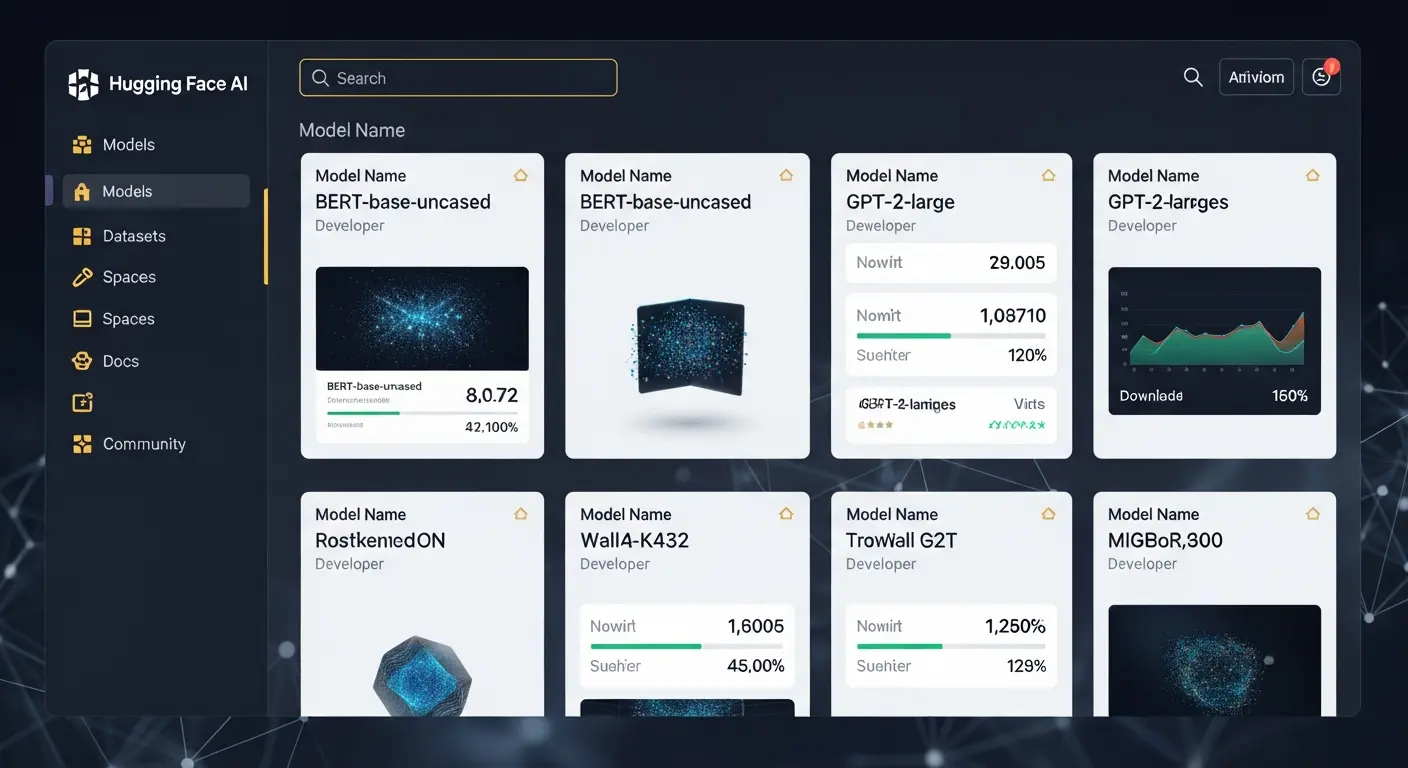
Hugging Face is the world's largest AI model hub and community, offering thousands of pre-trained models, datasets, and tools for machine learning projects. Instead of building models from scratch, developers access state-of-the-art models ready for fine-tuning and deployment.
Understanding Hugging Face: The AI Model Hub
Instead of building models from scratch, developers access state-of-the-art models ready for fine-tuning and deployment.
Key capabilities:
- 500,000+ pre-trained models
- 100,000+ datasets
- Open-source model cards
- Community-driven development
- Free hosting and inference
- Easy model fine-tuning
- One-click deployment
Getting Started with Hugging Face
Create Your Account
Visit huggingface.co and sign up free. The free tier includes model access, community features, and basic inference capabilities.
Exploring the Model Hub
Browse models by:
- Task type (text classification, translation, etc.)
- Framework (PyTorch, TensorFlow)
- Language support
- Model size
- Download count and ratings
Understanding Model Cards
Each model includes:
- Training data information
- Performance metrics
- Usage examples
- Ethical considerations
- Limitations and biases
Popular Model Categories
Natural Language Processing
- Language models (GPT, BERT)
- Text classification models
- Named entity recognition
- Machine translation
- Question answering
Computer Vision
- Image classification models
- Object detection
- Image segmentation
- Visual question answering
Audio Processing
- Speech recognition
- Speech synthesis
- Audio classification
Using Hugging Face Models
Transformers Library
The easiest way to use models:
- Simple Python API
- Automatic model downloading
- Built-in preprocessing
- GPU acceleration support
- Framework agnostic
Fine-Tuning Models
Adapt models for your data:
- Use pre-trained weights
- Train on custom datasets
- Maintain model performance
- Reduce training time
- Improve accuracy
Deploying Your Models
Hugging Face Spaces
Host and share models:
- Free inference hosting
- Public model pages
- Community interaction
- Easy sharing
- Gradio integration
Model Inference API
Get predictions without hosting:
- Simple REST API
- Pay-per-use pricing
- Scalable infrastructure
- No setup required
Conclusion
Hugging Face democratizes AI development, making powerful models accessible to developers at all levels. By leveraging the platform's thousands of models, datasets, and tools, you can build sophisticated AI applications quickly.
How to Find the Right Model for Your Use Case
Hugging Face hosts over 500,000 models, which makes discovery the first practical challenge. The most efficient starting point is the Models tab filtered by task type. Select your task — text generation, text classification, translation, image segmentation, or one of 30+ other categories — and then sort by downloads or trending. The most-downloaded models for any given task are usually the safest starting point because they have the most community testing and the most reported issues documented in the model card.
Read the model card before running anything. A well-maintained model card documents the training data, known biases, intended use cases, and performance benchmarks. Models without a card or with sparse documentation are higher risk for production deployments.
For text generation tasks, Mistral-7B, Llama 3, and Qwen 2.5 are consistently the top performers in the open-source category. For embedding tasks, all-MiniLM-L6-v2 and the bge family from BAAI are widely used and well-documented. For image classification, ViT (Vision Transformer) variants from Google are reliable baselines.
Running Models: Inference API vs. Local Deployment
Hugging Face provides a hosted Inference API that lets you run models without any infrastructure setup. A simple POST request with your API token returns model outputs in seconds. This is the right starting point for prototyping and low-volume applications. The free tier has rate limits; production usage requires a paid Inference Endpoints plan.
For higher volume or latency-sensitive applications, deploy a model to a dedicated Inference Endpoint — a managed container that runs the model on dedicated hardware. Endpoints support auto-scaling and can be configured to stay warm for latency-critical use cases. Pricing is based on the underlying hardware tier and hours of uptime.
For maximum control and zero per-query cost at scale, run models locally using the transformers library. A four-line Python snippet — import the pipeline, load the model, pass your input, read the output — is all it takes to run most models on a local machine with a GPU. For CPU-only environments, quantized versions of popular models (GGUF format, loadable via llama.cpp) make inference practical without a GPU.
Hugging Face Spaces: Sharing and Discovering AI Applications
Spaces is Hugging Face's platform for hosting and sharing interactive AI demos. Built with Gradio or Streamlit, Spaces run in the browser without any installation. For developers, Spaces are the fastest way to share a working demo with collaborators or stakeholders before building a full product interface. For users, Spaces are the easiest way to test a model's capabilities on real inputs.
Many of the most useful Spaces are wrappers around popular models with purpose-built interfaces — image background removers, document summarizers, voice cloners, and code explainers. Searching Spaces by task is often faster than deploying a model yourself when you only need occasional access to a capability.
Free Spaces run on shared CPU hardware with sleep timeouts; persistent GPU Spaces require a paid subscription or organizational tier.
Tags
Written by

Sourabh Gupta
Author at Teach AI Tools
Sourabh Gupta is responsible for Teach AI Tools. Research guides and documented firsthand reviews are identified separately. An author profile is not evidence of testing; look for sources, test records, and limitations in the article.
Full bio & editorial process →