AI Architecture Design Software: Build Smarter in 2026
Editorial note: Some links in this article are affiliate links — we may earn a commission if you sign up, at no extra cost to you. Every tool is independently tested by our team before being recommended. Read our editorial standards →
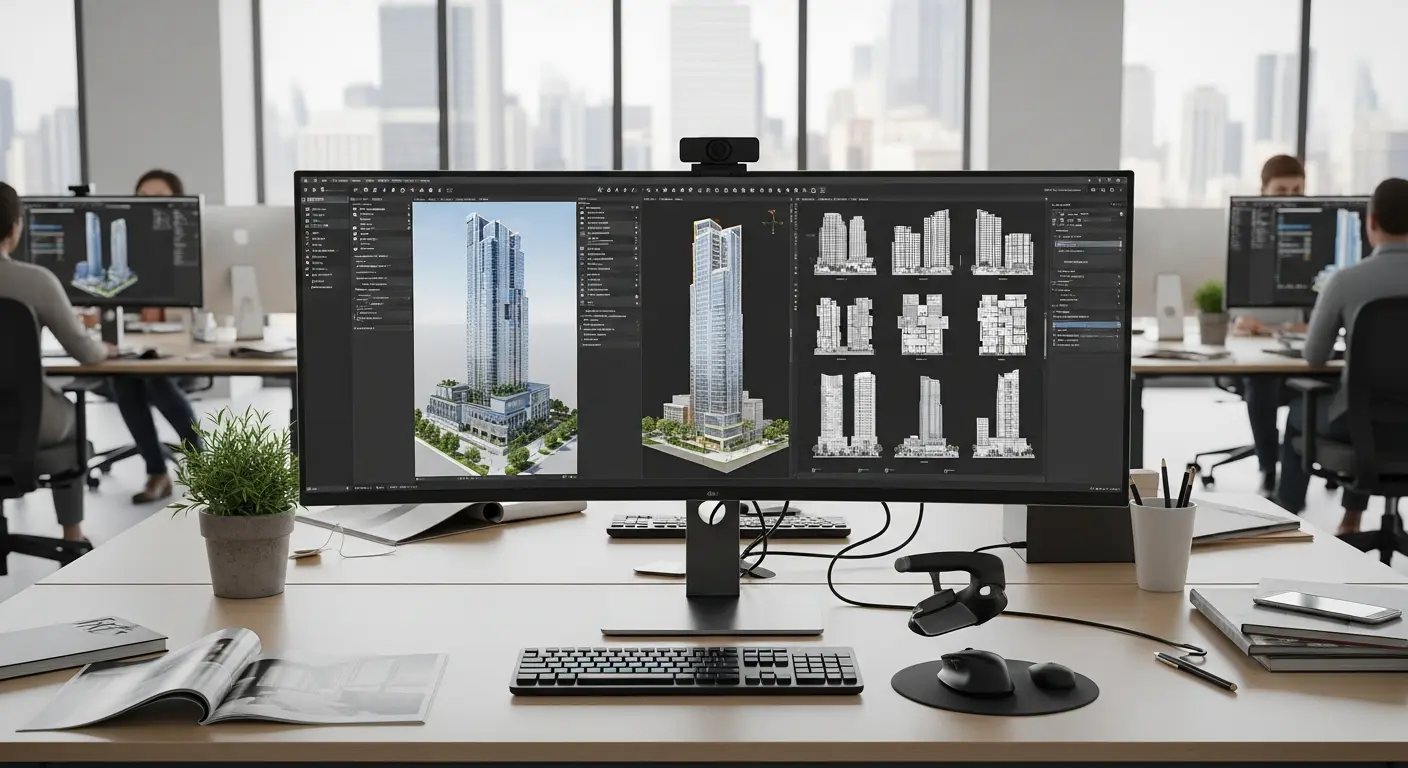
The architecture industry is experiencing a technological revolution. AI-powered design software is enabling architects to explore more design options, optimize building performance, and complete projects 30-50% faster than traditional methods.
AI Transforms Architectural Design
AI-powered design software is enabling architects to explore more design options, optimize building performance, and complete projects 30-50% faster than traditional methods.
Time-Saving Reality: Architects using AI tools report reducing initial design phases from weeks to days, while generating hundreds of design variations in hours instead of months.
Top AI Architecture Design Tools
1. Autodesk Forma (Formerly Spacemaker)
What It Does: AI-powered generative design platform that helps architects optimize building designs for multiple criteria simultaneously.
Key Features:
- Multi-objective optimization (daylight, noise, views, wind)
- Instant design variation generation
- Environmental impact analysis
- Zoning and regulatory compliance checking
- Photorealistic rendering integration
Best For: Urban planning, multi-family residential, mixed-use developments Pricing: Contact Autodesk for pricing Time Saved: 10-15 hours/week on design iterations
Use Case: Input site constraints, and AI generates 100+ optimized building layouts considering sunlight exposure, noise levels, and views in under 30 minutes.
2. TestFit
What It Does: Real-time site planning software that uses AI to instantly generate feasible building configurations based on zoning and project requirements.
Key Features:
- Instant site layout generation
- Multi-family, retail, and parking design automation
- Unit mix optimization
- Pro forma financial analysis
- Zoning code compliance
Best For: Developers, feasibility studies, early-stage design Pricing: Starting at $399/month Time Saved: 20-30 hours per project on feasibility studies
Success Story: "TestFit reduced our pre-design phase from 3 weeks to 2 days. We can now evaluate 10x more development opportunities." - David, Real Estate Developer
3. Finch 3D
What It Does: Grasshopper plugin that uses AI to optimize building layouts in real-time while you design.
Key Features:
- Real-time space planning optimization
- MEP (mechanical, electrical, plumbing) coordination
- Structural grid optimization
- Code compliance checking
- Integration with Rhino/Grasshopper
Best For: Complex commercial projects, architects using Rhino Pricing: Free beta | Enterprise pricing coming Time Saved: 15-20 hours/week on space planning
4. Sidewalk Labs Delve (Discontinued but concepts live on)
Alternatives Offering Similar Features:
- Spacemaker (now Autodesk Forma)
- TestFit
- Archistar
Concept: AI-powered urban design tool that optimized neighborhoods for livability, sustainability, and financial performance.
5. Hypar
What It Does: Cloud-based platform for computational architecture with AI-powered design automation and optimization.
Key Features:
- Browser-based, no installation required
- Visual programming for design automation
- Parametric modeling
- Real-time collaboration
- API for custom integrations
Best For: Computational designers, large firms, custom workflows Pricing: Free tier | Pro plans available Time Saved: 10-15 hours/week on repetitive design tasks
6. Archistar
What It Does: AI platform for property development that analyzes sites and generates optimal building designs in minutes.
Key Features:
- Instant site analysis (zoning, height limits, setbacks)
- Building envelope generation
- Unit layout optimization
- Development feasibility reports
- Market insights and comparable sales
Best For: Australian/New Zealand developers and architects (expanding globally) Pricing: Contact for pricing Time Saved: 25-30 hours per project on site analysis and initial design
7. Qonic (AI Rendering & Visualization)
What It Does: AI-powered rendering that converts sketches and basic 3D models into photorealistic visualizations.
Key Features:
- Sketch-to-render conversion
- Style transfer (apply real material libraries)
- Instant rendering (seconds vs hours)
- Multiple view generation
- Client presentation materials
Best For: Design presentations, client communication, marketing Pricing: Subscription-based, $50-200/month Time Saved: 5-10 hours/week on renderings
8. Reconstruct (AI Construction Monitoring)
What It Does: Uses AI and computer vision to monitor construction progress and identify issues automatically.
Key Features:
- 360° photo analysis
- Automatic progress tracking vs schedule
- Quality control defect detection
- BIM model comparison
- Automated reports
Best For: Construction teams, project managers, large projects Pricing: Contact for pricing Time Saved: 8-12 hours/week on site inspections and reporting
AI Applications by Design Phase
Conceptual Design (Save 60-70% time)
Tools: TestFit, Autodesk Forma, Archistar
Tasks Automated:
- Site analysis (5 minutes vs 8 hours)
- Massing studies (30 minutes vs 40 hours)
- Sun/shadow analysis (instant vs 4 hours)
- Zoning compliance check (10 minutes vs 16 hours)
- Financial feasibility (15 minutes vs 20 hours)
Schematic Design (Save 40-50% time)
Tools: Finch 3D, Hypar, Revit with AI plugins
Tasks Automated:
- Floor plan generation
- Space allocation optimization
- Structural grid layout
- Preliminary MEP routing
- Design variation exploration
Design Development (Save 30-40% time)
Tools: Revit AI features, BIM 360, Qonic
Tasks Automated:
- Detailed component selection
- Specification writing
- Energy modeling
- Clash detection
- Cost estimation
Construction Documentation (Save 25-35% time)
Tools: Revit automation, Hypar, Custom scripts
Tasks Automated:
- Drawing sheet generation
- Detail coordination
- Quantity takeoffs
- Specification coordination
- Annotation placement
Workflow Integration
Solo Architect Workflow
Project Intake:
- Site analysis with Archistar (30 min vs 2 days)
- Generate design options with TestFit (1 hour vs 1 week)
- Client review with AI renderings (2 hours vs 3 days)
Selected Design Development:
- Detailed floor plans with Finch optimization (3 days vs 2 weeks)
- 3D modeling in Revit with AI assistance (1 week vs 3 weeks)
- Photorealistic renderings with Qonic (2 hours vs 2 days)
Documentation:
- Automated drawing generation (1 week vs 3 weeks)
- AI-assisted specification writing (3 days vs 2 weeks)
Total Project Time: 5-6 weeks vs 14-16 weeks traditionally
Architecture Firm Workflow (5-10 person team)
Business Development:
- Use AI tools to respond to more RFPs (requests for proposal)
- Quick feasibility studies for potential clients
- Impressive visualizations for proposals
Design Team:
- Junior architects use AI to explore design options quickly
- Senior architects review and refine AI-generated options
- More time for creative problem-solving
Production Team:
- Automated drawing coordination
- AI-powered clash detection
- Faster documentation with less manual work
Result: 40% more projects with same team size, or complete projects 50% faster
Frequently Asked Questions
Q: Will AI replace architects? A: No. AI handles repetitive, analytical tasks, freeing architects for creative work, client relationships, and complex problem-solving. AI augments architects, it doesn't replace them.
Q: How accurate are AI-generated designs? A: Very accurate for initial concepts and optimization. However, AI outputs always require architect review for code compliance, constructability, and design intent. Think of AI as a highly capable junior designer.
Q: Do I need programming skills to use AI architecture tools? A: Not for most tools. TestFit, Forma, and Archistar are designed for architects without coding experience. Tools like Finch and Hypar have learning curves but don't require traditional programming.
Q: How much do AI architecture tools cost? A: Entry-level tools start at $50-100/month (Qonic, some AI rendering). Professional platforms range from $400-1000/month (TestFit, Forma). ROI is typically achieved within 1-2 projects through time savings.
Q: Can AI tools handle custom, unique architectural designs? A: AI excels at optimization within constraints but may struggle with highly artistic, sculptural forms. Best results come from using AI for analysis and optimization while maintaining creative control over aesthetic decisions.
Q: How long does it take to learn AI architecture software? A: Basic proficiency: 1-2 weeks. Advanced usage: 2-3 months with regular practice. Most tools offer excellent tutorials and support.
ROI Calculation
Traditional Architecture Firm Project:
- Site analysis & feasibility: 40 hours
- Conceptual design: 120 hours
- Schematic design: 160 hours
- Design development: 200 hours
- Total: 520 hours
AI-Assisted Project:
- Site analysis & feasibility: 10 hours (AI: Archistar)
- Conceptual design: 50 hours (AI: TestFit, Forma)
- Schematic design: 100 hours (AI: Finch, Revit AI)
- Design development: 140 hours (AI: automation plugins)
- Total: 300 hours
Time Saved: 220 hours (42% reduction) Cost Saved: $22,000-44,000 (assuming $100-200/hour billing rate) AI Tool Cost: ~$2,000-3,000 for project duration Net Benefit: $19,000-41,000 per project
Implementation Strategy
Phase 1: Quick Wins (Month 1)
- Start with one AI rendering tool (Qonic, Veras, etc.)
- Use ChatGPT for specification writing and document review
- Explore TestFit for early-stage feasibility (if applicable)
Investment: $100-500/month Expected Results: 5-10% overall time savings
Phase 2: Core Integration (Months 2-3)
- Add generative design tool (Forma or TestFit)
- Implement AI plugins for your primary CAD software
- Train team on new workflows
Investment: $500-1500/month Expected Results: 20-30% overall time savings
Phase 3: Advanced Optimization (Months 4-6)
- Custom automation scripts
- Advanced computational design tools
- Full team adoption and workflow optimization
Investment: $1000-2000/month + training time Expected Results: 35-50% overall time savings
Best Practices
Do's:
- ✅ Start small with one tool and expand gradually
- ✅ Combine AI efficiency with human creativity
- ✅ Use AI for exploration and optimization
- ✅ Always review AI outputs for errors and compliance
- ✅ Invest time in learning tools properly
Don'ts:
- ❌ Expect AI to handle all design decisions
- ❌ Skip code compliance verification
- ❌ Ignore constructability concerns in AI designs
- ❌ Forget to add unique design value beyond AI
- ❌ Rely on AI without understanding fundamentals
Future of AI in Architecture
Emerging Trends (2026-2026):
- AI-powered BIM automation
- Real-time sustainability analysis
- Automated building code compliance
- AI structural engineering integration
- Virtual reality design reviews with AI assistance
Conclusion
AI architecture software is no longer experimental—it's becoming essential for competitive firms. The architects and firms seeing the biggest success aren't replacing creativity with AI; they're using AI to handle analytical and repetitive work, freeing more time for design innovation and client service.
Your Action Plan:
- This Month: Try AI rendering tool for visualizations
- Next Month: Evaluate generative design platform for your project types
- Quarter 2: Implement core AI tools across workflow
- Quarter 3-4: Optimize workflows and measure ROI
The architecture firms thriving in 2026 are those embracing AI as a powerful design partner. Start your AI integration today and build better buildings faster.
Related Tools:
Tags
Written by

Sourabh Gupta
Founder & Data Scientist, AI Tools Specialist · 2+ years in AI/ML
Sourabh tests every AI tool he writes about — hands-on, with real use cases. His background in data science means he goes beyond marketing claims to benchmark actual performance, cost, and reliability for developers and creators.
Full bio & editorial process →