Best AI Graphic Design Tools in 2025: Transform Your Creative Workflow
The AI Design Revolution
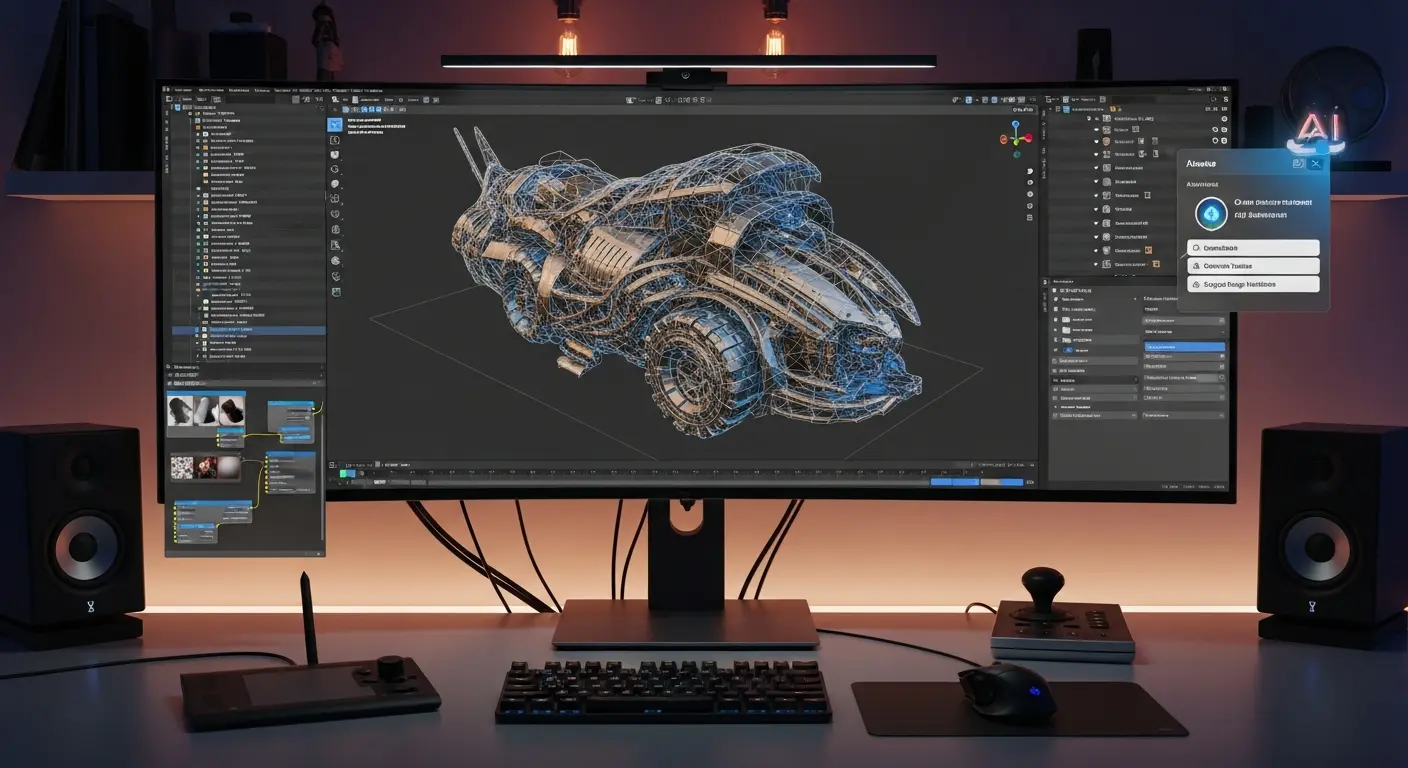
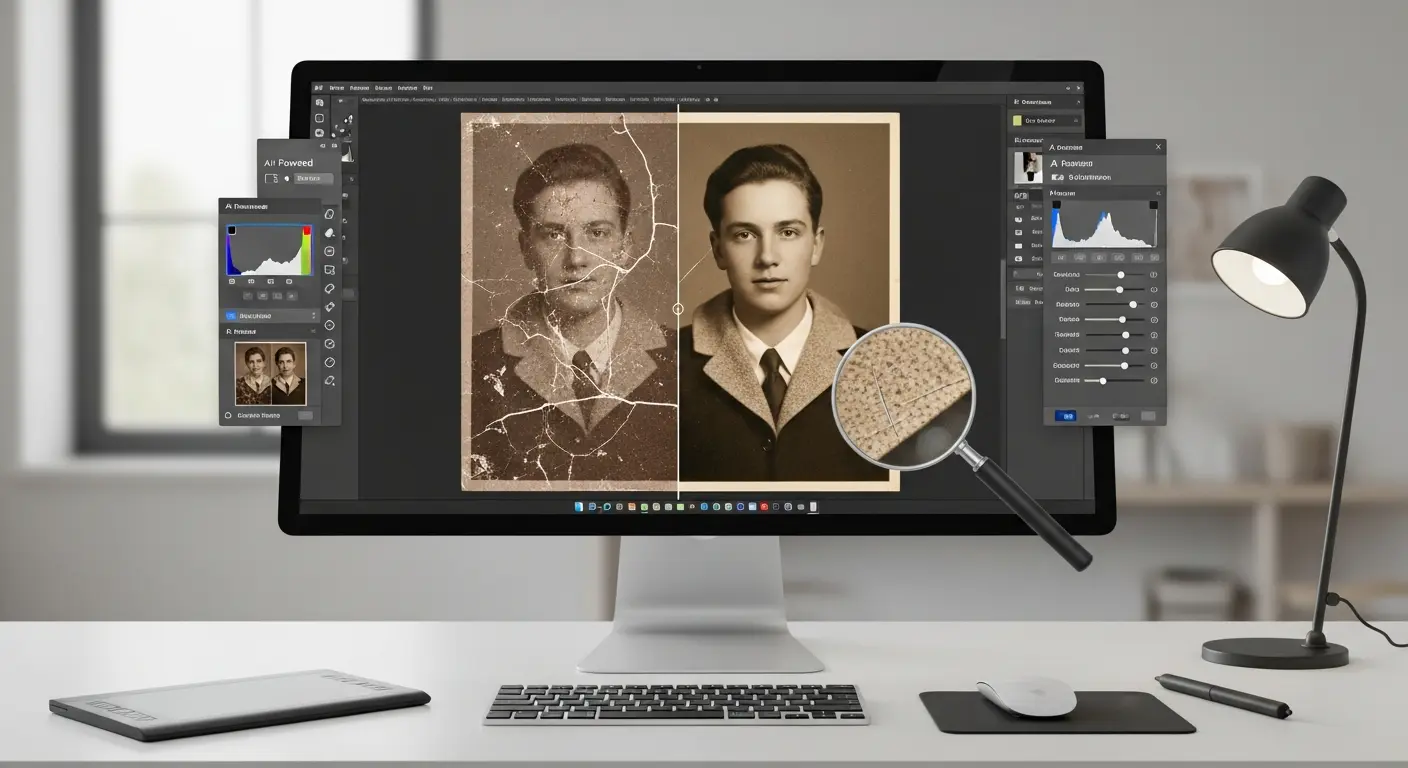
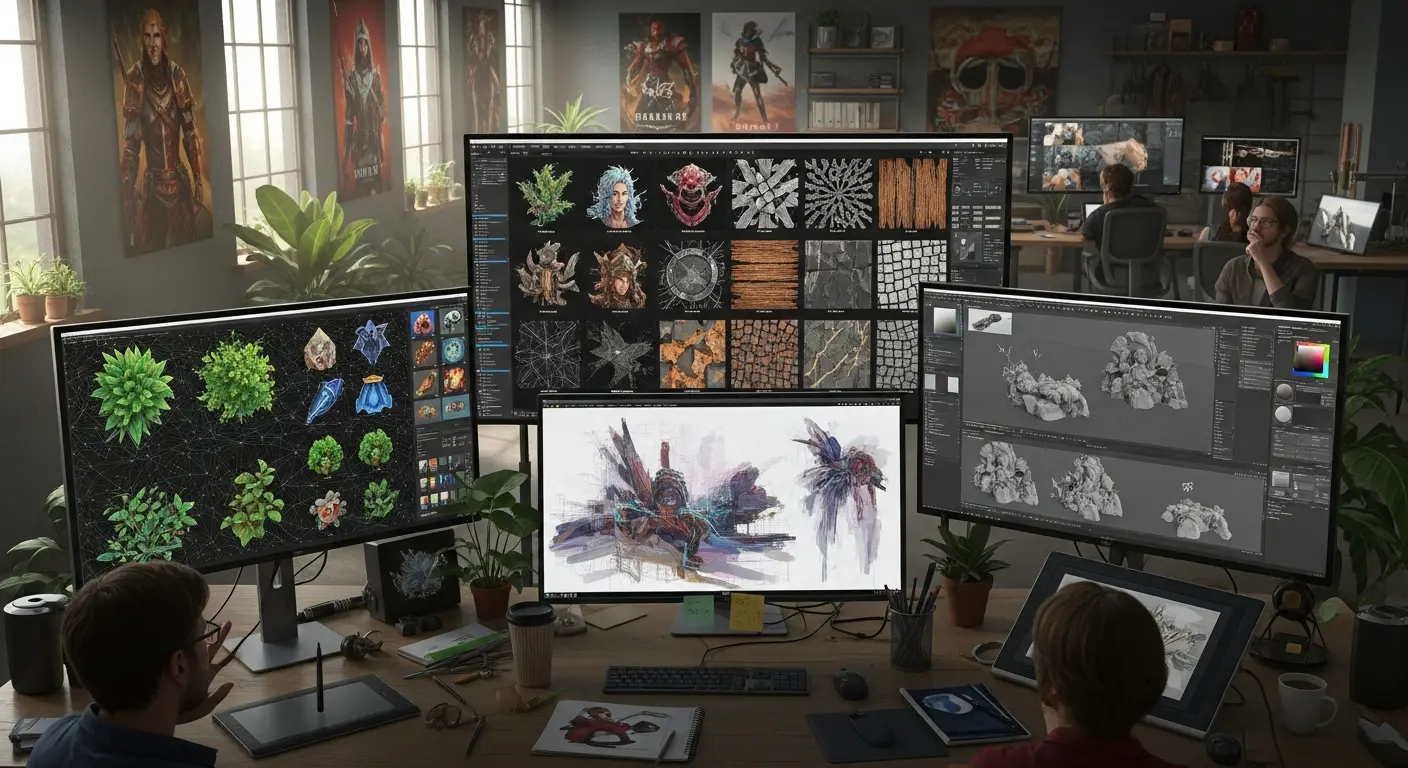
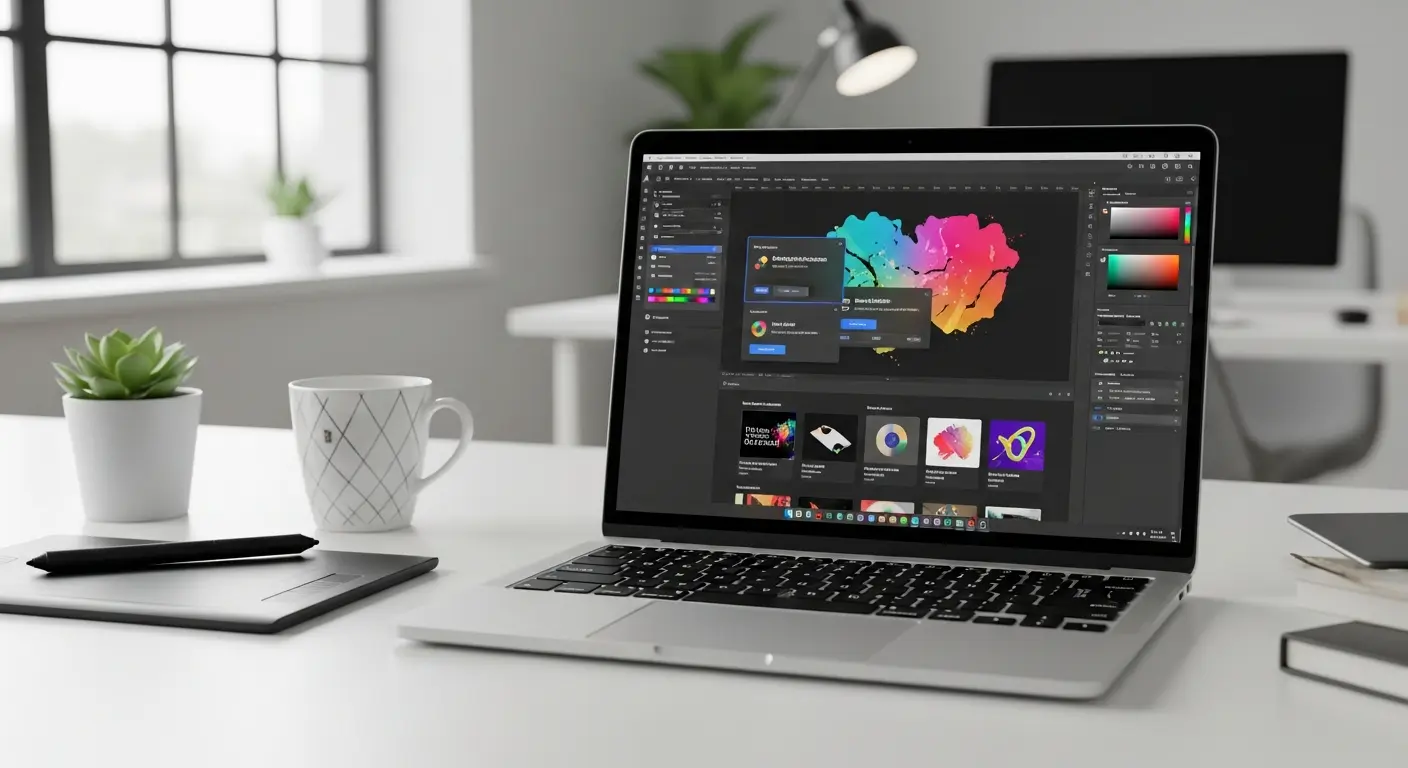
AI-powered graphic design tools are transforming how creatives work, enabling designers to produce professional-quality visuals in minutes rather than hours. In 2025, designers using AI tools report saving 8-12 hours weekly while exploring more creative variations than ever before.
Whether you're a professional designer, marketer, or content creator, AI design tools can dramatically accelerate your workflow while maintaining high-quality output. This comprehensive guide explores the best AI graphic design tools available, their unique features, pricing, and ideal use cases.
Top AI Graphic Design Tools Compared
1. Canva AI
Price: Free | Pro at $12.99/month
Canva has revolutionized accessible design with its AI-powered features including Magic Design, Magic Write, and Background Remover. Perfect for non-designers who need professional results quickly.
Best Features:
- Magic Design: Generate complete layouts from simple prompts
- Magic Resize: Instantly adapt designs to any format
- Brand Kit with AI suggestions
- Extensive template library (500,000+ designs)
- Text-to-image generation
Ideal For: Social media graphics, presentations, marketing materials, beginners
Learn more in our complete Canva AI tutorial.
2. Adobe Firefly
Price: Free tier | $4.99/month standalone | Included with Creative Cloud ($54.99/month)
Adobe's generative AI tool integrates seamlessly with Photoshop, Illustrator, and Express. Creates commercially-safe images trained on licensed Adobe Stock content.
Best Features:
- Generative Fill in Photoshop
- Text-to-image with commercial safety
- Vector recoloring in Illustrator
- Text effects generation
- Style matching capabilities
Ideal For: Professional designers, commercial projects, Creative Cloud users
External Resource: Adobe Firefly Official Guide
3. Midjourney
Price: Starting at $10/month
Leading AI art generator known for stunning, artistic image creation. Operates through Discord with an engaged creative community.
Best Features:
- Exceptional aesthetic quality
- Multiple style models
- Advanced prompt control
- Upscaling to 4K+
- Variation generation
Ideal For: Concept art, illustrations, artistic visuals, creative exploration
Pro Tip: Master prompt engineering to achieve consistent brand aesthetics. Start with style references using --sref parameter.
4. DALL-E 3
Price: Free with ChatGPT Plus ($20/month) | Pay-per-use via API
OpenAI's image generator integrated with ChatGPT, offering conversational image creation with strong text rendering capabilities.
Best Features:
- Conversational refinement
- Excellent text in images
- ChatGPT integration
- Multiple variations
- Inpainting for edits
Ideal For: Quick ideation, photorealistic images, text-heavy designs
5. Leonardo.ai
Price: Free tier | $12/month for Artisan
Versatile AI image generator with fine-tuned control over styles, models, and generation parameters.
Best Features:
- Custom model training
- Consistent character generation
- Canvas editor for precise control
- Prompt magic for better results
- Multiple aspect ratios
Ideal For: Game design, character creation, consistent branding
Advanced AI Design Features
Text-to-Image Generation
Modern AI design tools can create original images from text descriptions. The quality depends on prompt specificity:
Example Prompt Evolution:
- ❌ Basic: "a logo"
- ✅ Advanced: "minimalist tech company logo, geometric shapes, blue and silver gradient, modern sans-serif font, clean negative space, professional"
Style Transfer and Matching
AI can apply artistic styles to existing images or maintain consistent aesthetics across projects:
- Convert photos to illustrations
- Apply brand visual identity automatically
- Match color palettes across designs
- Replicate design trends
Intelligent Background Removal
AI-powered background removal has become remarkably accurate:
- Remove.bg: Specialized background removal
- Canva Background Remover: One-click removal
- Photoshop Object Selection: AI-powered selection tools
Auto-Layout and Smart Resizing
AI understands design principles and can:
- Automatically arrange elements harmoniously
- Resize designs while maintaining visual balance
- Suggest optimal layouts based on content
- Adapt designs for different platforms
Workflow Integration Strategies
For Social Media Managers
Recommended Stack:
- Canva Pro ($13/month) - Primary design tool
- Remove.bg (Free tier) - Quick background removal
- Midjourney ($10/month) - Custom brand imagery
Time Saved: 6-8 hours/week creating platform-specific content
For Professional Designers
Recommended Stack:
- Adobe Creative Cloud ($55/month) - Including Firefly
- Midjourney ($30/month for Pro) - Concept exploration
- Topaz Photo AI ($199 one-time) - Image enhancement
Time Saved: 10-15 hours/week on repetitive tasks and asset creation
For Content Creators
Recommended Stack:
- Canva Pro ($13/month) - All-in-one solution
- DALL-E 3 via ChatGPT Plus ($20/month) - Quick custom images
- Figma (Free) - Detailed design work
Time Saved: 5-7 hours/week on visual content
Best Practices for AI Design Tools
Do's
✅ Use AI for ideation and initial concepts ✅ Refine AI outputs with human creativity ✅ Maintain brand consistency across AI-generated assets ✅ Test multiple variations before finalizing ✅ Combine AI tools for best results ✅ Keep prompts specific and detailed
Don'ts
❌ Use AI-generated images without reviewing licensing ❌ Rely entirely on AI without adding personal touches ❌ Ignore composition and design principles ❌ Skip quality checks before publishing ❌ Use generic prompts expecting perfect results
Pricing Comparison
| Tool | Free Tier | Paid Plans | Best For |
|---|---|---|---|
| Canva | Yes (limited) | $12.99/mo | All-around design |
| Adobe Firefly | 25 credits/mo | $4.99-54.99/mo | Professional work |
| Midjourney | No | $10-120/mo | Artistic images |
| DALL-E 3 | Via Bing | $20/mo (ChatGPT Plus) | Quick iterations |
| Leonardo.ai | 150 credits/day | $12-120/mo | Custom models |
Frequently Asked Questions
Q: Can I use AI-generated designs commercially? A: It depends on the tool. Canva Pro, Adobe Firefly, and Midjourney allow commercial use. Always check specific licensing terms before commercial deployment.
Q: Do AI design tools replace human designers? A: No. AI tools enhance designer productivity but can't replace human creativity, strategic thinking, and nuanced aesthetic judgment. They're best used as powerful assistants.
Q: Which AI design tool is best for beginners? A: Canva AI offers the most beginner-friendly interface with templates, tutorials, and intuitive controls. Start there before exploring more advanced tools.
Q: How can I get consistent results from AI design tools? A: Create detailed prompt templates, use seed numbers for reproducibility (Midjourney), save successful prompts, and use style reference images when available.
Q: Are AI design tools worth the investment? A: Yes, if you regularly create visual content. The time savings typically justify the cost within the first month of use. Start with free tiers to evaluate fit.
Emerging Trends in AI Design
3D Design Generation
Tools like Spline AI are bringing AI to 3D design, enabling creators to generate 3D objects and scenes from text descriptions.
Video Design Automation
AI is expanding into motion graphics and video design with tools like Runway ML offering text-to-video capabilities.
Personalization at Scale
AI enables dynamic design generation customized for different audiences, demographics, and contexts automatically.
Conclusion
AI graphic design tools have matured from experimental technology to essential creative assets in 2025. Whether you're creating social media content, developing brand identities, or producing marketing materials, AI can dramatically accelerate your workflow.
Getting Started:
- This Week: Try Canva AI's free tier for basic designs
- This Month: Experiment with Midjourney or DALL-E for custom imagery
- Quarter 2: Invest in paid tools that match your primary use case
- Long-term: Build an integrated AI design workflow
The designers thriving in 2025 aren't fighting AI—they're leveraging it to amplify their creativity and productivity. Start with one tool today, master its capabilities, and gradually expand your AI design toolkit.
Ready to transform your design workflow? Choose your first AI design tool and start creating smarter, not harder.
External Resource: Creative Bloq's AI Design Tools Guide
Tags:
Admin
Expert in AI tools and technologies. Passionate about helping others learn and master AI to boost their productivity.