Best AI Animation Software for Creators in 2026
The AI Animation Revolution
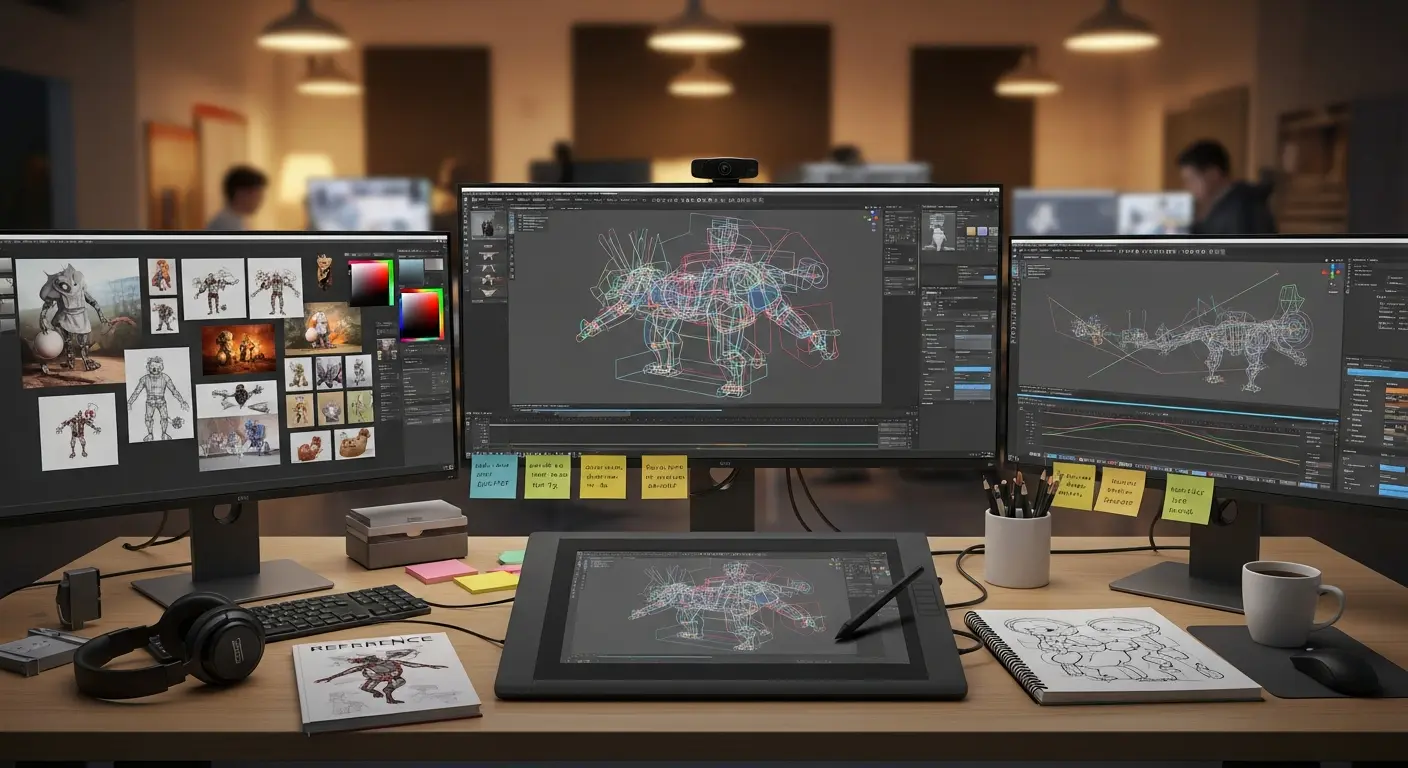
Animation has traditionally been one of the most time-intensive creative processes, requiring specialized skills, expensive software, and countless hours of frame-by-frame work. AI animation tools are revolutionizing this landscape, enabling creators to produce professional-quality animations in a fraction of the time while dramatically lowering the barrier to entry.
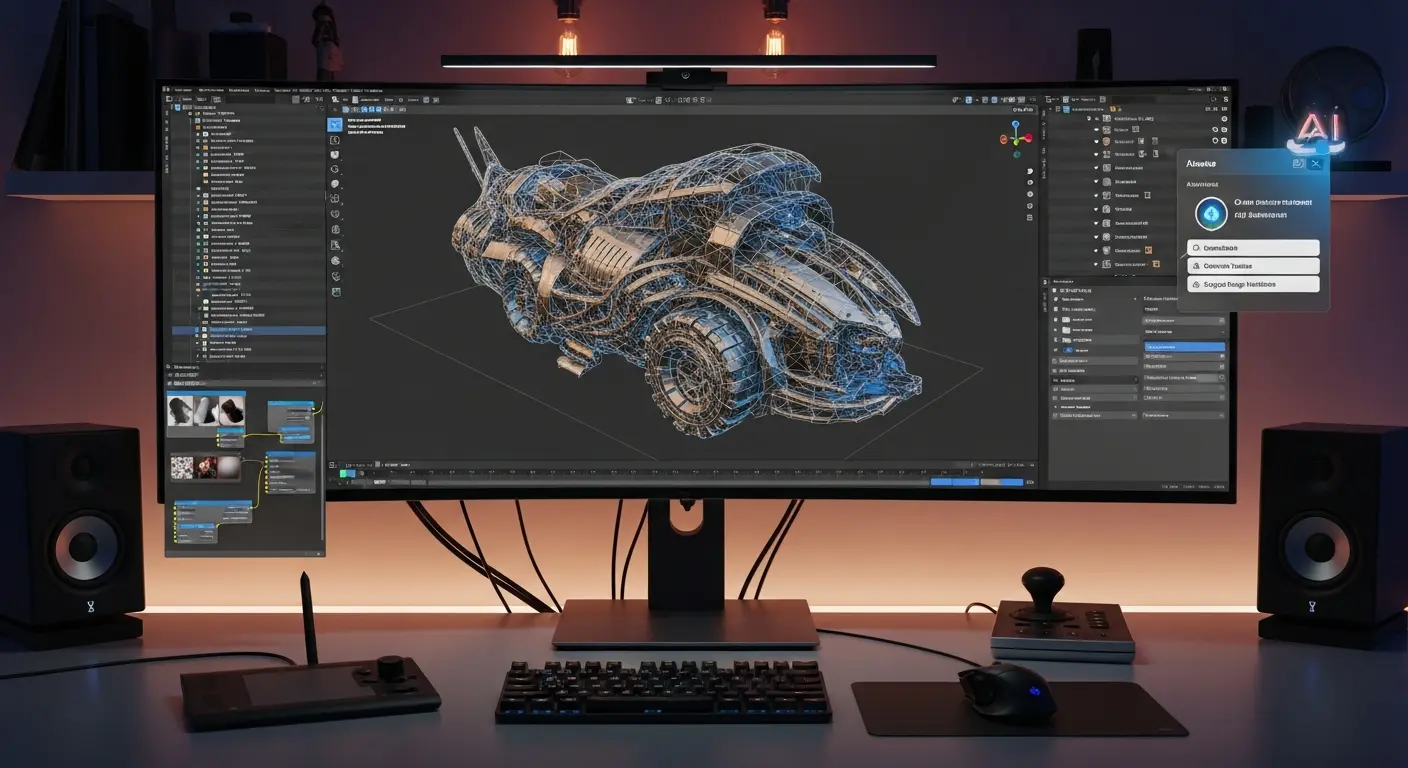
Modern AI animation platforms can transform static images into animated sequences, generate realistic character movements from text descriptions, and automate tedious in-between frame creation. Professional animators report 50-70% time savings on projects, while newcomers can create impressive animations without years of training.
Market Reality: The AI animation software market is projected to reach $2.7 billion by 2027, driven by demand from content creators, marketers, educators, and entertainment studios seeking faster, more cost-effective production methods.
Why AI Animation Matters in 2026
Breaking Down Traditional Barriers
Traditional Animation Challenges:
- Time: Simple 30-second animations require 40-80 hours of work
- Skill: Mastering professional tools takes 6-12 months minimum
- Cost: Professional software subscriptions cost $50-200/month
- Team Size: Complex projects require teams of specialized animators
AI Animation Solutions:
- Speed: Create animations 10-20x faster with AI assistance
- Accessibility: Produce quality work without extensive training
- Affordability: Many AI tools offer free tiers or low-cost subscriptions
- Solo Capability: One creator can produce work previously requiring teams
Business Applications Driving Adoption
- Marketing: Animated ads, explainer videos, social media content
- Education: Interactive lessons, tutorial videos, e-learning courses
- Entertainment: YouTube content, short films, indie game development
- Corporate: Training videos, presentation animations, product demos
Top AI Animation Software Platforms
1. Runway ML Gen-2
Price: Free tier, Creator $15/month, Pro $35/month
Best For: Video-to-animation conversion and AI-generated motion
Key Features:
- Text-to-video generation
- Video-to-video style transfer
- Motion tracking and replacement
- Frame interpolation for smooth animation
- Multi-modal AI editing
Use Cases:
- Transform static images into animations
- Create animated backgrounds
- Generate motion graphics
- Produce AI-assisted rotoscoping
Standout Capability: Market-leading text-to-video generation quality
Time Savings: Reduce animation production time by 60-80%
2. Adobe Animate + Sensei AI
Price: $22.99/month (single app), $54.99/month (Creative Cloud)
Best For: Professional 2D animation with AI-powered assistance
Key Features:
- Auto lip-sync using Adobe Sensei
- AI-powered frame interpolation
- Automated in-betweening
- Character rigging automation
- Smart pose suggestions
Use Cases:
- Character animation for web/mobile
- Interactive animations
- Animated ads and banners
- Cartoon series production
Professional Advantage: Industry-standard tool with AI enhancements maintaining full creative control
Integration: Seamless workflow with Adobe Creative Cloud (After Effects, Illustrator, Photoshop)
3. Cascadeur
Price: Free (indie), $25/month (Pro)
Best For: AI-assisted 3D character animation
Key Features:
- Physics-based animation AI
- Automatic secondary motion generation
- AI-powered pose adjustment
- Realistic weight and balance calculation
- Auto-rigging for 3D models
Use Cases:
- Game character animation
- Film and TV 3D animation
- Motion design
- Product visualization
Unique Strength: Physics-based AI ensures realistic movement without manual physics calculations
Time Savings: Reduce keyframe animation time by 50-70%
4. Animaker
Price: Free tier, Basic $10/month, Starter $19/month
Best For: Beginners and small businesses needing quick animated videos
Key Features:
- 1,000+ pre-built templates
- Auto character lip-sync
- Smart move and morph features
- Text-to-speech with lip-sync
- Drag-and-drop interface
Use Cases:
- Explainer videos
- Social media content
- Educational videos
- Marketing presentations
Accessibility: No animation experience required—create professional videos in minutes
Best For: Non-animators needing quick, professional results
5. Plask AI
Price: Free tier, Pro $30/month
Best For: AI-powered motion capture from video
Key Features:
- Video-to-3D motion capture
- No sensors or special equipment required
- Export to major 3D software
- Multi-person capture
- Face and hand tracking
Use Cases:
- Game character animation
- Virtual reality content
- 3D film production
- Metaverse avatar animation
Revolutionary Feature: Professional-quality motion capture using just smartphone video
Cost Savings: Replace $10,000-50,000 motion capture equipment with software
6. DeepMotion
Price: Free tier, Innovator $15/month, Professional $50/month
Best For: AI motion capture and character animation
Key Features:
- Markerless motion capture
- Real-time body tracking
- Face and hand animation
- Physics simulation
- Multi-character scenes
Use Cases:
- Virtual production
- Game development
- Virtual influencers
- Metaverse content
Standout: Real-time motion capture with live preview
7. Synthesia
Price: Personal $22/month, Corporate $67/month
Best For: AI avatar video creation with animation
Key Features:
- 140+ AI avatars
- 120+ languages and voices
- Custom avatar creation
- Automatic lip-sync and gestures
- Screen recording integration
Use Cases:
- Corporate training videos
- Product demos
- Personalized video messages
- Educational content
Business Value: Create professional presenter videos without filming, actors, or equipment
Learn more about AI video creation tools.
8. Doodly
Price: Standard $39/month, Enterprise $69/month
Best For: Whiteboard and doodle-style animation
Key Features:
- Automated drawing animation
- Thousands of images and scenes
- Custom image import
- Voiceover integration
- Path-based drawing
Use Cases:
- Explainer videos
- Educational content
- Sales presentations
- YouTube content
Niche Excellence: Best-in-class for whiteboard animation style
Animation Type Comparisons
2D Animation Tools
Best For Character Animation: Adobe Animate
- Professional-grade tools
- Industry-standard workflow
- Maximum creative control
Best For Quick Videos: Animaker
- Template-based workflow
- Minimal learning curve
- Cost-effective
Best For Social Media: Runway ML
- Modern AI capabilities
- Quick iterations
- Flexible export options
3D Animation Tools
Best For Realistic Motion: Cascadeur
- Physics-based AI
- Professional quality
- Affordable pricing
Best For Motion Capture: Plask AI or DeepMotion
- No expensive equipment needed
- Fast production pipeline
- Game-ready output
Best For Character Creation: Ready Player Me + DeepMotion
- Quick avatar generation
- Easy animation pipeline
- Metaverse-ready
Specialized Animation Needs
For Marketing Videos: Synthesia or Animaker For Educational Content: Animaker or Doodly For Game Development: Cascadeur or DeepMotion For Social Media: Runway ML or Animaker For Film/TV Production: Adobe Animate or Cascadeur
Feature Comparison Matrix
| Platform | 2D | 3D | Motion Capture | Difficulty | Price/Month |
|---|---|---|---|---|---|
| Runway ML | ✓ | ✗ | ✗ | Easy | $15-35 |
| Adobe Animate | ✓ | ✗ | ✗ | Medium | $23 |
| Cascadeur | ✗ | ✓ | ✗ | Medium | $25 |
| Animaker | ✓ | ✗ | ✗ | Very Easy | $10-19 |
| Plask AI | ✗ | ✓ | ✓ | Easy | $30 |
| DeepMotion | ✗ | ✓ | ✓ | Easy | $15-50 |
| Synthesia | ✓ | ✗ | ✗ | Very Easy | $22-67 |
| Doodly | ✓ | ✗ | ✗ | Easy | $39-69 |
Motion Design & Animation Tools for Creators and Teams
Not all creators need complex 3D animation or AI-generated video. A growing category of tools focuses on accessible animation, motion design, and business-ready video content — ideal for marketers, designers, educators, and beginners.
1. Jitter
Best For: Modern motion design, UI animation, and branding
Key Features:
- Browser-based motion design tool with no installation required
- Intuitive interface similar to Figma
- Hundreds of templates and animation presets
- Advanced design features (blur, gradients, blend modes, curved paths)
- Fast exports in video, GIF, and Lottie formats
- Seamless Figma import and team collaboration
Use Cases:
- Social media animations
- Product UI demos
- Landing page motion
- Animated brand assets
Standout Capability: Brings motion into the design workflow, making it fast, collaborative, and accessible without complex timelines.
2. Powtoon
Best For: Quick animated videos for marketing, training, and presentations
Key Features:
- Drag-and-drop video builder with extensive templates
- AI-powered tools like script generation and voiceovers
- Large library of characters, scenes, and assets
- Built for non-designers and teams
Use Cases:
- Explainer videos
- Internal communications
- Educational content
- Sales presentations
Advantage: Extremely easy to use with ready-made templates that speed up production.
3. Vyond
Best For: Professional business animations and corporate training
Key Features:
- Advanced character animation and customization
- AI-powered video creation tools and lip-sync
- Multiple animation styles (whiteboard, realistic, infographic)
- Strong enterprise and training capabilities
Use Cases:
- Employee training videos
- Corporate communications
- Marketing and onboarding content
Unique Strength: Offers more advanced customization and professional-grade output compared to simpler tools.
4. FlipaClip
Best For: Frame-by-frame animation and beginner creatives
Key Features:
- Mobile-friendly drawing and animation app
- Frame-by-frame animation tools
- Simple interface for beginners
- Active creative community
Use Cases:
- Hand-drawn animations
- Storyboarding
- YouTube or social content
- Learning animation fundamentals
Accessibility: Great entry point for creators learning animation from scratch, with a strong community of users sharing content.
Workflow Integration Strategies
For YouTube Creators
Recommended Stack:
- Animaker for intro/outro animations ($19/month)
- Runway ML for video effects and transitions ($15/month)
- Descript for video editing with AI transcription Total: ~$50/month, save 10-15 hours/week
For Marketing Teams
Recommended Stack:
- Synthesia for product demos ($67/month)
- Animaker for social media content ($19/month)
- Canva Pro for design integration ($13/month) Total: ~$99/month, replace video production agency
For Game Developers
Recommended Stack:
- Cascadeur for character animation ($25/month)
- DeepMotion for motion capture ($50/month)
- Blender (free) for 3D modeling Total: $75/month, replace motion capture studio
For Educators
Recommended Stack:
- Animaker for lesson videos ($19/month)
- Doodly for whiteboard explanations ($39/month) Total: $58/month, create unlimited educational content
Getting Started with AI Animation
Week 1: Foundation
Day 1-2: Choose your primary tool based on needs Day 3-4: Complete official tutorials and explore templates Day 5-7: Create your first simple project end-to-end
Pro Tip: Start with template-based tools (Animaker, Synthesia) before moving to professional tools
Week 2-4: Skill Building
- Create one project daily (even if just 10-15 seconds)
- Experiment with different styles and techniques
- Join community forums and Discord servers
- Study animations you admire and reverse-engineer techniques
Month 2-3: Professional Quality
- Develop your signature style
- Build a portfolio of 5-10 quality pieces
- Combine multiple tools in your workflow
- Start taking on client work or publishing content
Common Mistakes to Avoid
1. Over-Relying on Templates
Don't: Use generic templates without customization Do: Use templates as starting points and add unique elements
2. Ignoring Fundamentals
Don't: Skip learning basic animation principles Do: Study timing, spacing, and motion principles even with AI tools
3. Tool Overload
Don't: Subscribe to every tool at once Do: Master one or two tools before expanding
4. Neglecting Audio
Don't: Add animation without quality audio/music Do: Invest time in sound design and voice work
5. Unrealistic Expectations
Don't: Expect Pixar quality from AI tools alone Do: Understand AI accelerates workflow but requires skill refinement
Future of AI Animation
Emerging Trends
Text-to-Animation: Describe scenes in text, AI generates full animations Real-Time Animation: AI enables live animation for streaming and virtual production Personalization at Scale: Generate thousands of customized animated variations AI Directors: AI suggests camera angles, timing, and composition improvements
Within 2 Years: Expect AI tools capable of generating 30-second fully animated sequences from paragraph descriptions
Frequently Asked Questions
Q: Can AI animation tools replace professional animators? A: No. AI tools accelerate workflow and lower entry barriers, but human creativity, storytelling, and artistic direction remain essential. Professional animators using AI tools have an advantage over those who don't.
Q: What's the learning curve for AI animation tools? A: Template-based tools (Animaker, Synthesia): 1-3 days. Professional tools (Adobe Animate, Cascadeur): 2-4 weeks for basic proficiency, 3-6 months for advanced skills.
Q: Can I use AI-generated animations commercially? A: Most platforms allow commercial use. Check each tool's licensing terms. Synthesia, Animaker, and Adobe all permit commercial projects. Some free tiers have restrictions.
Q: What hardware do I need? A: Basic tools: Any modern computer. 3D animation tools: Dedicated GPU recommended (NVIDIA RTX series ideal). Cloud-based tools (Runway ML, Synthesia) work on any device.
Q: How long does it take to create a 60-second animated video? A: With AI tools: 2-8 hours (template-based faster, custom work slower). Traditional animation: 20-80 hours for similar quality. Actual time depends on complexity and experience.
Conclusion
AI animation software has democratized animation creation, enabling solo creators to produce professional-quality work that previously required teams and budgets. Whether you're a content creator, marketer, educator, or aspiring animator, AI tools can transform your capabilities and workflow efficiency.
Your Action Plan:
- This Week: Try free tiers of 2-3 tools matching your needs
- This Month: Choose your primary tool and complete 5 practice projects
- Quarter 1: Build portfolio and integrate animation into regular content
- Long-term: Combine multiple AI tools for comprehensive animation capability
Tool Recommendations by Goal:
- Get Started Fast: Animaker (easiest learning curve)
- Professional Quality: Adobe Animate (industry standard)
- 3D Animation: Cascadeur (best AI physics)
- Motion Capture: Plask AI (best value)
- Marketing Videos: Synthesia (fastest production)
- Budget-Conscious: Runway ML free tier (excellent capabilities)
The creators and businesses thriving in 2026 aren't avoiding AI animation tools—they're mastering them to produce more content, faster, while maintaining creative quality.
Ready to bring your ideas to life with AI-powered animation? Choose your tool and start creating today.
External Resources:
Tags
Sourabh Gupta
Data Scientist & AI Specialist. Blending a background in data science with practical AI implementation, Sourabh is passionate about breaking down complex neural networks and AI tools into actionable, time-saving workflows for developers and creators.