Best AI Video Editing Software 2026: Edit Videos 10x Faster
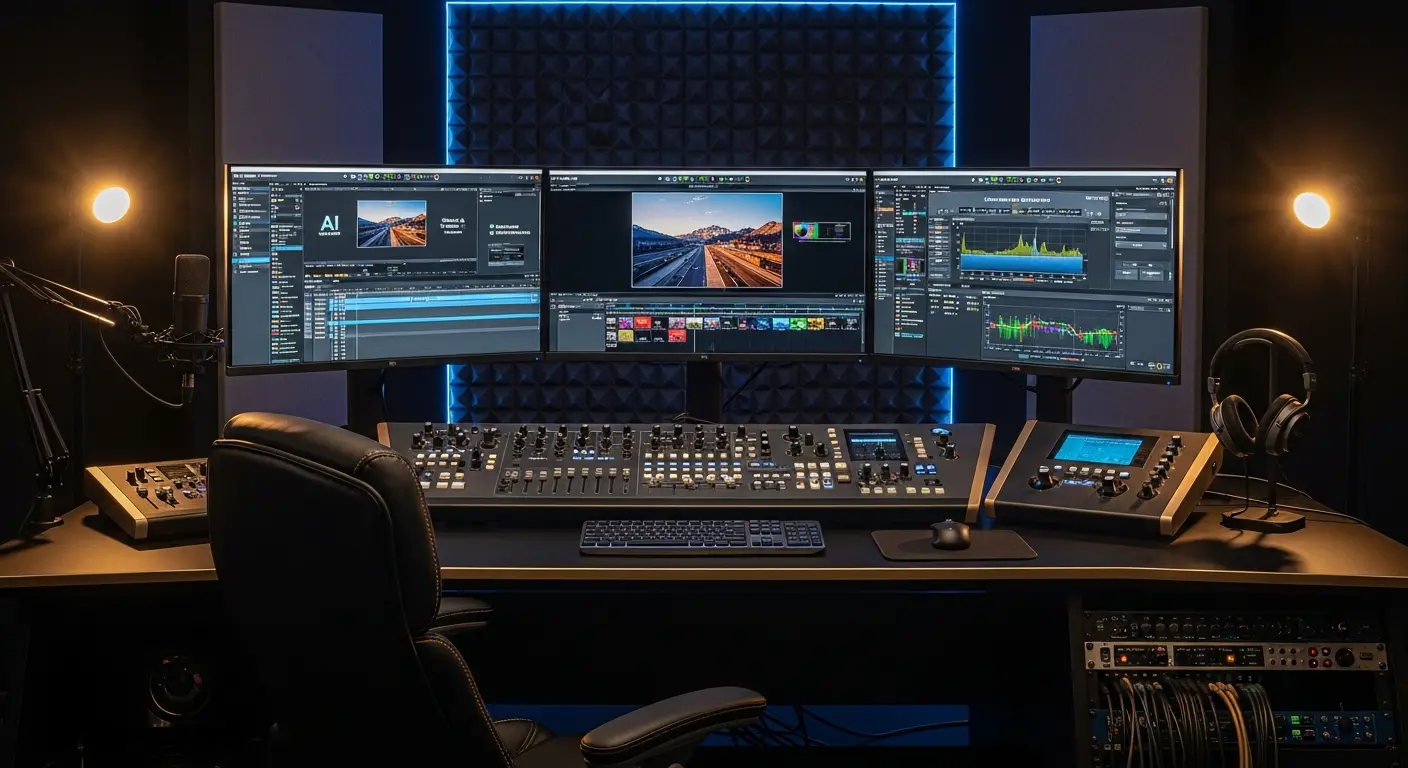
The Future of Video Editing Is Here
AI-powered video editing software is revolutionizing post-production, enabling creators to edit videos in a fraction of traditional time. Professional editors using AI tools report reducing editing time by 50-70% while maintaining or improving quality.
In 2026, AI video editing has evolved from simple automation to intelligent creative assistance that understands context, identifies key moments, and even suggests narrative improvements. Whether you're a YouTuber, filmmaker, or marketing professional, AI video tools can transform your workflow.
Top AI Video Editing Tools Compared
1. Descript
Price: Free | Creator at $12/month | Pro at $24/month
Revolutionary video editor that lets you edit video by editing text transcripts. Game-changing for interviews, podcasts, and talking-head content.
AI Features:
- Text-based video editing
- Automatic transcription (99% accuracy)
- AI voice cloning for corrections
- Filler word removal ("um," "uh" automatically deleted)
- Studio Sound (removes background noise)
- Eye contact correction
Best For: Podcasters, YouTubers, interviewers, course creators
Time Savings: 5-8 hours/week vs traditional editing
Pro Tip: Record rough takes knowing you can use AI voice to fix mistakes without re-recording entire segments.
2. Runway ML
Price: Free tier | Standard at $15/month | Pro at $35/month
Cutting-edge AI video platform with advanced features like text-to-video, motion tracking, and background removal.
AI Features:
- Text-to-video generation
- Green screen removal (no actual green screen needed)
- Motion tracking and masking
- Super slow motion from regular footage
- Frame interpolation
- Automatic color grading
Best For: Creative video projects, social media content, experimental work
Time Savings: 4-6 hours/week on effects and compositing
3. Adobe Premiere Pro with AI Features
Price: $22.99/month (individual) | $54.99/month (Creative Cloud)
Industry-standard editing software enhanced with Adobe Sensei AI capabilities.
AI Features:
- Auto Reframe (automatic crop for different aspect ratios)
- Speech-to-Text for captions
- Color Match (match color grades between shots)
- Scene Edit Detection
- Morph Cut (smooth jump cuts)
- Remix (automatic music timing adjustment)
Best For: Professional editors, agencies, commercial production
External Resource: Adobe Premiere Pro AI Features
4. Pictory
Price: Starting at $23/month
Transforms long-form content (blogs, scripts, webinars) into short, engaging videos automatically.
AI Features:
- Script-to-video conversion
- Blog post to video
- Automatic highlight extraction from long videos
- Auto-caption generation
- Stock media selection
- Voiceover generation
Best For: Content repurposing, social media clips, marketing videos
Time Savings: 3-5 hours/week creating social video content
5. CapCut (Desktop Version)
Price: Free | Pro at $7.99/month
ByteDance's powerful editing tool with surprisingly advanced AI features for its price point.
AI Features:
- Auto-captions with high accuracy
- Background removal (portrait mode)
- Automatic video stabilization
- Color grading presets
- Speech enhancement
- Keyframe automation
Best For: Budget-conscious creators, TikTok/Instagram content, beginners
Time Savings: 2-4 hours/week on basic editing tasks
Advanced AI Editing Capabilities
Automatic Scene Detection and Organization
AI analyzes footage to:
- Identify scene changes automatically
- Categorize clips by content (dialogue, action, b-roll)
- Detect and tag faces
- Identify key emotional moments
- Group similar shots
Intelligent Audio Enhancement
Modern AI tools can:
- Remove background noise and reverb
- Enhance voice clarity
- Separate speakers in multi-person recordings
- Generate missing audio segments
- Auto-level volume across clips
Smart Content Repurposing
AI excels at adapting content for multiple platforms:
- Auto-crop vertical video from horizontal
- Extract shareable moments from long videos
- Generate highlight reels
- Create social media teasers
- Optimize for different platform specs
Automated Color Grading
AI color tools provide:
- One-click cinematic looks
- Consistent color across shots
- Match grading from reference images
- Skin tone optimization
- HDR tone mapping
Workflow Strategies by Creator Type
For YouTubers
Recommended Stack:
- Descript ($24/month Pro) - Primary editing
- Adobe Premiere Pro ($23/month) - Final polish
- TubeBuddy (Free) - Thumbnail testing
Workflow:
- Record→ Import to Descript → Edit transcript → Remove fillers → Export → Final color in Premiere
Time Saved: 40-60% vs traditional editing
For Social Media Managers
Recommended Stack:
- Pictory ($23/month) - Content repurposing
- CapCut (Free) - Quick social edits
- Canva ($13/month) - Graphics and titles
Workflow:
- Long video → Pictory for clips → CapCut for captions → Canva for branding
Time Saved: 8-12 hours/week creating platform variants
For Professional Filmmakers
Recommended Stack:
- Adobe Premiere Pro ($55/month Creative Cloud)
- Runway ML ($35/month Pro) - Effects
- Topaz Video AI ($299 one-time) - Upscaling
Workflow:
- Rough cut in Premiere → AI effects in Runway → Color grade → Enhance/upscale in Topaz
Time Saved: 15-25% on post-production timeline
Best Practices for AI Video Editing
Do's
✅ Use AI for time-consuming technical tasks ✅ Review AI-generated edits before finalizing ✅ Combine AI tools for complete workflows ✅ Keep source files organized for AI analysis ✅ Learn keyboard shortcuts for AI features ✅ Update software regularly for latest AI improvements
Don'ts
❌ Rely entirely on AI for creative decisions ❌ Skip reviewing automated transcripts ❌ Use low-quality source footage (AI can't fix everything) ❌ Ignore manual fine-tuning after AI processing ❌ Expect AI to understand complex narrative intent
Cost vs. Value Analysis
| Tool | Monthly Cost | Hours Saved/Month | Value (at $50/hr) |
|---|---|---|---|
| Descript Pro | $24 | 20-32 hours | $1,000-1,600 |
| Runway ML | $35 | 16-24 hours | $800-1,200 |
| Premiere Pro | $23 | 12-20 hours | $600-1,000 |
| Pictory | $23 | 12-20 hours | $600-1,000 |
| CapCut Pro | $8 | 8-16 hours | $400-800 |
ROI Reality: Even basic AI editing tools typically pay for themselves within the first week of use for regular content creators.
Frequently Asked Questions
Q: Can AI completely automate video editing? A: No. While AI handles technical tasks excellently, creative decisions, storytelling, and final polish still require human judgment. AI accelerates the process but doesn't replace editors.
Q: Which AI video editor is best for beginners? A: CapCut offers the easiest learning curve with powerful AI features. For podcast/interview editing, Descript's text-based approach is incredibly intuitive.
Q: Do I need a powerful computer for AI video editing? A: It depends. Cloud-based tools like Runway ML and Pictory run on their servers, so any modern computer works. Premiere Pro and DaVinci Resolve benefit from stronger hardware, especially GPU.
Q: Can AI video tools replace Final Cut Pro or Premiere Pro? A: For most creators, yes. Descript and CapCut handle 80% of editing needs. Professional productions still benefit from traditional NLEs for advanced features and precision.
Q: How accurate are automatic transcriptions? A: Descript and Premiere Pro achieve 95-99% accuracy with clear audio. Accents, technical jargon, and background noise reduce accuracy. Always review before publishing.
Future Trends in AI Video Editing
Real-Time Editing Assistance
AI assistants will suggest edits, transitions, and effects in real-time as you work, learning your style preferences.
Automated B-Roll Selection
AI will automatically source and insert relevant b-roll from stock libraries or your footage library based on script context.
Emotion-Based Editing
Future tools will analyze emotional arcs in footage and suggest cuts that maximize viewer engagement and emotional impact.
Voice and Face Synthesis
More accessible deepfake technology for content correction, dubbing, and localization without re-shoots.
Conclusion
AI video editing software has transformed from novelty to necessity in 2026. Whether you're creating content for social media, producing YouTube videos, or working on commercial projects, AI tools can dramatically accelerate your post-production workflow.
Your AI Video Editing Journey:
- Week 1: Try Descript's free tier for transcript-based editing
- Week 2-3: Experiment with CapCut or Runway ML for effects
- Month 2: Invest in paid tool matching your primary content type
- Quarter 2: Build integrated workflow combining multiple AI tools
The video creators succeeding in 2026 aren't fighting AI—they're leveraging it to produce more content, experiment faster, and focus energy on creative storytelling rather than technical drudgery.
Ready to cut your editing time in half? Choose your first AI video editing tool today and start creating more in less time.
External Resource: Videomaker's AI Editing Tools Review
Tags
Sourabh Gupta
Data Scientist & AI Specialist. Blending a background in data science with practical AI implementation, Sourabh is passionate about breaking down complex neural networks and AI tools into actionable, time-saving workflows for developers and creators.