AI Music Creation Tools 2025: Compose Professional Tracks with AI
AI Music Revolution: Creating Without Musical Training
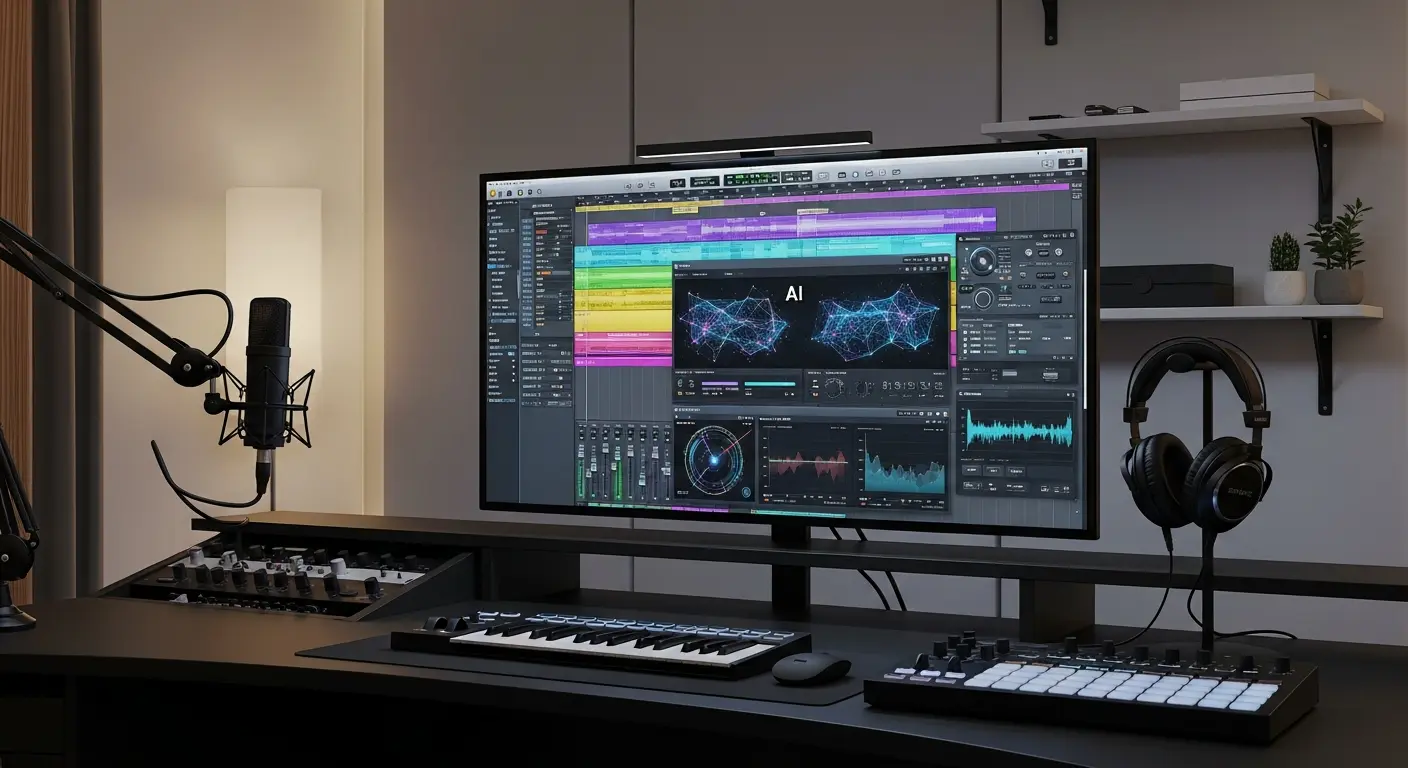
AI music creation tools have democratized music production, enabling anyone to create professional-quality music without years of musical training or expensive equipment. In 2025, content creators, game developers, and filmmakers save 10-20 hours per project using AI music tools instead of searching for or licensing tracks.
Whether you need background music for videos, custom soundtracks for games, or beats for content creation, AI music tools can generate original, royalty-free compositions in minutes. This guide explores the leading AI music platforms and how to use them effectively.
Top AI Music Creation Tools
1. AIVA (Artificial Intelligence Virtual Artist)
Price: Free (limited) | Standard €15/month | Pro €49/month
Professional-grade AI composer capable of creating emotional soundtracks for films, games, and commercials.
Key Features:
- Multiple genre support (classical, electronic, jazz, pop)
- Style-based composition
- Edit generated tracks with built-in editor
- Download stems for further production
- Commercial licensing included (paid tiers)
- Customizable composition length
Best For: Filmmakers, game developers, YouTube creators
Output Quality: Professional soundtrack quality suitable for commercial projects
Learning Curve: Moderate - requires understanding musical concepts for best results
External Resource: AIVA Official Website
2. Soundraw
Price: Personal Plan $19.99/month | Creator Plan $29.99/month
User-friendly AI music generator with extensive customization controls and unlimited music generation.
Key Features:
- Intuitive interface with visual controls
- Adjust tempo, instruments, and mood in real-time
- Unlimited song generation
- BPM and key customization
- Commercial license included
- No attribution required
Best For: YouTubers, podcasters, content creators
Output Quality: High-quality production music with professional mixing
Time Savings: Create custom tracks in 2-3 minutes vs hours searching stock libraries
3. Mubert
Price: Free tier | Ambassador $14/month | Professional $39/month
AI-powered generative music platform creating infinite streams of unique music.
Key Features:
- Real-time generative music streams
- Mood and activity-based generation
- API for developers
- Text-to-music prompts
- Royalty-free licensing
- Multiple export formats
Best For: Apps, games, streaming content, ambient background music
Unique Advantage: Never-repeating generative music perfect for long-form content
4. Boomy
Price: Free | Creator $9.99/month | Pro $29.99/month
The fastest AI music tool—create and release songs to streaming platforms in minutes.
Key Features:
- Release to Spotify, Apple Music, TikTok
- Earn royalties from generated music
- Simple song customization
- Multiple genre templates
- Community features
- Mobile app available
Best For: Amateur musicians, experimental artists, quick song creation
Monetization: Can generate passive income through streaming royalties
5. Beatoven.ai
Price: Free (limited) | Plans starting at $20/month
AI music tool specifically designed for video content and podcasts.
Key Features:
- Video-length-based composition
- Mood progression tracking
- Multiple mood sections in one track
- Scene-based music generation
- Commercial licensing
- Genre and instrument selection
Best For: Video editors, podcasters, social media creators
Smart Feature: Automatically adjusts music length to match video duration
6. Amper Music (by Shutterstock)
Price: Included with Shutterstock subscription
Enterprise-grade AI music platform now part of Shutterstock's creative ecosystem.
Key Features:
- Integration with Shutterstock workflow
- Custom music for specific moods/scenes
- Professional-quality output
- Simple interface
- Copyright-safe music
- Style and tempo controls
Best For: Shutterstock users, agencies, commercial producers
AI Music Creation Workflows
For Video Content Creators
Workflow:
- Edit video to near-final cut
- Identify mood/energy requirements for each scene
- Generate tracks in Soundraw or Beatoven.ai
- Customize tempo and instruments to match pacing
- Export and sync with video
- Fine-tune volume and transitions
Time Investment: 15-20 minutes vs 2-3 hours searching stock music
For Podcast Producers
Workflow:
- Determine intro/outro length (typically 10-15 seconds)
- Select brand mood (upbeat, professional, mysterious, etc.)
- Generate multiple variations in Boomy or Mubert
- Test with podcast voice to ensure frequencies don't clash
- Create consistent theme across episodes
Cost Savings: $50-200 per month vs licensing podcast music
For Game Developers
Workflow:
- Map game emotional states and scenes
- Use AIVA for composed soundtracks
- Generate ambient loops in Mubert for exploratory scenes
- Create action music with Soundraw
- Download stems for dynamic layering
- Implement in game engine with adaptive music system
Production Savings: Thousands vs hiring composer for indie games
Understanding AI Music Capabilities
What AI Music Tools Do Well
✅ Genre-specific composition: Create authentic-sounding genre tracks ✅ Mood-based music: Generate music matching emotional requirements ✅ Royalty-free alternatives: Eliminate licensing costs and legal issues ✅ Rapid iteration: Test multiple musical directions quickly ✅ Length customization: Create tracks of exact needed duration ✅ Commercial safety: No copyright claims or takedowns
Current Limitations
❌ Lacking human emotion: Can sound mechanical without editing ❌ Limited originality: Won't create genre-defining new sounds ❌ Repetitive patterns: May lack musical development in longer pieces ❌ Mixing quality variance: Sometimes needs additional production work ❌ No lyrics (mostly): Most tools focus on instrumental music ❌ Generic sound: May lack unique character without customization
Customization and Control
Key Musical Parameters
Most AI music tools let you control:
Tempo/BPM: Adjust speed from slow (60 BPM) to fast (180+ BPM) Mood/Emotion: Select from happy, sad, energetic, calm, tense, etc. Instruments: Choose instrument combinations and lead instruments Genre: Pick from classical, electronic, rock, jazz, ambient, etc. Key: Set major/minor and specific musical keys Structure: Define intro, build, climax, outro sections
Advanced Editing
Stem Downloads: Get individual instrument tracks for:
- Removing specific instruments
- Adjusting individual volumes
- Creating mashups
- Remixing in DAW software
Section Editing: Modify specific parts:
- Change instruments mid-song
- Adjust mood in different sections
- Add/remove percussion
- Modify intensity curves
Licensing and Legal Considerations
Commercial Use Rights
Always Verify:
- ✅ Commercial license requirements
- ✅ Attribution needs
- ✅ Platform restrictions (YouTube, Spotify, etc.)
- ✅ Modification permissions
- ✅ Resale or sublicensing rights
General Licensing Tiers:
- Free: Personal use only, attribution required
- Standard ($15-30/mo): YouTube, podcasts, social media
- Professional ($40-100/mo): Films, commercials, unlimited platforms
- Enterprise: Custom licensing for large organizations
Copyright Considerations
AI-generated music occupies a grey area legally:
- Most platforms grant full rights to paid subscribers
- Free tiers often restrict commercial use
- Some platforms claim partial ownership
- Always read terms of service carefully
External Resource: Music Copyright Basics
Frequently Asked Questions
Q: Can AI replace human musicians and composers? A: Not entirely. AI excels at creating functional background music and quick compositions, but lacks the emotional depth and originality of human composers for signature work.
Q: Is AI-generated music truly royalty-free? A: Depends on your subscription tier. Paid tiers typically include full commercial rights. Free tiers often restrict commercial use or require attribution.
Q: Can I edit AI-generated music in my DAW? A: Yes, most tools allow downloads as WAV or MP3. Pro tiers often provide stem files for advanced editing in software like Logic Pro or Ableton.
Q: How unique is AI-generated music? A: Each generation creates original compositions, but they may sound stylistically similar to other AI generations in the same genre/mood. Customization increases uniqueness.
Q: Can I monetize content with AI music? A: With appropriate licensing (usually paid tiers), yes. You can monetize YouTube videos, podcasts, and other content. Verify platform-specific terms.
Best Practices for AI Music
Do's
✅ Generate multiple variations before choosing ✅ Customize beyond default settings ✅ Match music to content mood accurately ✅ Keep licenses and usage documentation ✅ Test music at correct volume with content ✅ Edit sections for better flow if needed
Don'ts
❌ Use free tier music commercially without checking terms ❌ Rely on first generation without exploration ❌ Ignore mixing/mastering quality ❌ Use identical music across all content ❌ Forget to attribute when required ❌ Assume all AI platforms offer same licensing
Conclusion
AI music creation tools have transformed from experimental technology to practical production assets in 2025. Whether you're creating video content, developing games, or producing podcasts, AI music platforms offer accessible, affordable alternatives to traditional music licensing.
Your AI Music Journey:
- This Week: Try Soundraw or AIVA free tiers
- This Month: Create custom tracks for 3-5 projects
- Quarter 2: Invest in paid tier matching your primary use case
- Long-term: Build a library of AI-generated custom tracks
The content creators succeeding in 2025 aren't avoiding AI music—they're leveraging it to create unique soundscapes without budget constraints or licensing headaches.
Ready to create your first AI soundtrack? Choose a platform and start composing in minutes, not hours.
Tags:
Admin
Expert in AI tools and technologies. Passionate about helping others learn and master AI to boost their productivity.