Creating an AI-Enhanced Classroom: Essential Tools for Teachers in 2026

By 2026, over 85% of K-12 educators worldwide are expected to integrate AI into their daily teaching practice, transforming how we design lessons, assess students, and personalize learning experiences. If you're feeling overwhelmed by the rapid pace of educational technology or unsure where to start with ai tools for teachers 2026, you're not alone. This comprehensive guide will walk you through building your AI-powered classroom from the ground up, with practical steps you can implement immediately—regardless of your current tech comfort level.
Understanding the AI-Powered Classroom Foundation
Before exploring specific tools, it's important to understand what an AI-powered classroom means in 2026. It's not about replacing human instruction with robots or screens. Instead, it's about leveraging intelligent systems to handle time-consuming administrative tasks, personalize learning pathways, and free you up to focus on what you do best: building relationships with students and facilitating meaningful learning experiences.
The modern AI-powered classroom operates on three core pillars:
- Intelligent lesson planning and content creation that adapts to curriculum standards and student needs
- Real-time assessment and feedback systems that provide actionable insights without hours of grading
- Personalized learning environments that adjust difficulty, pacing, and content delivery for each student
Think of AI as your teaching assistant that never sleeps, constantly analyzes learning patterns, and helps you make data-informed decisions faster than ever before.
Step 1: Setting Up Your AI Teaching Assistant Hub
Your first step is establishing a centralized AI assistant that will serve as your command center for classroom management and planning.
Choosing Your Primary AI Assistant
The landscape of ai tools for teachers 2026 has matured significantly, with several platforms now offering education-specific features. Here's what to look for:
Essential Features Checklist:
- Integration with your school's learning management system (Canvas, Google Classroom, Schoology)
- Curriculum standard alignment (Common Core, state standards, IB, etc.)
- Student data privacy compliance (FERPA, COPPA, GDPR where applicable)
- Multi-modal capabilities (text, image, voice interaction)
- Offline functionality for connectivity-challenged environments
Initial Setup Process
- Create your educator account with your chosen platform using your school email for institutional access
- Connect your existing tools through API integrations or native connections
- Input your teaching context: grade levels, subjects, class sizes, and learning objectives
- Set privacy preferences and review data handling policies
- Complete the onboarding tutorial (most platforms offer 15-30 minute guided tours)
Pro Tip: Schedule this setup during a planning period or after school. Rushing through privacy settings or integration steps often leads to problems later.
Step 2: Automating Lesson Planning with AI
One of the most transformative applications of AI in education is intelligent lesson planning. Here's how to build this into your workflow.
Creating Your First AI-Assisted Lesson Plan
Start with a single subject or unit rather than overhauling everything at once:
- Define your learning objectives clearly in the AI system
- Specify your constraints: time available, resources on hand, student prerequisite knowledge
- Generate the initial plan using natural language prompts like "Create a 45-minute lesson on photosynthesis for 7th graders with varied reading levels"
- Review and customize the output—AI provides the scaffold, you add the human touch
- Save successful prompts as templates for future use
Building a Lesson Plan Template Library
After creating 5-10 AI-assisted lessons, you'll notice patterns in what works. Create reusable templates:
- Inquiry-based learning template for science and social studies
- Differentiated instruction template with built-in modifications
- Project-based learning template with assessment rubrics
- Flipped classroom template with pre-class and in-class components
Most AI platforms allow you to save these as custom templates, cutting future planning time by 60-70%.
Step 3: Implementing Intelligent Assessment Systems
Assessment is where AI truly shines, providing instant feedback that would take hours manually.
Setting Up Automated Formative Assessments
| Assessment Type | AI Capability | Time Saved | Best Use Case |
|---|---|---|---|
| Multiple Choice | Auto-grading + pattern analysis | 95% | Quick knowledge checks, exit tickets |
| Short Answer | Rubric-based evaluation + flagging | 70% | Comprehension questions, vocabulary |
| Essay Writing | Draft feedback + structure analysis | 50% | Process writing, iterative improvement |
| Math Problems | Step-by-step error identification | 85% | Problem-solving, showing work |
| Coding Projects | Syntax + logic checking | 80% | Computer science, computational thinking |
Creating an AI-Enhanced Feedback Loop
The most effective AI assessment systems don't just grade—they create learning opportunities:
- Enable immediate feedback so students can learn from mistakes in real-time
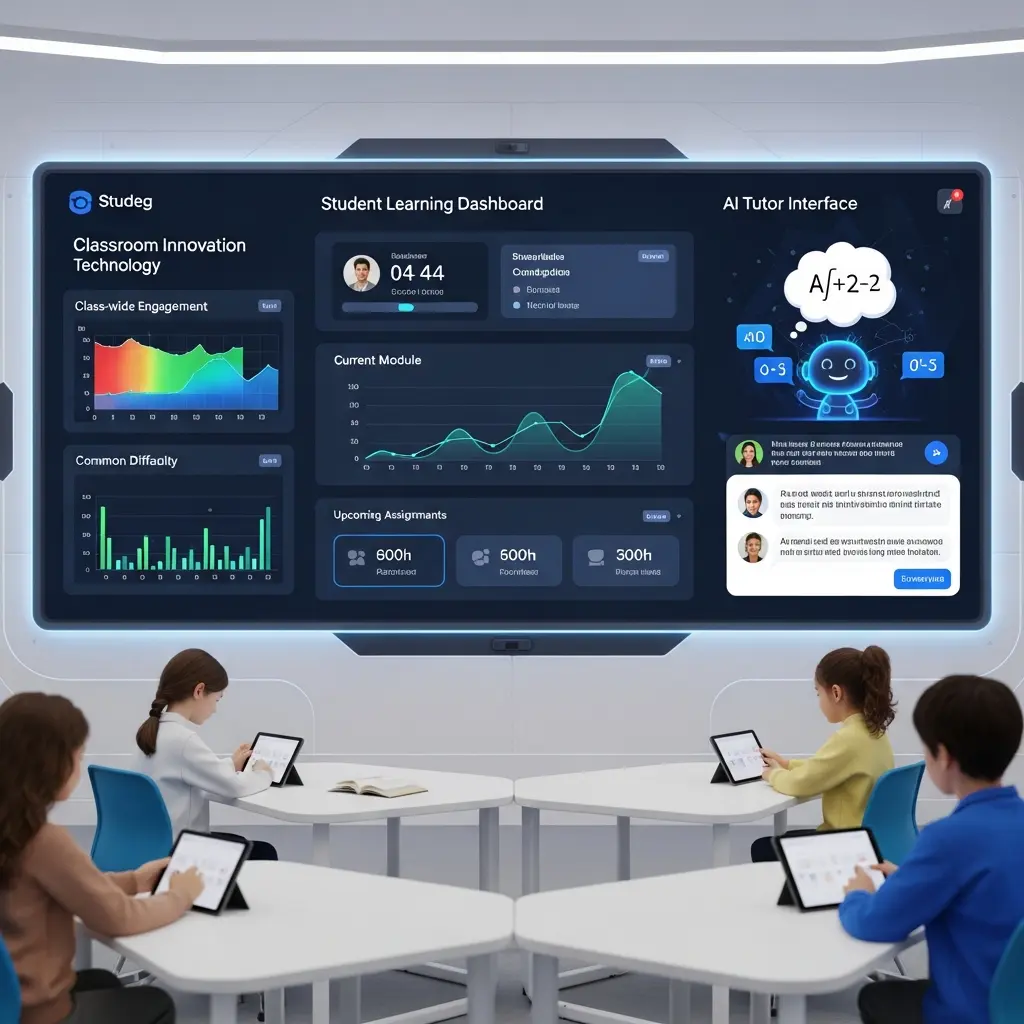
- Set up progress dashboards that students can access independently
- Configure teacher alerts for students who need intervention
- Schedule weekly AI-generated reports summarizing class trends and individual progress
- Use predictive analytics to identify students at risk before they fall behind
Important Note: Always review AI-generated grades for subjective assignments. Use AI as a first-pass filter, not the final authority on creative or interpretive work.
Step 4: Personalizing Learning Pathways
This is where the AI-powered classroom moves from efficiency tool to genuine learning transformation.
Configuring Adaptive Learning Modules
Modern AI platforms can create individualized learning pathways based on:
- Initial diagnostic assessments that identify knowledge gaps and strengths
- Learning pace preferences detected through interaction patterns
- Content format preferences (video, reading, interactive, audio)
- Challenge level optimization that keeps students in their zone of proximal development
Setup Process:
- Administer AI-powered diagnostic assessments at unit start
- Review the automatically generated learning paths for each student
- Make manual adjustments based on your knowledge of student circumstances
- Set checkpoints where you'll personally review progress
- Allow the system to make micro-adjustments between your checkpoints
Creating Differentiation Without Extra Work
The traditional challenge: differentiating instruction for 30+ students with varied needs. The AI solution: automated content adaptation.
Practical Example: You're teaching a unit on the American Revolution. Instead of creating three separate lesson versions, you:
- Upload your core content and learning objectives to your AI platform
- Set differentiation parameters (reading levels 6-10, three challenge tiers, multiple learning modalities)
- The AI generates adapted materials automatically
- Students receive appropriately challenging content without seeing obvious "different" materials
- You monitor through a single dashboard rather than juggling multiple lesson plans
Step 5: Enhancing Student Engagement with AI Tools
Engagement in 2026 means interactive, responsive learning experiences that feel relevant to digital-native students.
Interactive AI Learning Companions
Many platforms now offer AI tutors that students can interact with:
- 24/7 homework help that guides without giving answers
- Socratic questioning systems that develop critical thinking
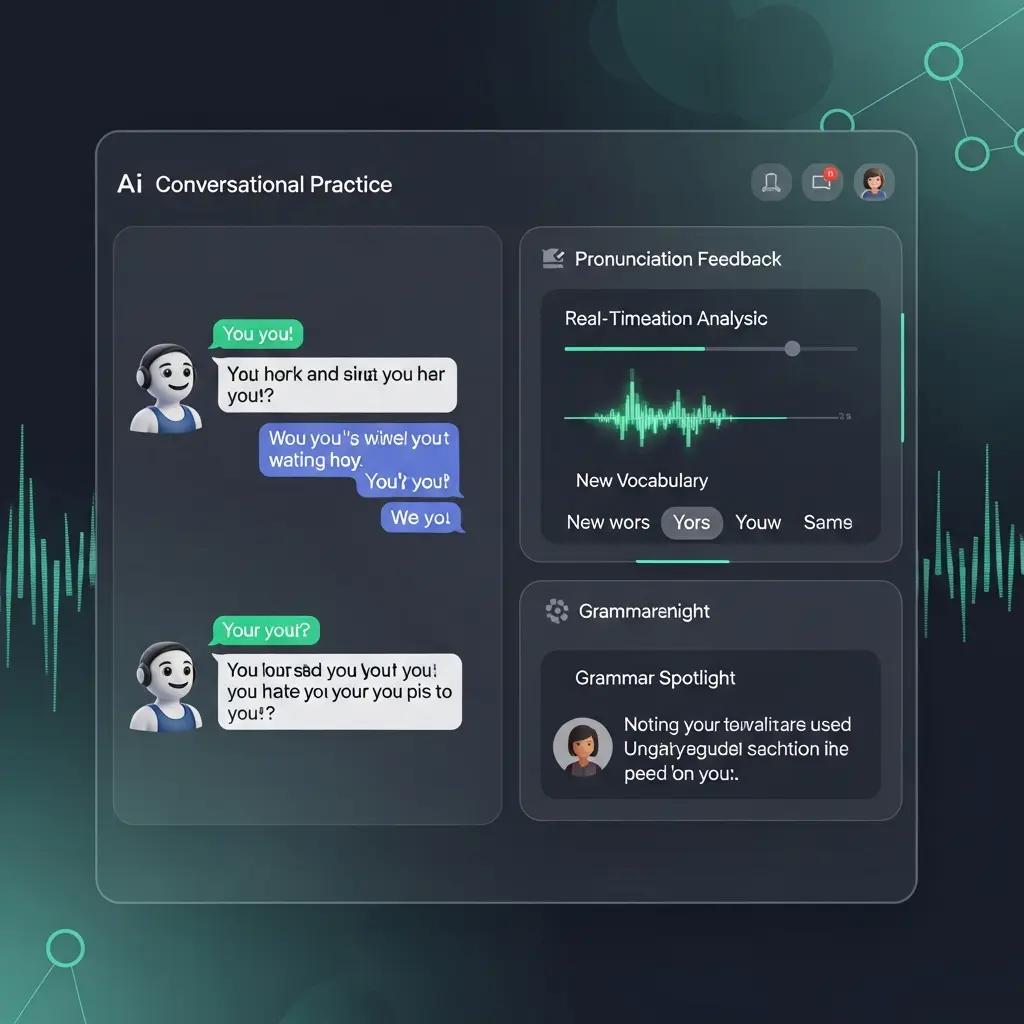
- Language learning conversation partners with natural dialogue
- Virtual lab assistants for science experiments and simulations
Implementation Strategy:
- Introduce AI companions for homework support first (lower stakes)
- Model proper usage in class before independent use
- Set clear guidelines: AI for guidance, not doing the work
- Monitor usage patterns through teacher dashboards
Gamification and AI-Driven Motivation
AI can personalize reward systems and challenges:
- Set up achievement systems that recognize diverse accomplishments (not just grades)
- Enable AI-generated challenges tailored to individual student interests
- Create collaborative missions where AI coordinates group projects
- Use predictive engagement alerts to re-engage students showing disinterest patterns
Step 6: Streamlining Administrative Tasks
The unglamorous but time-consuming work that takes hours each week.
AI-Powered Communication Management
Parent Communication:
- AI-drafted progress reports requiring only your review and personalization
- Automated translation for multilingual families
- Scheduled update systems that keep parents informed without constant manual emails
- Smart response suggestions for common questions
Administrative Reporting:
- Auto-generated attendance reports with pattern analysis
- Standards alignment documentation for lesson plans
- IEP accommodation tracking and implementation logs
- Grant reporting and impact documentation
Time Investment vs. Time Saved
Expect to invest 8-12 hours in initial setup and learning. Most teachers report saving 5-8 hours weekly once systems are running smoothly—a positive return on investment within 2-3 weeks.
Comparing Top AI Tools for Teachers 2026
Here's a practical comparison of leading platforms:
| Platform | Best For | Price Range | Learning Curve | Key Strength |
|---|---|---|---|---|
| TeachAI Pro | All-in-one classroom management | $15-30/month | Moderate | Comprehensive integration |
| LessonCraft AI | Lesson planning & curriculum design | $12-25/month | Low | Template library & customization |
| AssessmentIQ | Grading & analytics | $10-20/month | Low | Advanced pattern recognition |
| PersonaLearn | Adaptive learning paths | $18-35/month | Moderate-High | Individualization algorithms |
| EduAssist Voice | Voice-controlled classroom tools | $8-15/month | Low | Hands-free operation |
Recommendation for Beginners: Start with one tool focused on your biggest pain point (usually lesson planning or grading) rather than trying to implement everything simultaneously.
Addressing Common Challenges and Concerns
"I'm worried about student data privacy"
Valid concern. Here's your protection checklist:
- Only use platforms with explicit FERPA compliance certification
- Review data retention policies before uploading student information
- Use anonymized student identifiers when possible
- Conduct annual privacy audits of your connected tools
- Stay informed about your district's approved vendor list
"What if the AI makes mistakes?"
It will. Here's how to handle it:
- Never use AI as the sole decision-maker for grades or high-stakes assessments
- Implement human review checkpoints for all automated processes
- Teach students to question AI outputs and think critically
- Report systematic errors to platform providers
- Maintain traditional backup methods for critical functions
"My students might use AI to cheat"
Shift the paradigm: teach AI literacy instead of banning AI use.
Practical Approach:
- Explicitly teach appropriate vs. inappropriate AI use
- Design assessments that require synthesis, application, and original thinking
- Use AI detection tools as conversation starters, not punishment triggers
- Focus on process documentation (showing work, drafts, reasoning)
- Create assignments where AI assistance is transparent and part of learning
Making It Sustainable: Your 90-Day Implementation Plan
Month 1: Foundation
- Week 1-2: Set up your primary AI assistant and integrate with existing systems
- Week 3-4: Create your first 5 AI-assisted lesson plans and gather student feedback
Month 2: Expansion
- Week 5-6: Implement automated assessment for one subject or class
- Week 7-8: Introduce personalized learning pathways for a single unit
Month 3: Optimization
- Week 9-10: Add administrative automation and communication tools
- Week 11-12: Refine based on data, student feedback, and your experience
Success Metric: By day 90, you should be saving at least 4 hours weekly while seeing measurable improvements in student engagement or learning outcomes.
Moving Forward with Your AI-Powered Classroom
Building an AI-powered classroom isn't about adopting every new technology—it's about thoughtfully integrating ai tools for teachers 2026 that solve real problems and enhance learning. Start with one area where you feel the most pressure (planning, grading, differentiation, or engagement), implement it well, then expand gradually.
The teachers seeing the most success in 2026 aren't necessarily the most tech-savvy—they're the ones who approach AI as a tool to amplify their teaching strengths rather than replace their professional judgment. Your pedagogical expertise, relationship-building skills, and understanding of your students remain irreplaceable.
Ready to start building your AI-powered classroom? Choose one step from this guide to implement this week. Join our free email community for weekly tips, troubleshooting help, and lesson plan templates specifically designed for AI-enhanced teaching. Share your progress and challenges in the comments below—we're all learning together.
Tags
Sourabh Gupta
Data Scientist & AI Specialist. Blending a background in data science with practical AI implementation, Sourabh is passionate about breaking down complex neural networks and AI tools into actionable, time-saving workflows for developers and creators.