Google Gemini AI Assistant Complete Guide: Compete with ChatGPT in 2026
Editorial note: Some links in this article are affiliate links — we may earn a commission if you sign up, at no extra cost to you. Research guides are distinguished from documented firsthand reviews in our editorial standards. Read our editorial standards →
Google Gemini is an advanced AI model developed by Google DeepMind that excels at reasoning, coding, mathematics, and creative tasks. Unlike ChatGPT, Gemini integrates directly with Google's ecosystem, offering real-time information access and multi-modal capabilities.
What is Google Gemini and How Does It Compare to ChatGPT?
Unlike ChatGPT, Gemini integrates directly with Google's ecosystem, offering real-time information access and multi-modal capabilities.
Key advantages over competitors:
- Real-time internet access for current information
- Integration with Google Workspace (Gmail, Docs, Sheets)
- Advanced reasoning and coding capabilities
- Multi-modal processing (text, images, video)
- Access to Google's vast knowledge graph
- Free tier with generous limits
Getting Started with Google Gemini
Accessing Gemini
Visit gemini.google.com and sign in with your Google account. The free version provides full access to Gemini's core capabilities without limitations.
Understanding the Interface
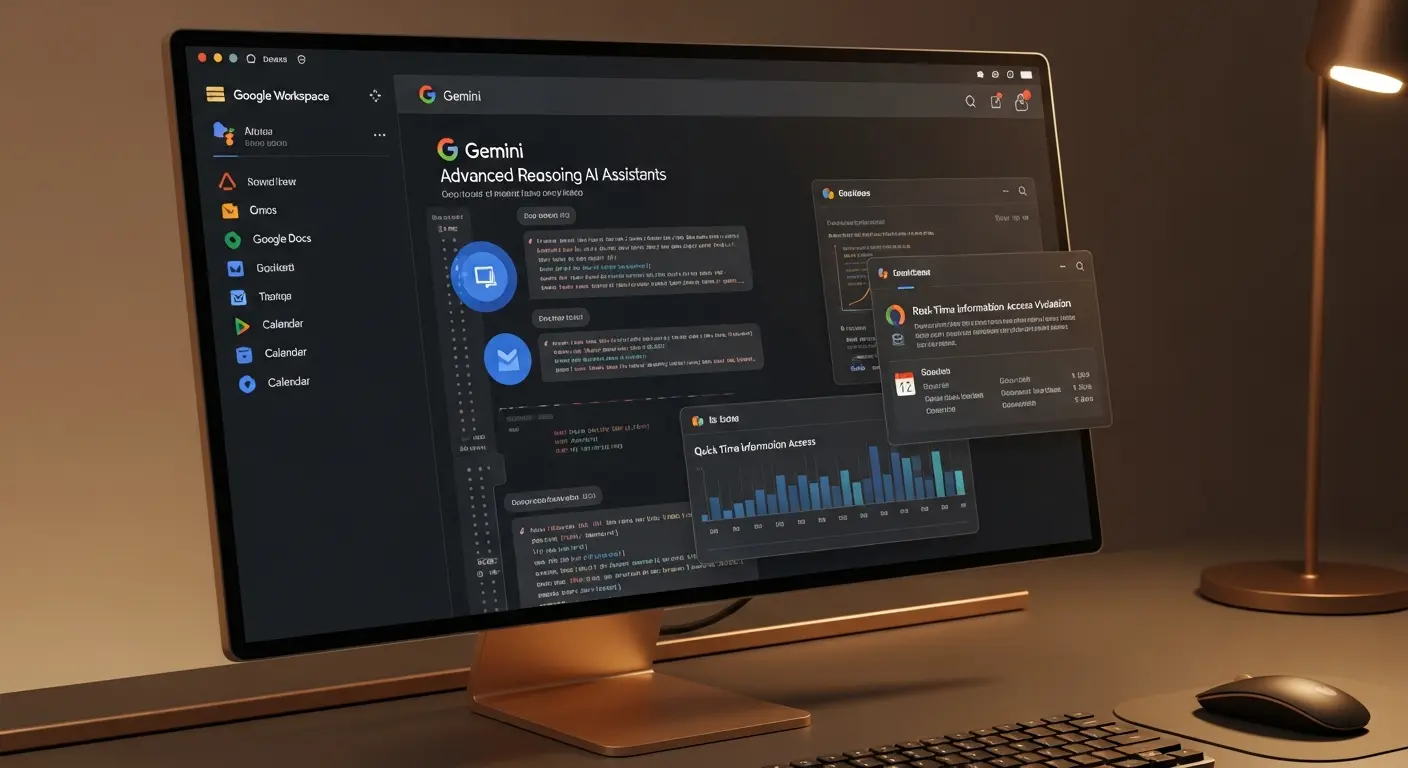
The Gemini interface features a clean chat window, conversation history on the left sidebar, and customizable settings. You can start new conversations, pin important chats, and organize your history effectively.
Gemini's Unique Features
Real-Time Information Access
Unlike ChatGPT without internet, Gemini accesses current web information automatically. Ask about today's news, stock prices, weather patterns, or recent developments with complete accuracy.
Advanced Image Understanding
Upload images and Gemini will analyze them comprehensively. Uses include:
- Analyzing charts and graphs
- Reading handwritten notes
- Identifying objects and scenes
- Translating text from images
- Extracting data from screenshots
Coding Excellence
Gemini excels at programming tasks:
- Generate code in multiple languages
- Debug complex problems
- Explain algorithms thoroughly
- Optimize performance
- Translate between programming languages
Using Gemini with Google Workspace
Gmail Integration
Use Gemini to:
- Draft professional emails quickly
- Summarize long email threads
- Generate response suggestions
- Organize complex conversations
- Extract action items
Google Docs Integration
Enhance document creation:
- Generate writing suggestions
- Improve clarity and tone
- Expand on ideas
- Create outlines automatically
- Summarize documents
Google Sheets Integration
Streamline spreadsheet work:
- Explain complex formulas
- Generate data analysis
- Create pivot table suggestions
- Write formula templates
- Interpret data patterns
Practical Gemini Use Cases
Academic Excellence
Students benefit from:
- Research paper assistance
- Complex concept explanations
- Study guide generation
- Essay structure help
- Citation format guidance
Professional Productivity
Professionals leverage Gemini for:
- Report writing
- Presentation preparation
- Business analysis
- Project planning
- Data interpretation
Tips for Maximum Gemini Productivity
- Enable dark mode for comfortable extended use
- Save important conversations for future reference
- Use image uploads for document analysis
- Leverage Google Workspace integration completely
- Experiment with different prompt styles
- Combine with other Google tools for workflows
- Ask Gemini to explain its reasoning
- Use follow-up questions strategically
Conclusion
Google Gemini represents a powerful evolution in AI assistance, offering real-time information, superior coding capabilities, and seamless Google integration. By mastering the techniques in this guide, you'll unlock Gemini's full potential for research, creativity, productivity, and problem-solving. Start experimenting today with different prompts and use cases.
Gemini's Key Strengths vs. ChatGPT
The most practically relevant difference between Gemini and ChatGPT is real-time information access. Gemini is connected to Google Search by default, which means its answers reflect current information rather than a training data cutoff. For questions about recent events, current product pricing, live sports scores, or today's news, Gemini's responses are more accurate without requiring the user to enable a separate web browsing mode.
Gemini's integration with the Google Workspace ecosystem is its second major advantage. In Gmail, Gemini can draft, summarize, and reply to emails directly. In Google Docs, it can generate first drafts, rewrite sections, or summarize long documents. In Sheets, it can write formulas, analyze data, and create charts from natural language instructions. Users who spend most of their work inside Google Workspace get more out of Gemini than out of ChatGPT simply because Gemini is embedded in the tools they already use daily.
For coding tasks, Gemini 2.5 Pro ranks among the top models on several coding benchmarks, particularly for longer context tasks where understanding a large existing codebase is required before making changes.
How to Get the Most Out of Gemini for Everyday Tasks
Research and synthesis: Gemini's Search integration makes it effective for quickly synthesizing information from multiple sources. Ask a question with "based on current information" to signal that you want live search results incorporated. For competitive research, industry landscape questions, and fact-checking recent developments, Gemini reliably outperforms offline models.
Document work in Google Workspace: Open any Google Doc and click the Gemini icon in the sidebar. Paste a rough outline and ask Gemini to expand it into a full first draft. For existing documents, select a paragraph and ask Gemini to rewrite it in a more concise or formal tone. These in-document workflows are faster than copy-pasting between a chat interface and your document.
Multimodal tasks: Gemini accepts image inputs alongside text. Upload a screenshot of a chart and ask for an interpretation. Upload a photo of a whiteboard and ask for a clean text version of the notes. Upload a product photo and ask for a marketing description. These multimodal capabilities are available in the standard interface without any additional configuration.
Gemini Plans: Free vs. Advanced
The free version of Gemini provides access to the Gemini 1.5 Flash model, which handles most everyday tasks competently. Google Search integration, basic Workspace features, and image understanding are all included at no cost.
Gemini Advanced, included with a Google One AI Premium subscription at $19.99 per month, provides access to Gemini 2.5 Pro — the most capable model in the lineup — along with higher usage limits, longer context windows (up to 1 million tokens), and deeper Workspace integrations including Gemini in Docs, Sheets, Slides, Gmail, and Meet.
For individual users who rely heavily on Google Workspace, the Advanced subscription typically pays for itself in time saved on document drafting and email management within the first week of consistent use.
Tags
Written by

Sourabh Gupta
Author at Teach AI Tools
Sourabh Gupta is responsible for Teach AI Tools. Research guides and documented firsthand reviews are identified separately. An author profile is not evidence of testing; look for sources, test records, and limitations in the article.
Full bio & editorial process →