I Spent $200 Testing AI Animation Tools So You Don't Have To
Editorial note: Some links in this article are affiliate links — we may earn a commission if you sign up, at no extra cost to you. Research guides are distinguished from documented firsthand reviews in our editorial standards. Read our editorial standards →
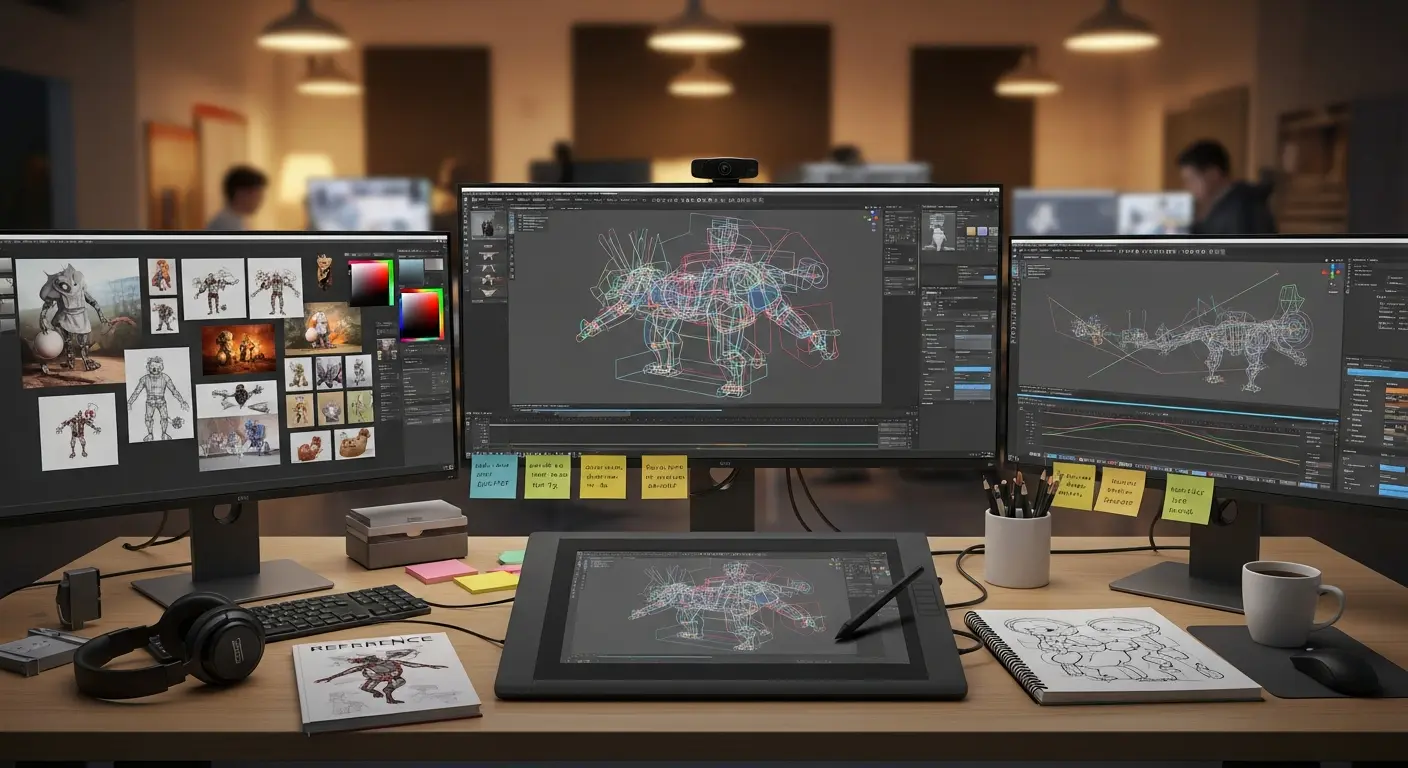
I budgeted $200 across six AI animation tools and gave myself two weeks to produce something useful from each one — character animation for a game, motion graphics for video, and video-to-animation translation. Here's what $200 actually bought, what the tools can and can't do, and which ones are worth subscribing to based on what you're making.
I Spent $200 Testing AI Animation Tools So You Don't Have To
Here's what $200 actually bought, what the tools can and can't do, and which ones are worth subscribing to based on what you're making.
The Tools and What the $200 Covered
| Tool | What I Spent | Plan | Best Use Case |
|---|---|---|---|
| Cascadeur | $24 | 2 months Indie ($12/mo) | Game character animation |
| Runway Gen-3 Alpha | $45 | 3 months Starter ($15/mo) | Video generation and motion |
| DeepMotion | $30 | 2 months Basic ($15/mo) | Video-to-3D motion capture |
| ElevenLabs | $44 | 2 months Creator ($22/mo) | AI voiceover for animated content |
| Kling AI | $30 | Monthly Standard ($15/mo) | Video animation, image to video |
| Kaiber | $27 | Monthly Explorer ($10/mo) | Music video animation, stylized video |
Total: $200 across six tools, two weeks of testing per tool, specific output targets for each.
Tool 1: Cascadeur — The Best ROI for Game Animation
What it does: Cascadeur uses physics-based AI to generate secondary motion — the weight shifts, follow-through, and spine compensation that make character animation feel natural. You provide the keyframes for the primary action; Cascadeur fills in the physics.
What I made with $24: Starting from a rough walk cycle I keyframed in Blender (approximately 3 hours of work), Cascadeur added physics-based secondary motion in about 40 minutes. The result looked like 8 hours of manual animation polish. I also tested its "AutoPhysics" feature on a jumping animation — the landing weight transfer that it generated automatically would have taken me 2–3 hours to key by hand.
What it doesn't do: Generate animation from scratch. You need to provide the primary motion first. If you can't keyframe a rough version of the motion you want, Cascadeur can't help you. It's a refinement tool, not an origination tool.
Who it's for: Game animators and character animators who can already keyframe basic motions and want to dramatically reduce the time on secondary motion polish.
Verdict: Best $12/month in the stack. If you do any character animation work, this pays for itself in saved time almost immediately.
Tool 2: Runway Gen-3 Alpha — Best for Video Production
What it does: Text-to-video and image-to-video generation with inpainting, outpainting, motion brush control, and camera motion presets. Gen-3 Alpha is the most capable public video generation model in 2026 for production-quality clips.
What I made with $45: Three 10-second video clips: a product reveal shot (floating product, clean background), a stylized landscape animation from a reference image, and a character walk-through scene using the motion brush to control where movement happened in the frame.
The product reveal clip was usable for client-facing work after two generation attempts and minimal editing. The character walk-through required five attempts to get motion that didn't look uncanny — human motion is still the hardest thing for video generation models to produce convincingly.
The credit system reality: Runway uses credits rather than unlimited generation. The Starter plan ($15/mo) includes 625 credits per month. A 5-second Gen-3 clip at standard quality costs 25 credits. You get 25 clips per month at Starter. For heavy users or longer clips, the Standard plan ($35/mo, 2,250 credits) is a better fit.
What it doesn't do: Consistent characters across multiple clips. Runway generates individual clips — if you need the same character to appear consistently across a series of videos, you'll need additional tooling (character reference images, inpainting workflows) to achieve consistency. This is the hardest unsolved problem in video generation.
Verdict: The best video generation tool available to non-technical creators in 2026. Worth it for marketing video, product visualization, and short-form content. Not yet reliable enough for long-form narrative content.
Tool 3: DeepMotion — Video-to-3D Motion Capture
What it does: Uploads a video of a person performing a motion and outputs a 3D motion capture file (BVH or FBX) that can be applied to a 3D character. Eliminates the need for marker-based mocap equipment.
What I made with $30: I filmed myself performing five game character actions (idle, walk, run, jump, attack) with my phone camera. DeepMotion processed them and returned 3D motion files. Applied to a character in Blender, the results were usable as starting points — the overall motion was correct, but the fine details (hand positions, foot plant accuracy) needed manual correction.
The accuracy limitation: DeepMotion is accurate for full-body motion at a high level. It struggles with hands (fingers aren't tracked), feet (foot plant on uneven surfaces creates skating artifacts), and any motion where body parts overlap from the camera's perspective.
What it saves: For game studios that previously hired actors and rented mocap equipment at $500–$1,500/day, video-to-3D motion capture is a genuine budget breakthrough — with the caveat that the cleanup time on outputs should be factored into the cost comparison.
Verdict: Useful for indie game developers who need locomotion animations and can tolerate manual cleanup. Not a substitute for professional mocap on hero animations in high-budget projects.
Tool 4: Kling AI — Best Image-to-Video Conversion
Kling AI is a video generation tool from Chinese developer Kuaishou that has gained significant adoption in 2026 for its image-to-video capabilities. The motion quality, especially for product photography and landscape animation, is notably consistent.
What I made with $30: Animated five product photos (cosmetics, a watch, coffee beans) using image-to-video. The results were directly usable as social media content — subtle motion, consistent product appearance, good lighting maintenance across the animation. I also tested text-to-video for a landscape scene; the results were comparable to Runway Gen-3 at a lower per-clip cost.
The pricing advantage: Kling's Standard plan ($15/mo) includes a credit allowance that generates more usable clips per dollar than Runway's equivalent tier.
What it doesn't do well: Complex multi-element scenes, consistent human characters, or any animation that requires precise control over motion direction.
Verdict: The best tool for product photography animation and landscape video content. If your primary use case is bringing still product images to life for social media, Kling is the most cost-effective option.
Tool 5: ElevenLabs — For Animators Who Need Voice
ElevenLabs is primarily an audio tool, but for animation work — particularly explainer videos, character voiceovers, and animated educational content — it's the highest-quality AI voice generation available.
At Creator tier ($22/mo), the voice library is extensive and the custom voice cloning (with appropriate rights) produces highly realistic results. For animators who would otherwise license stock voiceover, ElevenLabs at $22/month is almost always cheaper than the licensing alternative.
What I made with $44: Voiceovers for three animated clips (90 seconds total), a character voice set (four emotion variants of the same character voice), and a synthetic narrator voice for an animated product demo.
Verdict: Essential for any animator producing content that requires spoken audio. The quality gap over free/cheaper alternatives is significant enough to be visible to clients.
The $200 Verdict: What to Buy and What to Skip
| Tool | Worth Buying For | Skip If... |
|---|---|---|
| Cascadeur ($12/mo) | Any game/character animation work | You have no keyframing skills |
| Runway Gen-3 ($15–35/mo) | Marketing video, short-form content | You need consistent characters across clips |
| DeepMotion ($15/mo) | Indie game locomotion animations | You need precise hand/finger motion |
| ElevenLabs ($22/mo) | Any animated content with voice | You have a professional VO budget |
| Kling AI ($15/mo) | Product photography animation | You need complex multi-element scenes |
| Kaiber ($10/mo) | Music visualizers, stylized video | You need photorealistic output |
If I had to pick two tools from this list on a $35/month budget: Cascadeur ($12/mo) for game animation work, and ElevenLabs ($22/mo) for any animated content that needs voice. These two tools saved more time per dollar than the others and produced output quality that held up in client-facing contexts.
Tags
Written by

Sourabh Gupta
Author at Teach AI Tools
Sourabh tests every AI tool he writes about — hands-on, with real use cases. His background in data science means he goes beyond marketing claims to benchmark actual performance, cost, and reliability for developers and creators.
Full bio & editorial process →