
I Tested 9 AI Architecture Software Tools on Real Projects — Which Ones Saved Time and Which Created Rework
Editorial note: Some links in this article are affiliate links — we may earn a commission if you sign up, at no extra cost to you. Research guides are distinguished from documented firsthand reviews in our editorial standards. Read our editorial standards →
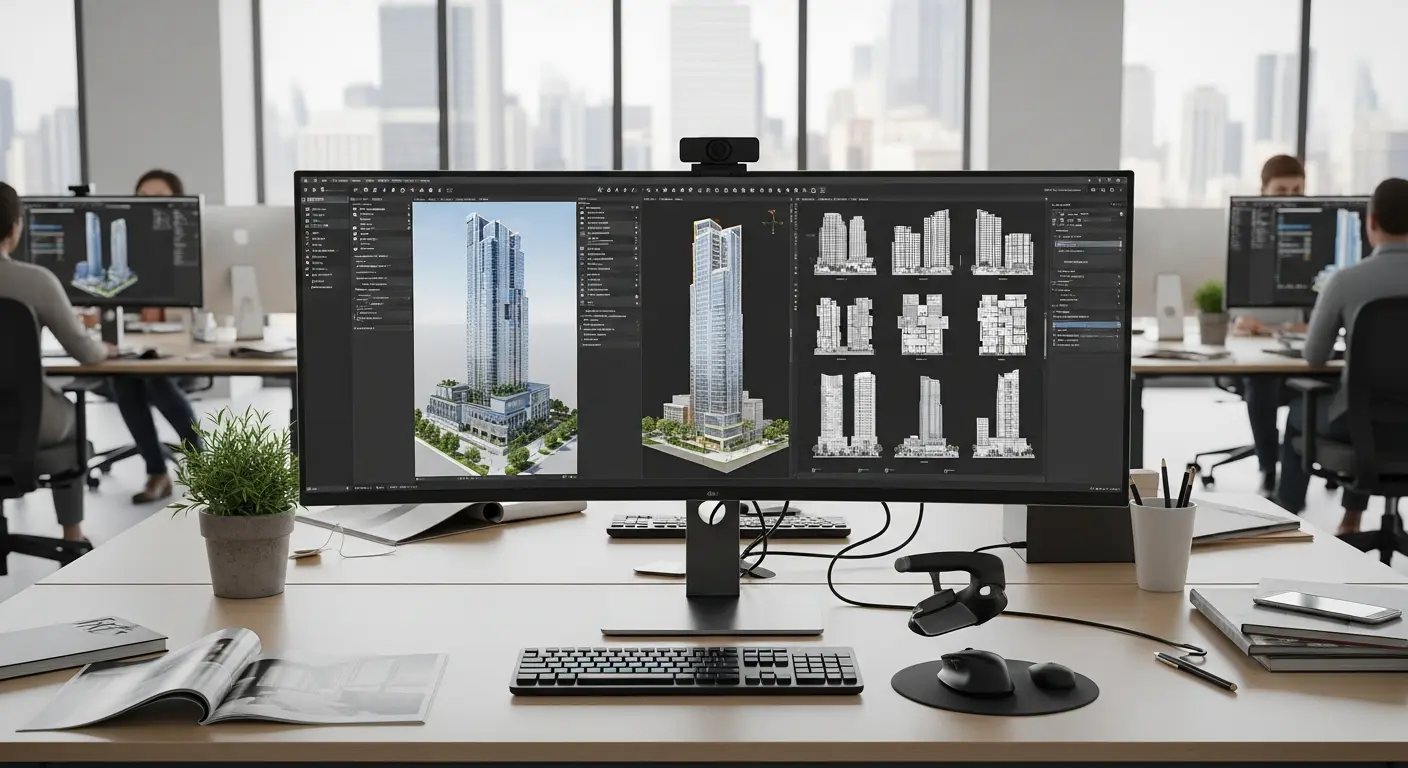
Architecture firms have been told AI will cut design time by 40% and eliminate documentation bottlenecks. After running nine AI tools through three real AEC projects — a 12-unit residential building, a commercial fit-out, and a public park redesign — the picture is more specific than that.
I Tested 9 AI Architecture Software Tools on Real Projects — Which Ones Saved Time and Which Created Rework
After running nine AI tools through three real AEC projects — a 12-unit residential building, a commercial fit-out, and a public park redesign — the picture is more specific than that.
Some tools saved significant time. Some created more rework than they prevented. And one specific failure mode involving client-facing AI renders cost more in relationship management than the renders saved in production time.
Here's the full breakdown.
The Tools and Their Pricing
Before the results, the pricing landscape matters. These tools vary by an order of magnitude, and the ROI calculation depends heavily on how much of the project lifecycle each tool actually covers.
| Tool | Category | Pricing (2026) | Best Phase |
|---|---|---|---|
| Autodesk Forma | Environmental massing AI | From $350/seat/mo (AEC Collection) | Conceptual |
| TestFit | Space planning AI | $500–$2,000/mo depending on seats | Conceptual / DD |
| Hypar | Generative BIM | Free (community) / $250/mo (Pro) | Design Dev |
| Midjourney | Concept renders | $10–$120/mo | Conceptual |
| DALL-E 3 (via API) | Presentation renders | ~$0.04–$0.08 per image | Presentations |
| Maket.ai | AI floor plan generation | $29–$99/mo | Conceptual |
| ArkoAI | Residential AI design | $49–$149/mo | Early residential |
| Finch | Parametric generative design | Contact for pricing (~$300+/mo) | Design Dev |
| Spacemaker (Autodesk) | Urban massing | Bundled in AEC Collection | Master planning |
The three projects were run over a combined eight-month period. Each tool was evaluated by the team actually doing the work — architects and project managers — not by the software vendor's implementation team.
The Tools That Delivered Real Time Savings
Autodesk Forma: The Best ROI on Environmental Analysis
Forma was the most immediately valuable tool in the residential project. Its AI-assisted massing analysis runs solar access, wind comfort, and noise exposure simulations directly in the conceptual design phase — the same type of analysis that previously required exporting to three separate specialist tools, managing file versions across formats, and waiting for consultants to return reports.
On the 12-unit residential building, we identified a shading issue on the north-facing top-floor units during hour two of conceptual design. In a traditional workflow, that problem surfaces during detailed design or, worse, during design review when changes are expensive. Catching it early saved an estimated two weeks of redesign.
The limitation is real: Forma's intelligence stops at the massing level. The moment you move into design development, you're exporting to Revit and the AI context doesn't follow. The bridge between Forma's environmental insights and the documentation phase is entirely manual. This isn't a criticism — Forma doesn't claim to solve that problem — but it means you're still doing two separate workflows.
TestFit: The Best Tool for Commercial Fit-Outs
For the commercial fit-out — a 4,200 sq ft open-plan office with a specific program (headcount, collaboration zones, quiet pods, meeting rooms) — TestFit was transformative. We generated 47 viable space layouts in eight minutes and shortlisted three for client review. The same iteration work would have taken two full days of manual arrangement in Revit.
What makes TestFit effective is its constraint-based approach. You define the program requirements — desk count, zone adjacencies, circulation minimums — and the AI optimizes against them in real time. The outputs aren't just floor plans; they include program compliance reports that show exactly how well each layout meets the brief. That's genuinely useful client communication material.
At $500–$2,000 per month depending on your team size, it's not cheap. For firms that do commercial fit-outs regularly, the cost pays back quickly. For firms that do one or two per year, it may not pencil out.
Hypar: Best for Structural and MEP Coordination
Hypar saved significant time during design development on the residential project, specifically on structural grid exploration. Its component-based approach let us test how different structural grid options interacted with our program without the full overhead of Revit family manipulation. For early-stage structural coordination decisions that would otherwise require a structural engineer consultation at $200/hour, it's a useful tool for narrowing options before that conversation.
The learning curve is steeper than any other tool in this list. Budget three days of learning time before it starts returning value on live projects.
The Tools That Created Rework
Maket.ai: Geometrically Valid, Architecturally Naive
Maket.ai's AI floor plan generation is technically impressive. It produces complete floor plans in seconds with room labels, dimensions, and circulation paths. The problem is that the plans are architecturally naive in ways that aren't immediately obvious from a screenshot.
Specific failures we encountered: rooms connected through circulation paths that passed through private spaces; a kitchen placed adjacent to a bathroom with a shared wall that would require acoustic separation the client hadn't budgeted for; structural walls in locations that would require steel transfer beams to support the floor above.
We used three Maket.ai-generated plans as starting points for the residential project. Each required more revision time than starting from our own sketch. The tool is useful for generating possibilities to show clients who need to visualize options quickly — not for production design work that any professional will carry forward.
At $29–$99/month, it's affordable. The cost isn't the issue; the false confidence the outputs create is.
AI Renders and the Client Expectation Problem
DALL-E 3 and Midjourney both produce genuinely impressive architectural visualization. On the residential project, we generated conceptual exterior renders that looked better than our typical schematic-stage hand sketches. The clients were excited.
The problem materialized six weeks later when design development was underway and the actual material palette, window proportions, and landscaping approach were being finalized. Two clients asked — separately, in separate meetings — why the building looked "less impressive" than the AI images we'd shown earlier.
We spent three hours across two meetings managing that conversation. The time cost exceeded the time the AI renders had saved. The lesson isn't that AI renders are bad — it's that you need a clear internal protocol about when they're appropriate to show, and what language accompanies them when you do. "This is a directional concept only and does not represent the final building" needs to be explicit, verbal, and written, not just implied.
What No AI Tool in This Category Gets Right Yet
Every tool we tested struggled with site-specific regulatory constraints. The park redesign required compliance with local council requirements, heritage overlay restrictions, minimum setbacks from protected trees, and sight-line preservation corridors documented in a 60-page planning permit.
Not one AI tool ingested that planning permit and flagged design constraints proactively. We entered constraints manually into the tools that supported it (Forma, Hypar) and filtered outputs manually for the tools that didn't (Maket.ai, ArkoAI). The most valuable AI architecture feature that doesn't exist yet in 2026: document-aware design that reads your specific regulatory context and surfaces constraints before you violate them.
The Bottom Line for AEC Firms Evaluating These Tools
| Recommendation | For Whom |
|---|---|
| Autodesk Forma | Any firm doing residential or commercial massing — the environmental analysis alone justifies it |
| TestFit | Firms doing commercial fit-outs at volume (3+ per year) |
| Hypar | Firms with technical staff willing to invest in the learning curve |
| Maket.ai | Client visualization only — not for production design |
| AI renders (Midjourney/DALL-E) | Only with an explicit client communication protocol |
The net time saving across our three projects: 64 hours saved by AI tools, 23 hours of rework created by AI tools. Net positive. But the rework came from the tools we used incautiously — and the client expectation issue from the renders was entirely preventable.
Tags
Written by

Sourabh Gupta
Author at Teach AI Tools
Sourabh tests every AI tool he writes about — hands-on, with real use cases. His background in data science means he goes beyond marketing claims to benchmark actual performance, cost, and reliability for developers and creators.
Full bio & editorial process →