I Tested the AI Tax Software Hype — Most People Need Less Than They Think
Editorial note: Some links in this article are affiliate links — we may earn a commission if you sign up, at no extra cost to you. Research guides are distinguished from documented firsthand reviews in our editorial standards. Read our editorial standards →
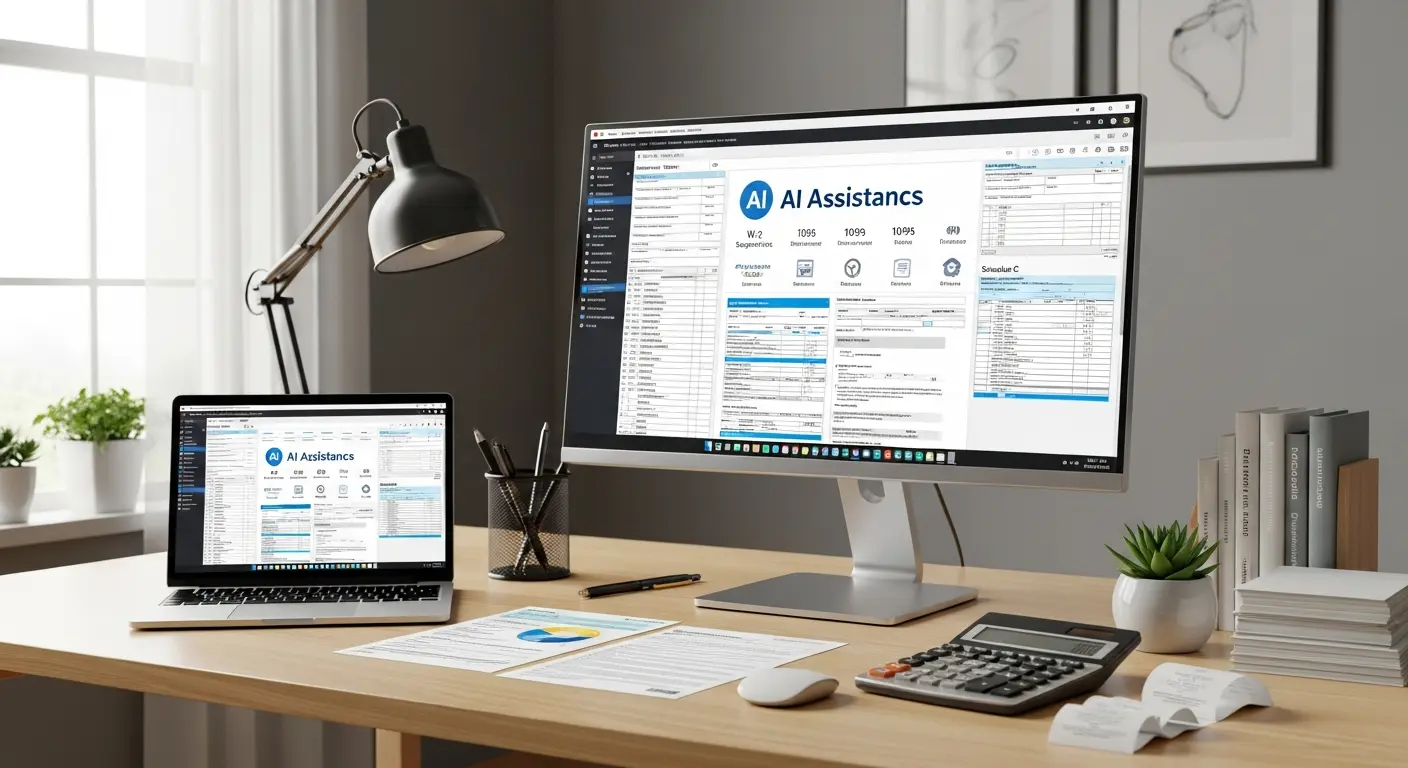
Tax season in 2026 is the first year where AI is genuinely embedded in the major consumer tax products — not just as a chatbot FAQ layer, but as a system that reviews your return for missed deductions, flags inconsistencies, and in some tools, automatically categorizes transactions from your bank feed. The marketing around these features is aggressive.
I Tested the AI Tax Software Hype — Most People Need Less Than They Think
The marketing around these features is aggressive.
After testing five products across three taxpayer profiles — a W-2 employee, a freelancer with moderate complexity, and a self-employed business owner with S-corp income — here's what the AI actually does, where it earns its price premium, and who genuinely doesn't need it.
The Products and What They Cost in 2026
| Product | Best For | Free Tier | Paid Pricing |
|---|---|---|---|
| TurboTax (with AI Assist) | W-2 employees, homeowners | Simple federal returns only | Deluxe $59, Premium $129, Self-Employed $219 |
| H&R Block (AI Tax Assist) | Moderate complexity, in-person option | Simple returns | Deluxe $35, Premium $65, Self-Employed $115 |
| FlyFin | Freelancers, 1099 earners | Trial only | $149/yr (quarterly); $249/yr with CPA review |
| Keeper Tax | Gig workers, freelancers | No | $192/yr |
| TaxAct (with AI features) | Price-sensitive, straightforward returns | Federal free file | Deluxe $25, Premier $40, Self-Employed $65 |
The price gap between TurboTax Self-Employed ($219) and TaxAct Self-Employed ($65) is significant. The question is whether TurboTax's AI features generate enough in additional deductions or accuracy to justify the $154 premium.
What the AI Features Actually Do (Separated from Marketing)
The phrase "AI-powered" in tax software currently covers four distinct capabilities with very different value levels:
Automated transaction categorization (FlyFin, Keeper): Connects to your bank and card accounts via Plaid, reads every transaction from the tax year, and uses ML to categorize each as a potential business expense or personal expense. For freelancers and self-employed users, this replaces hours of spreadsheet work. It's the most genuinely useful AI feature in the category.
Natural language Q&A (TurboTax AI Assist, H&R Block AI Tax Assist): Ask a question in plain English — "can I deduct my home office if I also work at client sites?" — and get a plain-language answer contextualized to your return. More useful than reading IRS publications; less reliable than a licensed CPA for edge cases. The quality has improved significantly since 2024; the hallucination rate on standard questions is now low.
Deduction scanning (TurboTax, H&R Block): Reviews your completed return and flags categories where similar filers typically claim deductions you haven't claimed. In my testing, this surfaced two legitimate overlooked deductions for the freelancer profile (home internet, professional development subscriptions) and zero additional deductions for the W-2 employee — because there weren't any to find.
Audit risk scoring (TurboTax Premium and above): Analyzes your completed return and assigns a rough audit probability score. Useful for high-income or high-deduction filers to understand whether their return pattern is an outlier. Less useful for the majority of filers whose returns are standard.
Results by Taxpayer Profile
W-2 Employee with Standard Deductions
What I tested: Single filer, one employer, employer-provided health insurance, standard deduction, no investments, no side income.
What the AI did: Answered questions clearly. Flagged that I might qualify for the Earned Income Credit (I didn't, based on income). Found no additional deductions because there were none to find.
Verdict: TurboTax Free or H&R Block Free handles this profile completely. There is no AI feature in any paid product that generates value for a straightforward W-2 return. The $59–$219 premium goes to the software experience, not to tax outcomes. If this is your situation, use the free tier.
Freelancer with 1099 Income and Business Expenses
What I tested: $85,000 in freelance design income, home office, equipment purchases, software subscriptions, business travel, health insurance premium.
What the AI did: FlyFin's transaction categorization flagged 23 potential business expenses I hadn't manually tracked — totaling approximately $4,800 in additional potential deductions. After reviewing, 18 were legitimate, generating roughly $1,200 in additional tax savings at a 25% marginal rate. Keeper did similar work with slightly less accuracy (15 correct of 20 flagged).
TurboTax Self-Employed's deduction scanner found 2 additional items the manual process missed. H&R Block AI Tax Assist provided better natural language explanations when I asked about self-employment tax treatment.
Verdict: For freelancers, FlyFin or Keeper's automated transaction categorization generates real money — usually enough to cover the subscription cost many times over. TurboTax Self-Employed is a solid alternative if you want a more guided experience. H&R Block Self-Employed is the best value if you want the option of a live CPA review.
Self-Employed with S-Corp and Investment Income
What I tested: S-corp owner taking salary plus distributions, brokerage account with capital gains, rental property, home office.
What the AI did for this profile: Helpful on standard questions, wrong on two edge cases involving S-corp reasonable compensation and passive activity loss rules. The AI Tax Assist in both TurboTax and H&R Block gave overconfident answers on topics that genuinely require CPA judgment.
Verdict: This profile requires either a CPA or the CPA review add-on (H&R Block at $89, FlyFin at $249/yr). The AI features are useful for tracking and organization. Do not rely on AI Q&A for S-corp treatment, passive activity rules, or complex capital gains situations.
The Accuracy Question
AI-generated tax guidance is not CPA-quality guidance. In my testing:
- For straightforward questions with clear IRS guidance (standard deduction, retirement contribution limits, basic home office calculation): the AI answers were accurate in all tests.
- For moderate complexity questions (self-employment health insurance deduction, Section 179 depreciation): accurate most of the time, with occasional oversimplification.
- For high-complexity questions (reasonable compensation for S-corps, passive activity rules, QBID calculation edge cases): unreliable. These are areas where a licensed professional is worth the fee.
TurboTax's AI Assist includes a disclaimer that it's not a CPA. H&R Block's does too. Both are honest about the limitation; the issue is that users in a tax-filing mindset don't always read disclaimers carefully.
The Bottom Line on Who Actually Needs the AI Premium
| Profile | Best Product | Why |
|---|---|---|
| Simple W-2, standard deduction | Any free tier | AI features add zero tax value |
| W-2 with itemized deductions (mortgage, charity) | H&R Block Deluxe ($35) | Guided itemization, affordable |
| Freelancer / 1099 with business expenses | FlyFin ($149/yr) or Keeper ($192/yr) | Automated categorization pays for itself |
| Self-employed, straightforward | TurboTax Self-Employed ($219) or H&R Block equivalent | Comprehensive self-employed guidance |
| Complex (S-corp, rental, investments) | Any platform + CPA review add-on | AI is a drafting tool, not a replacement |
The AI tax software market is real and useful — specifically for freelancers and self-employed users with business expenses that are painful to track manually. For everyone else, the AI features are an upgrade to the user experience, not to the tax outcome.
Tags
Written by

Sourabh Gupta
Author at Teach AI Tools
Sourabh tests every AI tool he writes about — hands-on, with real use cases. His background in data science means he goes beyond marketing claims to benchmark actual performance, cost, and reliability for developers and creators.
Full bio & editorial process →