How to Use Midjourney for Logos: A Practical 2026 Workflow for Designers
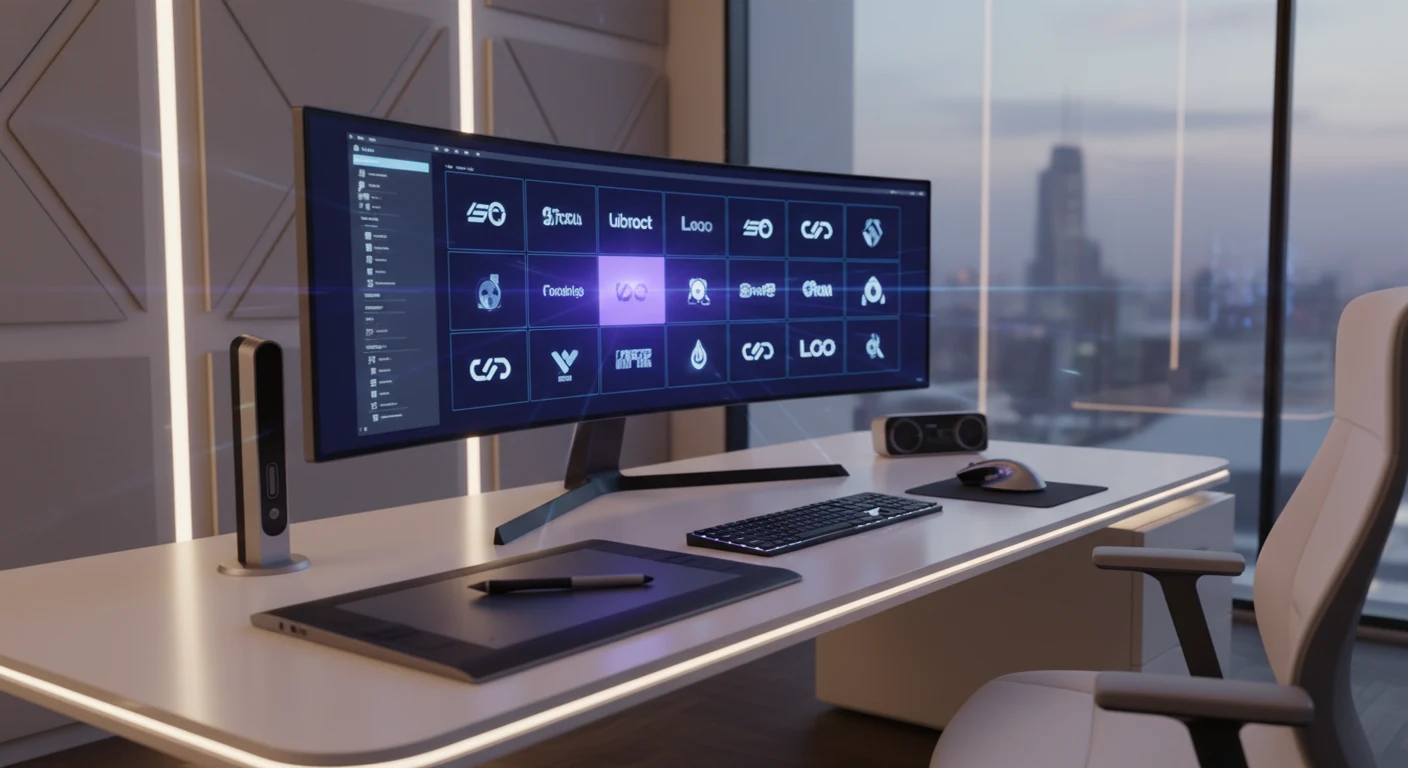
If you want to learn how to use Midjourney for logos, the short answer is this: use it for fast concept exploration, not for finished brand assets. Midjourney can generate multiple visual directions in about a minute, which makes it useful for early-stage logo ideation. But professional logo work still requires human design judgment, vector editing, typography work, and legal awareness.
This guide explains how to use Midjourney for logos in a way that fits real client workflows in 2026. You'll see where the tool helps, where it still falls short, and how designers turn AI-generated concepts into polished logo systems that are suitable for presentation, refinement, and production.
Why Designers Use Midjourney for Logos
For years, the common objections to AI logo design were easy to summarize: the text was messy, the results felt generic, and the outputs were not ready for production. In 2026, those issues still matter, but many designers now use Midjourney because the speed of ideation is hard to ignore.
The biggest advantage is at the concept stage. A client may ask for something "modern but natural" or "bold but premium" without giving much visual direction. Instead of spending hours sketching before showing anything, a designer can build several prompts and generate a range of concepts in minutes. That makes conversations with clients more concrete. People usually react faster and more clearly to visuals than to abstract descriptions.
Another reason Midjourney is useful is its growing set of control features. Parameters such as --sref can help maintain a more consistent visual style across iterations. That means you can find one promising direction and keep refining it without starting over every time.
How to Use Midjourney for Logos Effectively
The key to learning how to use Midjourney for logos is understanding what the tool is actually good at. It is not a full logo design solution. It is an ideation tool that can speed up the creative process when used carefully.
What Midjourney Does Well for Logo Design
- Logomark ideation: Midjourney is strongest when generating the symbolic part of a logo, such as an icon, emblem, badge, or abstract mark.
- Style exploration: It can quickly show the same concept in different styles, such as minimalist, geometric, vintage, or illustrative.
- Client communication: Early concepts often look polished enough to help clients choose a direction.
- Visual references: Even when the result is not usable as-is, it can act as a strong reference for later design work.
What Midjourney Still Does Poorly
- Typography remains unreliable: Midjourney may suggest lettering styles, but it still struggles with accurate, clean, production-ready text. Designers should treat it as a logomark tool, not a logotype tool.
- Raster output only: Midjourney outputs raster images, typically PNG files. Logos for professional use usually need vector formats such as SVG, AI, or EPS.
- Legal uncertainty: AI-generated work raises real copyright and trademark questions. Designers should not assume a Midjourney output is ready for legal protection without substantial human revision.
Accuracy Note on Legal Claims
The original article stated that purely AI-generated images are not eligible for copyright protection in the United States and many other jurisdictions, and that human contribution is important for trademark and IP use. That is broadly directionally correct, but laws vary by country and specific trademark outcomes depend on the final mark and how it is used. Designers and clients should confirm legal requirements with a qualified attorney before filing or licensing a logo.
Step-by-Step Workflow: How to Use Midjourney for Logos in Client Work
Here is a practical workflow designers can use.
Step 1: Turn the Brief Into Visual Prompt Language
Before opening Midjourney, rewrite the client brief into concrete design instructions. Vague inputs lead to vague outputs.
A weak prompt:
"logo for a coffee shop"
A stronger prompt:
"minimalist logomark for an artisan coffee brand, geometric espresso cup icon, monochrome, clean negative space, Swiss graphic design style, white background --ar 1:1 --style raw"
Useful prompt ingredients include:
- Brand industry and audience
- Brand personality traits
- Specific symbols to include or avoid
- Design style references
- Color treatment
- Background and composition instructions
Step 2: Generate Broad First-Round Concepts
At the start, aim for range rather than perfection. Test multiple prompt structures and different visual metaphors. This is where Midjourney saves the most time.
Instead of polishing one prompt too early, create several batches. Review the grids and identify concepts with a strong silhouette, simple structure, or interesting negative space. Those features often translate better into real logos later.
Step 3: Refine Strong Directions With Parameters
Once you spot a promising concept, iterate on it. Use parameters and references to tighten the style or structure.
The --sref parameter can help you keep the same aesthetic across variations. That is useful when you want a family of concepts that all feel related. Keep in mind that these tools improve consistency, but they do not guarantee precise logo construction.
Step 4: Present Concepts, Not Final Logos
Select your best 3 to 5 options for presentation. At this stage, you are showing visual directions.
Be transparent with clients. Explain that Midjourney helped generate concept explorations and that final production work will involve redrawing, simplification, vector cleanup, and custom typography. Clear expectations prevent confusion later.
Step 5: Vectorize and Redraw the Chosen Mark
After the client picks a direction, the most important phase begins. This is where the concept becomes design work.
You can start with tools such as:
- Adobe Illustrator: Use Image Trace only as a starting point, then manually simplify and rebuild shapes.
- Vectorizer.ai: Sometimes useful for cleaner initial conversion, especially with simple high-contrast marks.
Do not treat vectorization as a one-click format change. Most AI-generated marks need cleanup. Paths may be messy, proportions may feel off, and symmetry may need correction. For a professional result, rebuild the logo as a clean vector with intentional geometry.
Step 6: Create the Logotype Separately
Do not rely on Midjourney for the brand name or tagline. Build the wordmark in Illustrator, Figma, Affinity Designer, or another professional design tool. Use a licensed typeface or create custom lettering as needed.
This step is essential because strong typography is a major part of logo quality. Even if Midjourney gives you a great symbol, the final brand system still depends on type choice, spacing, alignment, and hierarchy.
How to Use Midjourney for Logos Without Common Mistakes
A few habits can improve your results right away.
Prompt Tips That Usually Help
- Include terms like "logomark", "white background", and "minimalist" when you want isolated concepts.
- Try
--style rawif the results feel too painterly or decorative. - Ask for monochrome or two-color outputs when you want marks that are easier to redraw.
- Focus on simple shapes and strong contrast. Overly detailed concepts rarely become strong logos.
Workflow Tips That Save Time
- Treat your first generations as research.
- Save prompt structures that consistently produce useful results.
- Evaluate concepts in black and white before worrying about color.
- Redraw aggressively. Simpler usually means stronger.
What Not to Do
- Do not deliver a Midjourney PNG as a final logo file.
- Do not depend on AI text inside the image.
- Do not assume an AI-generated image is automatically ownable, trademarkable, or exclusive.
- Do not skip client disclosure if AI was part of your process.
Midjourney vs Traditional Logo Ideation
| Factor | Traditional Ideation | Midjourney-Assisted Ideation |
|---|---|---|
| Time to first concepts | Hours to days | Minutes |
| Cost in designer time | Higher | Lower at the ideation stage |
| Creative control | Full | Partial and prompt-dependent |
| Typography quality | Professional | Unreliable |
| Output format | Sketch or vector | Raster image |
| Legal clarity | Clearer | Requires extra review and human revision |
| Client presentation | Depends on process | Often visually polished early |
| Need for vector cleanup | Sometimes | Always |
| Best use case | Full logo development | Concept exploration and logomark ideation |
The point is not that one method replaces the other. Midjourney is best used as an accelerator for early exploration. Traditional design skills still matter most when refining, systematizing, and finalizing the identity.
Copyright and Trademark Considerations
This is the area where designers need the most caution.
In the United States, copyright protection for purely AI-generated images remains limited, and substantial human authorship is important if you want stronger ownership claims. Trademark law is different from copyright law, and a mark may still be evaluated based on distinctiveness, actual use in commerce, and other legal factors. However, using an AI-generated image without meaningful human revision can create risk for both originality and ownership.
The safest practical approach is simple:
- Use Midjourney for concept generation
- Redraw and refine the chosen mark manually
- Build the final logo system with human design decisions
- Confirm trademark strategy with legal counsel when the logo matters commercially
That process improves quality and reduces legal uncertainty.
Conclusion: How to Use Midjourney for Logos the Right Way
The best way to think about how to use Midjourney for logos is to treat it as a fast visual brainstorming partner, not a replacement for logo design. It can help you explore styles, generate fresh directions, and move from vague brief to concrete concept much faster than a traditional sketch-only workflow.
But the final logo still needs human work. You need vector refinement, intentional typography, brand system thinking, and legal awareness. If you use Midjourney for logos with that mindset, it becomes a practical part of a professional workflow rather than a shortcut that creates bigger problems later.
If you are testing how to use Midjourney for logos in your own projects, start with a real brief, write several focused prompts, compare the strongest concepts, and then rebuild the best idea properly. That is where Midjourney becomes genuinely useful.
Tags
Sourabh Gupta
Data Scientist & AI Specialist. Blending a background in data science with practical AI implementation, Sourabh is passionate about breaking down complex neural networks and AI tools into actionable, time-saving workflows for developers and creators.