Best AI 3D Modeling Software 2026
Updated · Research-based comparison
Editorial note: Some links in this article are affiliate links — we may earn a commission if you sign up, at no extra cost to you. Research guides are distinguished from documented firsthand reviews in our editorial standards. Read our editorial standards →
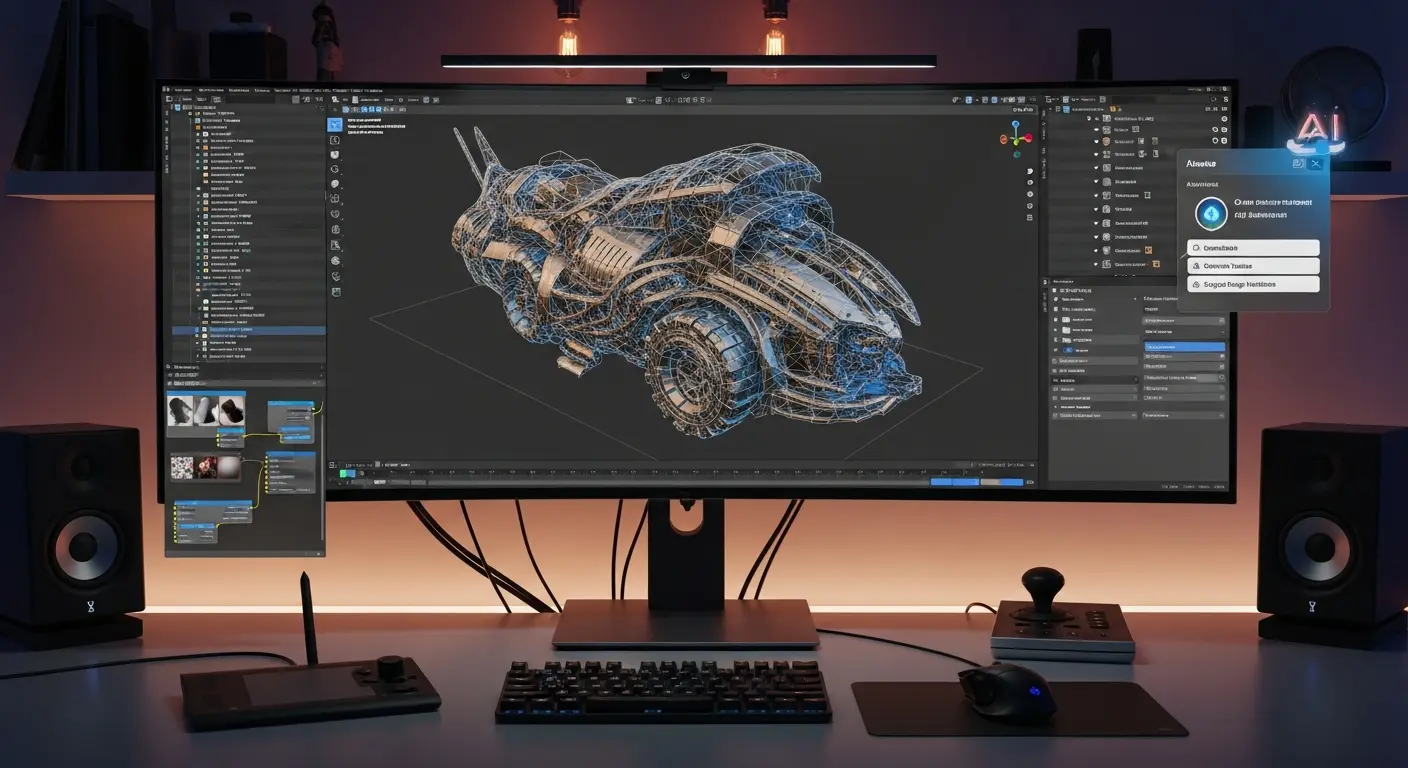
AI 3D tools can help create a first-pass mesh, explore an object's shape or assemble an interactive scene. A generated preview is not automatically a finished game asset, an accurate product replica or a printable object. The useful question is how much work remains before the asset meets your requirements.
- Try mesh generation: evaluate Meshy's free allowance or Tripo's free plan; their licensing rules differ.
- Build an interactive web scene: consider Spline, checking which paid plan includes generation and the exports you need.
- Commission a production asset with artist assurance: evaluate Kaedim against a written brief and acceptance criteria.
- Integrate generation into an application: review a documented API such as Meshy's, including credit costs, retention and rate limits.
What AI Changes in a 3D Workflow
Text or image generation can provide a starting shape. Scene editors help arrange objects and interactions. Capture tools reconstruct real scenes or objects from observations. These are different workflows, and a viewable reconstruction is not necessarily an editable polygon mesh with suitable materials.
Keep generation time separate from selection, retries, cleanup, UV work, materials, rigging and validation. This guide does not establish a universal percentage saving or a fixed time to a usable asset. Simple background props and demanding animated characters have different acceptance requirements.
Quick Comparison and Verified Plan Details
Checked October 31, 2026. Dollar prices below are USD unless stated otherwise. Annual-billing figures are monthly equivalents with an annual commitment. Features, regional currency, introductory offers and limits can change; confirm the current checkout and terms before paying.
| Tool | Input and use | Price and limits | Exports and conditions |
|---|---|---|---|
| Meshy | Text or images to meshes; prototyping and asset drafts. | Free: 100 monthly credits. Paid prices are regional; verify billing currency and renewal price. Plans | API documentation lists GLB, OBJ, FBX, STL, USDZ and 3MF. Free downloads and available models are limited; CC BY 4.0 applies to free assets. |
| Spline | Interactive scene design with paid AI generation. | Hobby $12 and Pro $25 per seat/month billed annually. Free has no AI credits. Plans | Paid-plan gates apply. The comparison lists textured GLTF, USDZ and STL exports on Pro and above; do not assume Free includes them. |
| Kaedim | Sketches, reference images and briefs for managed asset production. | Indie $400/month: 20 credits, up to 20 geometries or one complete asset. Plans | Agree required formats and deliverables in the brief. A geometry allowance is not the same as that many fully textured assets. |
| Tripo | Text or images to meshes; a second generator to evaluate. | Free: 200 monthly credits, public models, non-commercial use and limited exports. Pro $20/month billed annually at $240/year. Plans | Product page lists GLB, FBX, OBJ and USD, plus print-oriented formats. Plan-specific export and commercial-use restrictions apply. |
Tool Profiles and Limitations
Meshy for Text and Image-Based Asset Drafts
What is documented: Meshy's API overview covers mesh generation, texturing, remeshing and rigging endpoints. Its text-to-3D documentation separates an untextured preview from a texture-refinement step. Evaluate the shape before spending more on a detailed surface.
Limitations: A convincing thumbnail does not establish usable topology, unseen geometry or correct scale. Check the mesh from all sides and import it into your target application. The pricing comparison distinguishes generation credits from download allowances; “unlimited downloads” does not mean unlimited generation. Web and API task costs should be checked for the particular model and operation.
Price verification: October 31, 2026. Free provides 100 monthly credits; paid plans use regional pricing. Our browser displayed INR, while another retrieval displayed GBP, so the old unqualified $16 figure is removed. Confirm the currency, billing cycle and post-promotion amount.
Spline for Interactive Web Scenes
What is documented: Spline is a scene-design environment with interaction, collaboration and AI features. It is relevant when the deliverable is an interactive web experience rather than a standalone game asset. Its plan comparison specifies generation and export access.
Limitations: Free scene editing is not a free AI-generation allowance: the Free plan includes no AI credits. Check watermark, textured export and self-hosting requirements before building around it. A rendered scene, downloadable mesh and self-hosted application are different deliverables.
Price verification: October 31, 2026. Hobby is $12 and Pro $25 per seat/month on annual billing. The previously listed $12 “Pro” price used the wrong plan name. Verify monthly-billing prices separately.
Kaedim for a Defined Production Brief
What is documented: Kaedim's FAQ describes AI combined with artist assurance, review stages and project-specific technical requirements. That makes it a different purchase from a self-service draft generator.
Limitations: Scope, revisions and delivery expectations need agreement. Specify polygon budget, UV layout, texture maps, dimensions and engine format. Ask for a suitable sample and written turnaround expectations; this article does not verify a universal one-to-twenty-four-hour delivery promise.
Price verification: October 31, 2026. The plans page lists Indie at $400/month and Pro at $1,200/month. Indie distinguishes up to 20 geometries from one complete asset. The separate seven-day trial automatically renews to Indie; check current trial charges and cancellation terms. The old $20/month claim was incorrect.
Tripo as an Alternative Mesh Generator
What is documented: Tripo offers text/image generation and lists remeshing, texturing and rigging capabilities on its product page. It is worth comparing with Meshy using the same reference and acceptance requirements.
Limitations: Do not treat advertised “game-ready” or “ready to slice” language as a passed engine or print test. Inspect geometry, materials and scale yourself. The Free plan is public and non-commercial, unlike a blanket assumption that all free outputs can be shipped in a paid game.
Price verification: October 31, 2026. Free includes 200 monthly credits; Pro is displayed at $20/month billed annually as $240/year, with 3,000 monthly credits. The provider's approximate model counts are allowances, not a guarantee of accepted finished assets.
Research and Unverified Legacy Entries
NVIDIA GET3D
GET3D is a NeurIPS 2022 research project generating textured meshes from learned shape distributions. NVIDIA also demonstrates text-guided adaptation using CLIP-based fine-tuning. It should not be presented as a conventional hosted prompt-to-asset service. Evaluate technical setup, dependencies and the repository license before use; a freely available repository does not establish unrestricted commercial rights.
Luma, 3DFY.ai and CSM
Luma's Dream Machine subscription guidance describes image/video generation. It does not substantiate the former $29 3D-capture plan or a promise of a production-ready mesh from a two-minute video. For a capture workflow, independently verify the specific current capture product, mesh-export support and availability.
We could not verify the current offerings and commercial terms of 3DFY.ai and CSM through their official websites during this review. Their former feature lists and “beta access” claims are therefore removed from the active shortlist. Retrieval failures do not prove a service has closed or establish a migration date. Existing users should confirm account access and export options with their providers.
Choose the Right Input
- Text: useful for an invented prop or concept. Describe shape, material and intended style; inspect whether geometry actually reflects the request.
- Single image: useful for following a silhouette or concept, but hidden surfaces have to be inferred. Do not describe the result as a measured replica.
- Multiple views: can provide more context where the specific tool supports them. Keep lighting, object identity and proportions consistent.
- Capture: photographs or video of a real object belong to a reconstruction workflow. Verify whether the output is a mesh, point cloud or splat and what your destination supports.
Illustrative prompt: “A stylized wooden tavern stool, four thick legs, no cushion, simple silhouette, intended as a background game prop.” This is a suggested test input, not a generation we performed.
From Draft to a Usable Asset
- Set acceptance criteria first: target dimensions, object count, polygon budget, maps, UV requirements and destination application.
- Generate and inspect: record attempts and credits. Rotate the model; check backs, undersides, thin parts and disconnected components.
- Clean up in your 3D editor: adjust geometry, normals, topology and UVs; correct textures and set the pivot and scale. Rig and test deformation if the asset must animate.
- Validate in the destination: import materials, check collisions and performance, and test any required LODs. For AR, verify device compatibility and real-world scale; for printing, inspect watertightness, wall thickness and the slicer preview.
This is a proposed workflow, not a timed benchmark. Generation, human editing and export validation should be recorded separately. A format extension alone does not establish game readiness, printability or correct AR behavior.
What to Check Before Accepting an Output
- Geometry: thin handles, legs, fingers and mechanical joints can be important failure points to inspect; these are evaluation targets, not measured failure rates for the tools above.
- Topology and UVs: look for unnecessary density, intersecting surfaces, stretching and seams under the intended lighting and animation.
- Materials: inspect maps rather than judging the beauty render alone. Baked highlights can behave poorly under different lighting.
- Accuracy: dimension-critical mechanisms and manufacturing parts require verification against technical specifications.
- Consistency: compare several assets together before assuming the generator can sustain your project's art direction.
A simple static background object and a close-up animated character need different checks. No universal “70–80% usable” rate is established here. Record accepted assets against total attempts using your own criteria.
Calculate the Full Cost
The earlier freelance-rate table contained a corrupted value, and its proposed replacement was not supported by comparable quotes. It has been removed along with the unnamed $50,000 studio story, conversion-uplift figures and blanket 98% cost-saving claim.
Total project cost = allocated subscription + credits and retries + artist time + validation and integration. Do not equate a download allowance, a credit or a generated geometry with a finished asset.
Hypothetical example: $40 in allocated software/usage plus two hours of cleanup at an assumed $30/hour totals $100. If that work yields two accepted assets, the cost is $50 per accepted asset. These inputs are illustrative, not a market-rate claim or a result from any vendor. Include rejected attempts; with no accepted assets, report the spend and zero accepted outputs.
Commercial Use and Licensing
Permission to use an asset commercially, copyright ownership and freedom from third-party infringement are different questions. Check the terms applicable when the asset was generated, whether it is public, attribution obligations and any limits on resale or redistribution. Use reference images and branded designs only where you have the necessary rights.
Concrete plan differences matter: Meshy Free lists CC BY 4.0, while Tripo Free lists non-commercial use. Read the CC BY 4.0 conditions rather than assuming “free” means no attribution. For commissioned work, confirm deliverable rights and confidentiality in writing.
Frequently Asked Questions
Can AI replace a professional 3D artist?
This guide establishes no staffing-replacement result. Artists still define the style, judge the shape, correct errors and ensure that an asset works in context.
Are generated assets ready for games or printing?
Not automatically. Test against the actual engine or print requirements. STL export does not establish a watertight, correctly sized printable object, and FBX export does not establish suitable topology or functioning materials.
How long does a finished asset take?
It depends on the task, attempts, queue, cleanup and acceptance criteria. We did not measure generation or total production time, so neither a minutes-only promise nor a fixed one-to-two-hour estimate is offered.
A Practical Starting Plan
Try a small permitted sample before committing: one simple prop, one object with thin parts and one more detailed shape. Use the same requirements across shortlisted tools, inspect the wireframes and record generation, cleanup and validation separately. These are suggested evaluation tasks, not completed firsthand tests.
For more context, see our AI game-development guide, graphic-design tools and interior-design guide.
What Changed on October 31
Corrected plan names and limits; added the comparison and task-based shortlist; moved GET3D and unverified legacy entries out of the buying list; removed unsupported statistics, the unnamed case study and the corrupted rate table; clarified licensing and full workflow costs. Unrelated inline sponsor blocks were removed from this article.
Research method: linked official pricing, product and API documentation was checked on October 31, 2026, including a browser check of Meshy's regional pricing and attempted access to legacy sites. We did not generate meshes, purchase plans or test quality. Published capabilities describe vendor offerings; suitability and workflow advice remain proposals to evaluate.
Tags
Written by

Sourabh Gupta
Author at Teach AI Tools
Sourabh Gupta is responsible for Teach AI Tools. Research guides and documented firsthand reviews are identified separately. An author profile is not evidence of testing; look for sources, test records, and limitations in the article.
Full bio & editorial process →