I Built a Playable Game with AI in 30 Days — Here's the Workflow That Failed, Broke, and Finally Shipped
Editorial note: Some links in this article are affiliate links — we may earn a commission if you sign up, at no extra cost to you. Research guides are distinguished from documented firsthand reviews in our editorial standards. Read our editorial standards →
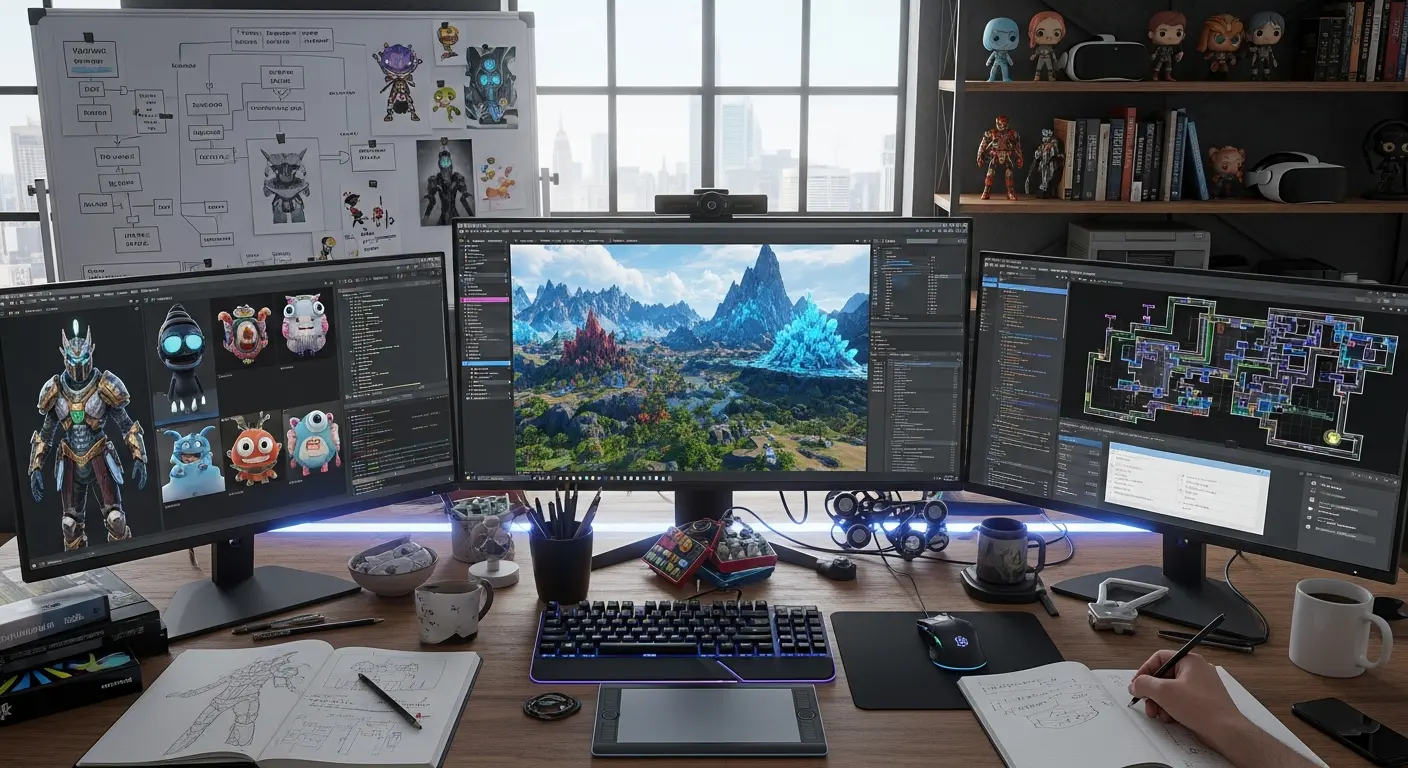
I gave myself 30 days to ship a playable game using AI tools for as much of the development pipeline as possible. No outsourcing, no team — just me, a Unity project, and a collection of tools I'd been meaning to properly stress-test.
I Built a Playable Game with AI in 30 Days — Here's the Workflow That Failed, Broke, and Finally Shipped
No outsourcing, no team — just me, a Unity project, and a collection of tools I'd been meaning to properly stress-test.
The game shipped. It took 31 days. Here's what the workflow actually looked like, including the three moments I nearly scrapped the whole thing.
The Setup and the Budget
The target: a 2D roguelite dungeon crawler with one biome, five enemy types, a basic progression loop, and WebGL export for browser play. Scope kept small by design — the point was to test the AI workflow, not to build a commercial game.
Here's what I actually spent on tools during the 30 days:
| Tool | Category | Plan Used | Monthly Cost |
|---|---|---|---|
| GitHub Copilot | Code completion | Business | $19/mo |
| Cursor | AI code editor | Pro | $20/mo |
| Claude 3.5 Sonnet (API) | Architecture help | Pay-as-you-go | ~$31 used |
| Midjourney | 2D art generation | Standard | $30/mo |
| Stable Diffusion (local) | Pixel art LoRA | Free (self-hosted) | $0 |
| ElevenLabs | Sound effects | Creator | $22/mo |
| Suno | Background music | Pro | $10/mo |
| Udio | Music editing/extension | Basic | $10/mo |
Total AI tooling for the month: $142. For context, commissioning equivalent art and audio from freelancers would have run $1,500–$3,000 for the same volume.
Week 1: Code — Where AI Actually Saved the Most Time
The code pipeline worked well, with one expensive exception.
GitHub Copilot handled boilerplate fast. State machines, inventory serialization, grid-based movement, collision layers — the kind of code that's mechanical and repetitive. I estimate it saved 40% of my time on the first week's systems. The suggestions were usually 80% right and needed light editing, which is still dramatically faster than writing from scratch.
Cursor's composer mode was where I got into trouble. On day 6, I used it to refactor my entire scene management system. The refactor worked. What I didn't notice until day 7 was that it had quietly broken my save/load system and introduced a memory leak in my enemy spawning logic. Both bugs were subtle — the game ran fine in the editor and only surfaced in the WebGL build.
I spent all of day 7 debugging two bugs I didn't write. The lesson: AI refactoring on interconnected systems works best when you have a test suite that catches downstream breakage. I didn't. Next project, I will.
For architectural problems — "design a knockback system that's compatible with my existing momentum model" — I pasted the relevant code into Claude 3.5 Sonnet and worked from its suggestions. At around $0.003 per complex query, this was the highest ROI tool in the entire stack. Twenty dollars of Claude API conversations probably saved three days of design-and-revise cycles.
Week 2: Art Generation — The Hardest Part by a Margin
Pixel art is a different problem from photorealistic generation. It has hard technical constraints: limited palette, pixel-perfect edges, consistent character proportions across a full sprite sheet, and animation frames that read clearly at small sizes.
None of the three tools I tested produce game-ready pixel art out of the box.
Midjourney Standard ($30/mo) produced the most visually appealing outputs — atmospheric dungeon tiles, detailed environment art, compelling character concepts. The problem is consistency. When I generated 40 frames for a character walk cycle, proportions shifted between generations in ways that made the animation jittery and unprofessional. For static background assets where consistency doesn't matter, Midjourney was excellent. For anything animated, it failed.
Stable Diffusion with a pixel art LoRA (self-hosted, free beyond electricity) produced the most technically consistent outputs. The style held across generations. The downside: output quality is significantly lower than Midjourney, and getting useful results required 200+ generation attempts across two days of prompt iteration. The total time was roughly equivalent to what a moderately skilled pixel artist would spend doing it manually.
The post-processing problem nobody documents: every AI-generated sprite has semi-transparent edge pixels from anti-aliasing. On a dark background, these show up as ugly grey halos around every character. I wrote a 15-line Python script to threshold the alpha channel, which fixed it — but this cost two hours to diagnose and fix, and I've never seen it mentioned in any AI game dev tutorial.
The honest verdict: AI art generation saved money versus commissioning, but not necessarily time versus doing it manually. If you have pixel art skills, you'll be faster drawing it. If you don't, AI generation with post-processing gets you to something usable.
Week 3: Audio and Writing — Where AI Was Genuinely Excellent
Audio was the category where AI tools delivered the clearest, most unambiguous time savings.
ElevenLabs Sound Effects ($22/mo on Creator) generated usable sword swings, footstep sounds, UI clicks, and ambient dungeon audio on the first or second generation for each prompt. The per-generation cost at Creator tier is low enough that I generated 8–10 variants of each sound and picked the best one. Total time for the game's full sound effects library: about four hours.
Music was harder. Suno v4 ($10/mo) generated atmospheric dungeon tracks that sounded great in isolation but looped awkwardly. The problem is structural: Suno generates tracks with natural endings, not seamless loops. A game needs tracks that loop cleanly at specific bar boundaries to match state transitions.
I solved this with Udio ($10/mo), which lets you extend and re-generate specific sections of a track. By generating the core of a track in Suno, then extending and adjusting the ending in Udio, I got tracks that loop acceptably after about 20 minutes of editing per track in Audacity. Not as clean as a commissioned musician would deliver, but usable at this scope.
Game writing was the AI category with the highest ROI. Item descriptions, enemy lore, death messages, loading screen tips — this is the content type that takes skilled writers hours and that many indie games skip entirely. With Claude 3.5 Sonnet and a style guide in the system prompt, I generated 60 item descriptions in 45 minutes. Consistent tone, varied vocabulary, no repetition. I edited about 20% of them lightly. This single session would have taken a writer most of a day.
Week 4: Integration, Playtesting, and What AI Can't Do
By day 22 I had a playable build. By day 25 it was clearly not ready to ship — the difficulty curve was wrong, two boss encounters had collision bugs, and the pacing in the middle third of a run felt flat.
This is where AI tools stopped helping.
No AI tool diagnosed the difficulty curve problem for me. Playing the game 40 times and tracking where I died is still manual work. Building intuition for pacing is still a human skill. The AI tools were excellent at generating assets and code patterns; they were useless at telling me why the game wasn't fun.
The collision bugs were fixed with Claude's help — I described the behavior in detail, pasted the relevant scripts, and got a working fix in two iterations. Ninety minutes to close two bugs. That was legitimately good.
What finally shipped the game: scope cuts. I removed one planned biome, simplified the progression system, and dropped a crafting mechanic that had consumed three days of development time. The AI tools were fastest on the things I ultimately cut. Lesson learned.
The Honest Time Accounting
| Category | AI Tool(s) | Estimated Time Saved vs. Manual |
|---|---|---|
| Code boilerplate | Copilot, Cursor | ~40% |
| Code architecture | Claude API | ~50% |
| 2D environment art (static) | Midjourney | ~60% |
| Character/sprite art (animated) | SD + LoRA | ~15% (nearly break-even) |
| Sound effects | ElevenLabs | ~70% |
| Background music | Suno + Udio | ~30% |
| Game writing | Claude API | ~75% |
| Debugging | Claude API | ~30% |
| Playtesting, pacing, design | None | 0% — fully manual |
Bottom line: Solo game development with AI tools in 30 days is realistic. The workflow that works is AI for generation, human for integration and judgment. The tools that caused the most rework were the ones I tried to use without sufficient context — code editors without the full codebase loaded, art generators without a locked style reference from the first session. Start with reference, lock it early, and keep it consistent.
Tags
Written by

Sourabh Gupta
Author at Teach AI Tools
Sourabh tests every AI tool he writes about — hands-on, with real use cases. His background in data science means he goes beyond marketing claims to benchmark actual performance, cost, and reliability for developers and creators.
Full bio & editorial process →