I Tested the Tradeoffs Behind AI Photo Restoration — Here's How to Avoid Ruining a Family Photo
Editorial note: Some links in this article are affiliate links — we may earn a commission if you sign up, at no extra cost to you. Research guides are distinguished from documented firsthand reviews in our editorial standards. Read our editorial standards →
If you're comparing the best ai photo restoration tools 2026 has to offer, the biggest mistake is assuming they're all trying to do the same job. They aren't.
I Tested the Tradeoffs Behind AI Photo Restoration — Here's How to Avoid Ruining a Family Photo
Some are tuned for selfies, some for faces in genealogy scans, some for upscaling, and some for colorization only. Pick the wrong one and a 1940s portrait can come back looking like it was shot on an iPhone last week.
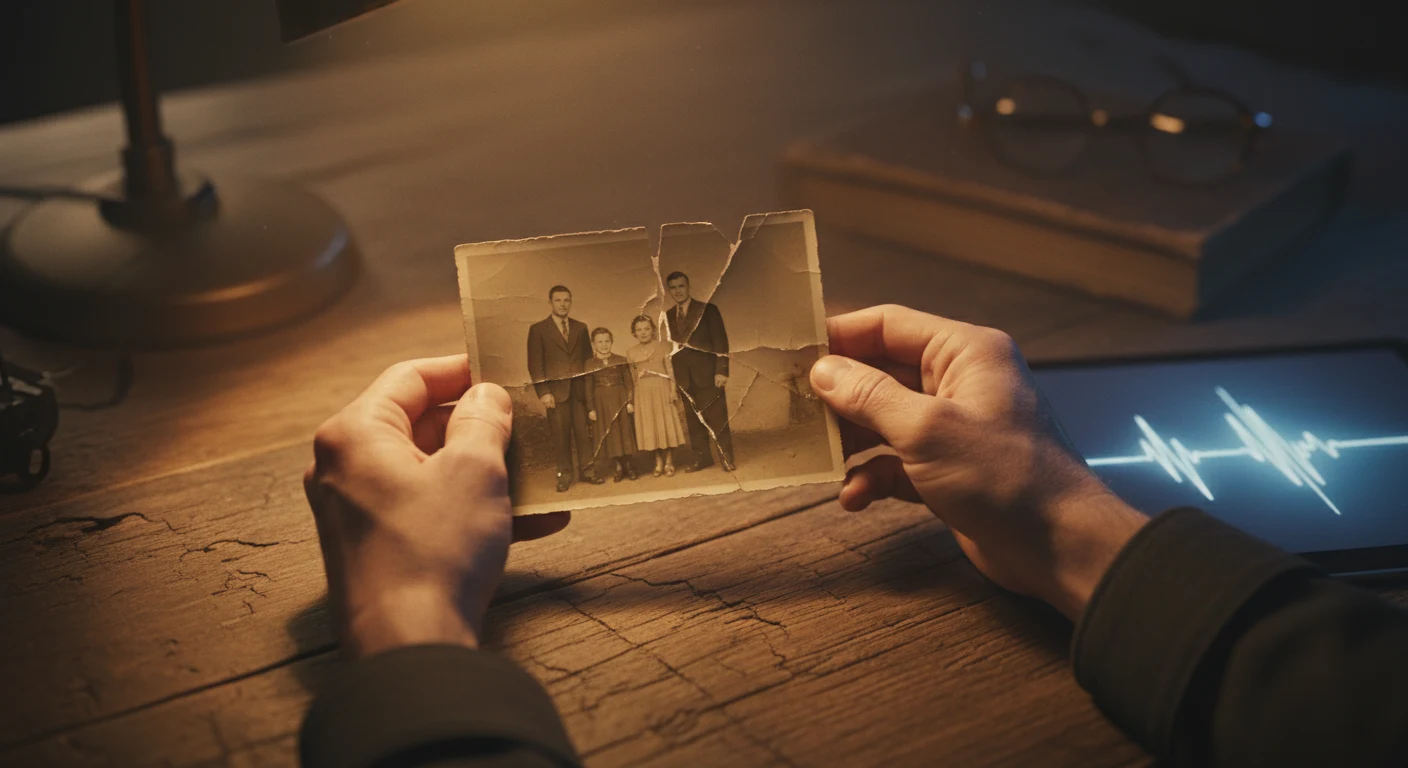
Picture the typical failure: a wedding photo from 1947, water damage on one edge, a long scratch through the center, faded corners. You upload it to the first popular app you find. Seconds later, the face is overly smooth, the grain is gone, and the person no longer looks like the original subject. The photo is cleaner, but less truthful.
That's the core problem with most restoration roundups. They compare features, not failure modes. What matters more is where each tool breaks: which ones oversoften skin, which ones ignore backgrounds, which ones change output on repeated runs, and which ones hide the real cost behind credits or auto-renewing trials.
The real question isn't "which tool is best?"
It's "which tool is least likely to damage this specific photo?"
AI restoration models are trained on different image types. That training bias shows up fast.
Remini is the clearest example. It became popular because it can sharpen and beautify modern portraits. That strength becomes a liability on older images. On historical portraits, it often smooths away natural texture, suppresses grain that belongs to the photograph, and can nudge faces toward modern beauty patterns. RecolorLife has published guidance warning about this kind of mismatch in old-photo workflows. That does not mean Remini is bad. It means it is a poor fit for historically sensitive restoration.
MyHeritage has the opposite profile. It is strongly face-centric and works best in family-history use cases. If your scan is mostly about the person, it can help. If the important detail is the church in the background, the storefront sign, or the architecture in a street scene, its priorities are wrong for the job.
One practical rule fixes a lot of bad outcomes: decide whether the image is mainly a face, a scene, or a damaged document before you choose software.
Where popular tools fail in practice
Remini: great for recent portraits, risky for older ones
Remini can make a blurry phone selfie look cleaner. That is not the same as restoring a 1930s studio portrait. On historical photos, its face enhancement often produces the "waxy skin" problem: pores disappear, micro-contrast flattens out, and age cues get softened. If your goal is emotional realism or archival accuracy, that's a problem, not an improvement.
MyHeritage: useful for genealogy, narrow outside it
MyHeritage is easiest to recommend when the face is the whole point. Family tree builders and casual users often like it because it requires very little skill. But its strengths are concentrated around faces. For wider compositions, it tends to leave the rest of the image feeling secondary.
LetsEnhance: good output, but consistency can be an issue
According to LetsEnhance documentation, repeated runs can produce slightly different results. For hobby use, that may be acceptable. For client work, archives, or any workflow where you must reproduce the same result later, it creates process problems. One likely explanation is that generative enhancement steps include some variation between runs. That is manageable if you know it in advance; it's frustrating if you discover it halfway through a paid batch.
Topaz Photo AI: still strong, but not automatically better than the old stack
A common assumption is that product consolidation improves quality. Sometimes it does; sometimes it trades quality for convenience. Robin Whalley wrote in Lenscraft in January 2026 that Topaz Photo AI was not matching the old standalone DeNoise AI and Sharpen AI on their specialist tasks, and that Gigapixel AI as a dedicated tool still had an edge in some scenarios. That's one reviewer's assessment, not a universal verdict, but it aligns with what many power users report: Topaz Photo AI is convenient, though not always the best version of every old Topaz capability.
If you need local processing and strong upscaling, it remains one of the more credible options. If you're upgrading only because "newer must be better," that assumption deserves a second look.
Repair and colorization are separate jobs
Beginners often try to do both in one step. That's usually why the final result looks off.
A damaged black-and-white photo has at least two problems:
- Physical or visual damage: scratches, tears, fading, stains, missing areas
- Missing color information
Those are different tasks, and the strongest tools in each category are not usually the same product.
A better workflow looks like this:
- Repair the image first in a restoration tool
- Export the cleaned version
- Send that cleaned version to a specialist colorization tool
Palette.fm is a good example of a specialist. Its colorization is widely praised by users because it often produces more believable tones than generic "restore + colorize" tools. But it does not fix scratches, torn edges, or heavy fading. If you upload a damaged image, you get a colorized damaged image.
For that reason, Photoshop and Fotor make more sense earlier in the workflow. Photoshop is better for complex manual cleanup. Fotor is easier for light damage and quick tests. Palette.fm belongs at the end, after repair.
Pricing compared: what these tools actually cost
| Tool | Free Plan | Starting Price | Pro/Business | Best For |
|---|---|---|---|---|
| Adobe Photoshop | 7-day trial | $11.99/month Photography Plan | $22.99/month single app plan | Complex restoration, layers, manual repair |
| Remini | Yes, limited daily credits | $29.99/year | $6.99/week mobile subscription | Modern portrait enhancement |
| VanceAI Photo Restorer | Yes, 5 credits/month | $5.94/month | not publicly listed | General restoration with separate AI tools |
| MyHeritage | Yes, limited enhancements | $7.83/month with annual billing | not publicly listed | Face-focused genealogy restoration |
| Topaz Photo AI | Free trial available | $199 one-time | subscription pricing varies by plan | Desktop upscaling and local processing |
| LetsEnhance | Free trial credits | $9/month | API and business pricing varies by plan | Upscaling, batch enhancement |
| Fotor | Yes | $8.99/month | pricing varies by plan | Light scratches, fading, quick browser edits |
| HitPaw | not publicly listed | $29.99/month for 100 credits | pricing varies by plan | Desktop workflow with credits |
| PhotoGlory | Trial available | $19.25 one-time | not publicly listed | Guided restoration for beginners |
| Picsart | Yes | $5/month | pricing varies by plan | Creative edits and light restoration |
| ArtImageHub | No free plan | $4.99 per restore | not publicly listed | One-off jobs without subscription |
| Palette.fm | Yes, free previews | $9/month | pricing varies by plan | Colorization only |
A few details matter here.
Topaz is often discussed like a subscription product, but for many individual buyers the relevant number is still the $199 one-time purchase. That makes it easier to justify if you process photos on your own machine and don't want ongoing cloud fees.
Remini's annual plan looks cheap until you compare it with the weekly option. If you only need one short project, the weekly plan can become expensive fast if you forget to cancel.
ArtImageHub's per-restore model is useful for people who hate subscriptions, but it gets costly for batches. At $4.99 per image, twenty photos would cost about $99.80.
Subscription traps and privacy risks are part of the buying decision
This category has a recurring pattern: a "free restore" or low-friction trial that converts into a paid plan unless you cancel in time. ArtImageHub's research has described this as one of the most common traps in AI image tools. The exact flow varies by product, but the risk is real enough that you should treat billing terms as part of product quality.
Check three things before entering a card:
- Does the trial convert automatically?
- Is the billing date stated clearly in the confirmation email?
- Can you cancel in-app, or do you need to contact support?
If any of those answers are hard to find, move on.
Privacy matters too. If the image is a personal family photo, you are not just buying a result; you're trusting a company with an irreplaceable file. Reports about past security incidents should weigh heavily in that decision. If you want to avoid cloud risk altogether, desktop tools such as Topaz Photo AI reduce exposure because the processing happens locally.
A simple way to choose the right tool
Use this four-question filter before you upload anything.
1. What matters most in the image?
If the answer is the face, MyHeritage may be enough for quick family-history work. For modern portraits, Remini can sharpen and beautify effectively. For older portraits where you care about preserving age, texture, and period character, Photoshop is safer because you can control what gets changed.
If the answer is the whole scene, skip face-first tools. Use something better suited to resolution and structure, such as Topaz or LetsEnhance, then handle damage repair separately.
2. How bad is the damage?
For light scratches and general fading, Fotor is a reasonable first stop because it's easy to test in the browser. For heavy tears, water stains, or missing chunks, automatic tools often blur over the problem instead of reconstructing it. That's where Photoshop earns its keep.
3. Do you need repeatable output?
If you're restoring one keepsake photo for a birthday gift, a little variation is fine. If you're processing fifty scans for a genealogy archive, consistency matters. In that case, tools with variable outputs between runs are less attractive.
4. Do you want color too?
If yes, plan a two-step workflow from the beginning: restore first, colorize second. That single choice will improve results more than most feature comparisons.
Which tool is best for each type of user?
| User Type | Best Fit | Why |
|---|---|---|
| Family historian restoring portraits | MyHeritage or Photoshop | MyHeritage is quick for faces; Photoshop is better when accuracy matters |
| Casual user fixing light damage | Fotor | Easy browser workflow and low starting cost |
| Photographer needing local processing | Topaz Photo AI | Desktop-based, strong upscaling, no cloud upload required |
| User restoring then colorizing old photos | Photoshop or Fotor + Palette.fm | Better results when repair and colorization are split |
| Person doing a one-off restore | ArtImageHub | Per-image pricing avoids a subscription |
| User enhancing modern portraits | Remini | Best suited to recent face photos, not archival work |
FAQ
Does Remini work on old photos?
It works on old photos in the sense that it will process them, but that is different from preserving them well. Remini is better for modern portrait enhancement than for historically sensitive restoration. On older images, it often smooths too aggressively and can make faces look contemporary.
Is Topaz Photo AI worth it?
If you want local processing, strong upscaling, and a desktop workflow, yes, it can be worth the $199 one-time purchase. If you expect it to outperform every old Topaz standalone tool in every category, that expectation is less certain. Independent reviews, including Lenscraft's January 2026 assessment, suggest the all-in-one approach involves tradeoffs.
What's the best free option?
For light restoration tests, Fotor is the easiest free starting point. VanceAI's free credits are useful too. For colorization specifically, Palette.fm's free previews make it easy to test before paying for HD exports.
Can AI fully restore a heavily damaged photo by itself?
Usually no. AI can speed up cleanup, but large tears, water damage, and missing sections still often need manual work. One clear sign you've hit the limit is when the tool starts smearing detail instead of rebuilding structure.
Is it safe to upload family photos?
Safety depends on the company, its retention policy, and whether processing happens in the cloud or on your device. If privacy is a priority, local tools reduce risk. If you must use a cloud service, read the deletion and data-retention terms before uploading anything you can't replace.
What I'd do before paying for any restoration tool
Run one representative photo through two or three candidates before committing. Not your easiest scan. Not your cleanest portrait. Use the image that reflects the real difficulty of your project.
Then compare four things side by side: face realism, background detail, damage repair, and whether the image still feels historically true. That last point matters most. A technically sharper photo is not necessarily a better restoration.
That's the lens I would use to evaluate the best ai photo restoration tools 2026 readers are considering now. The right pick depends less on feature lists and more on whether the software respects the kind of image you're trying to save.
Tags
Written by

Sourabh Gupta
Author at Teach AI Tools
Sourabh tests every AI tool he writes about — hands-on, with real use cases. His background in data science means he goes beyond marketing claims to benchmark actual performance, cost, and reliability for developers and creators.
Full bio & editorial process →