AI Animation Tools 2026: Workflows, Limits and Examples
Reviewed
Editorial note: Some links in this article are affiliate links — we may earn a commission if you sign up, at no extra cost to you. Research guides are distinguished from documented firsthand reviews in our editorial standards. Read our editorial standards →
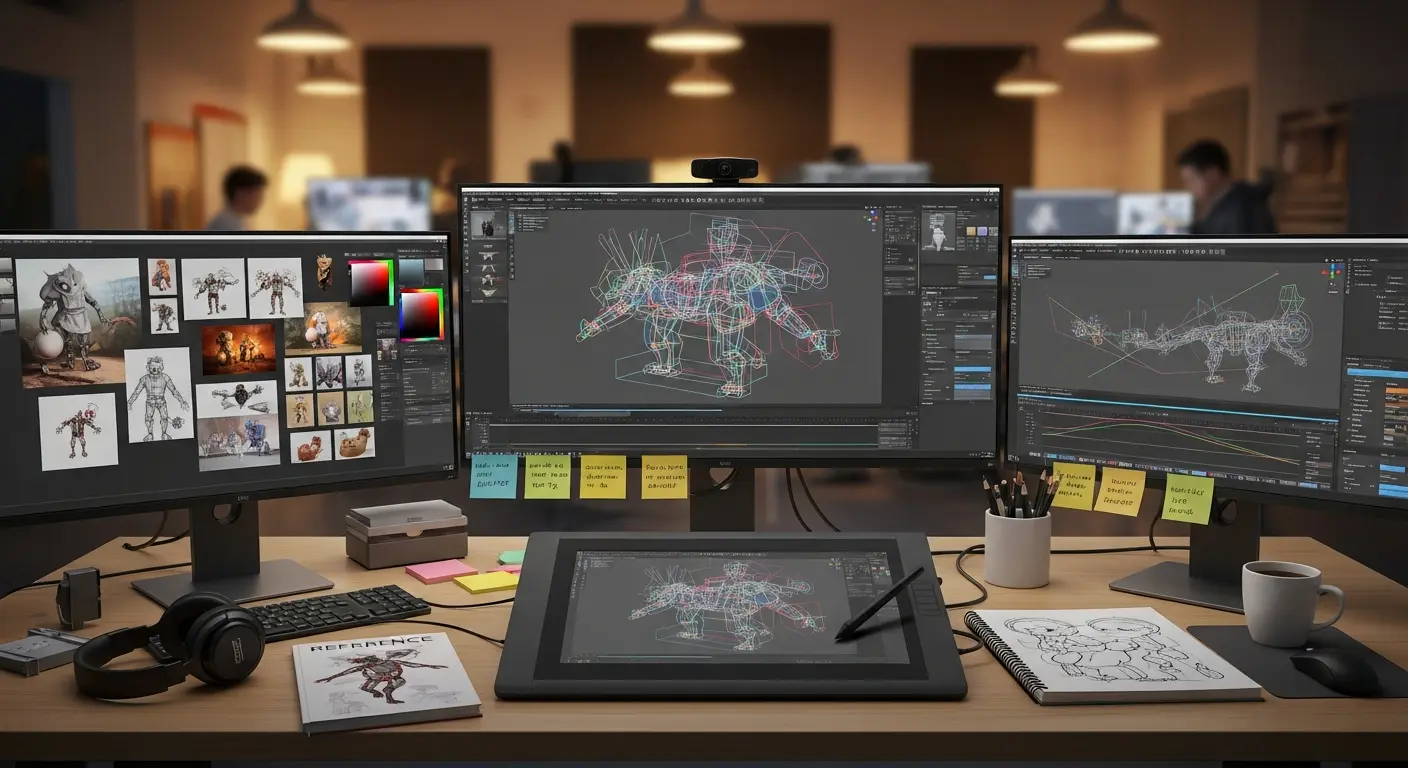
The right animation tool depends on what you must hand over. A finished video, an editable 2D scene and a character-motion file are different deliverables. Choose the output first; then compare tools that can produce and revise it.
This guide separates AI video generation, assisted character motion and timeline-based animation. It does not claim that one application wins every category or that automation delivers a fixed percentage of time savings.
Choose Your Output Before Choosing a Tool
| Needed output | Starting shortlist | Acceptance check |
|---|---|---|
| Short rendered concept shot | Runway | Does the selected take preserve the subject and camera intent? |
| 2D explainer with editable scenes | Animaker; an existing timeline editor | Can another editor change text, timing and assets? |
| Editable character poses or motion | Cascadeur | Can the required plan export a usable interchange file? |
| Recorded performance transferred to a character | DeepMotion Animate 3D | Does the motion work on the target character after import? |
| Existing Adobe Animate project | Adobe Animate as an established editing workflow | Can the project reopen and publish in your required format? |
A video showing a walking character is not a skeleton you can retarget in a game engine. Likewise, a template-based explainer may be a practical choice even when it is not a fully generative animation system. Define the file and revision requirements in the brief rather than relying on the word “AI.”
Use the AI tool finder for animation to state whether you need a finished video, editable scenes or a character-motion file, plus your budget. Check the shortlisted tools against the export requirements in this guide.
Five Options and the Limits That Matter
Runway: generated video shots
Runway’s current pricing page lists multiple video and image models with credit allowances. It shows 125 one-time credits for the free tier; that is not a replenishing monthly production allowance. Paid access and the seconds obtainable from credits vary with the selected model.
Use it for: a rendered visual concept or short shot. Check first: the exact model, resolution, watermark conditions and credits consumed by retries. Do not assume a rendered result supplies editable character rigs or scene layers.
Adobe Animate: an existing 2D workflow, with a maintenance caveat
Adobe confirms Animate is in maintenance mode: it remains available and receives security and bug fixes, while new features are not planned. That makes a roadmap check relevant before a new long-term commitment. This guide no longer describes “Animate + Sensei” as a newly advancing all-purpose AI animation product.
Use it for: evaluating continuity for an existing Animate project. Check first: your actual project, publishing target and supported environment. Existing familiarity can matter more than adding a generative step.
Cascadeur: assisted character animation
Cascadeur’s plan comparison describes assisted posing, physics tools and animation editing. Its Free plan is non-commercial and exports its native CASC format only; FBX and DAE are unavailable on that tier. The Indie plan has a revenue eligibility condition, so “free to try” should not become “free commercial pipeline” in a budget.
Use it for: evaluating a character-motion editing workflow. Check first: commercial eligibility and the interchange export you actually need. Import the exported file into the destination application before buying a longer subscription.
Animaker: explainer and presentation animation
Animaker combines animated-video creation with character, asset, voice and subtitle tools. Its plan table separates video downloads, generated-video allowances, asset credits, output quality and commercial rights. Those are separate limits, not one interchangeable bucket of “AI credits.”
Use it for: a scripted explainer or onboarding video with repeatable scenes. Check first: whether the chosen tier includes the export and commercial usage you need, and whether the price is monthly billing or an annual commitment.
DeepMotion Animate 3D: video-to-character motion
Animate 3D takes video as input and supports character workflows with export formats including FBX, BVH, GLB and MP4. Its documentation describes options such as foot locking and motion smoothing. A preview that looks convincing is still only the first check.
Use it for: testing whether a recorded motion can become a useful character clip. Check first: the target skeleton, frame rate, contact quality and available plan allowance. Reopen the output and review it frame by frame; do not assume every mesh or shot will retarget cleanly.
Three Practical Animation Briefs
These are original test briefs, not completed product trials. Keep the same source assets and acceptance rules when comparing options. Save rejected attempts as well as the chosen result.
Brief 1: an eight-second product concept
Make a shot of an unbranded ceramic mug on a desk, with a slow camera move and stable lighting. Use artwork you own. Start with one approved reference image and keep text out of the generated shot; add readable copy in the editor afterward.
Create one continuous eight-second product shot. Keep the mug’s handle, color and silhouette consistent. Use a slow lateral camera move, a stationary desk and soft lighting. Avoid extra objects, labels and scene cuts.
Accept only if: the handle stays attached, the shape remains stable, the camera move is usable and the file opens in the editor. The duration is a creative target; select an available generation duration and trim if the model does not offer eight seconds.
Brief 2: a 20-second onboarding explainer
Use three scenes: show the problem, demonstrate one action, then show the next step. Write the narration before choosing motion presets. Keep a caption copy separate so it can be corrected without regenerating the entire visual.
Accept only if: another editor can change one line of text, the caption matches the audio, the call to action stays readable on a phone and the plan permits the intended publication. A polished preview with an unusable final export fails the brief.
Brief 3: a reusable six-second character movement
Record a consenting performer stepping forward, turning and stopping, with the full body visible. Use a target character you have permission to process. Choose a video-to-motion workflow, then inspect the resulting clip on the target rig; use an animation editor for correction where appropriate.
Accept only if: feet do not visibly slide during the stop, the turn does not twist the hips unnaturally, contact frames survive export and the frame rate is correct. Record cleanup minutes separately from generation time.
Measure Cost per Accepted Shot
Subscription price alone does not tell you what a finished clip costs. Count failed attempts, source preparation, corrections, exports and review. Use the blank animation scorecard (CSV) to record the same fields for each candidate.
| Measure | What to record | Why it matters |
|---|---|---|
| Output fit | Required file, frame rate, aspect ratio and editing handoff | A beautiful incompatible file still fails |
| Attempts | Every take, including rejected generations | Measures the retry cost |
| Human time | Setup, cleanup and review minutes | Captures work hidden behind the preview |
| Rights and export | Plan conditions, source permissions and successful reopen | Checks publication and pipeline fit |
| Decision | Accepted, revised or rejected, with a reason | Keeps evaluation repeatable |
Illustrative arithmetic: three attempts at 45 credits each consume 135 credits. Suppose preparation takes 30 minutes, cleanup 45 and review 15: that is 90 human minutes. Against a measured 120-minute baseline, the reduction would be 25%, not a universal tool performance claim. These numbers are invented to demonstrate the calculation; no application was timed.
Divide the actual trial’s allocated subscription or usage cost by accepted shots, then report human time separately or use your own stated hourly rate. In the USA, Canada and Europe, compare the final checkout currency, billing term and applicable taxes instead of treating a displayed monthly equivalent as the cash payment due today.
Common Failure Modes and What to Try
| Failure | First action | Recheck |
|---|---|---|
| Identity or shape drifts | Reduce the motion or simplify the shot; retain the approved reference | Compare the first, middle and last frames |
| Feet slide or contacts break | Review the source capture and correct contact frames | Replay the motion after destination import |
| Captions or logos distort | Add them as editable overlays after generation | Check phone-size readability |
| Export is unavailable | Inspect the plan’s format and rights requirements | Complete one permitted export before committing |
| Revisions require starting again | Separate reusable scene elements and written copy | Have a second editor make a small change |
Frequently Asked Questions
Which tool is best for animation?
There is no single result across these different outputs. Start with a rendered clip, editable explainer or character-motion file, then run the matching brief. This guide is a research shortlist, not a ranked hands-on benchmark.
Can I use a free plan commercially?
Check the specific license and export conditions. Cascadeur’s Free tier is explicitly non-commercial. Do not transfer that restriction, or a different vendor’s permissions, across products.
Will AI remove the need to edit?
Budget for revisions and review. A generative clip can introduce continuity problems, while a motion-capture workflow can require contact and retargeting corrections. The scorecard makes that effort visible.
Sources and Review Scope
Sources checked November 13, 2026. Vendor documentation establishes advertised features and access, not independently measured performance. Examples and evaluation rules below are editorial guidance.
- Runway plans and credits
- Adobe Animate maintenance status
- Cascadeur plans, export and license conditions
- Animaker product scope
- Animaker plan limits
- DeepMotion motion workflow and exports
- DeepMotion plan page
No paid product trial or production agent deployment was run for this article. Editorial standards · Report a correction.
Corrections in this revision: removed unsupported 50–70% savings, blanket equipment-replacement claims and outdated fixed plan prices; replaced the old Gen-2-only framing and separated unlike animation deliverables. For related workflows, read the game-development tools guide.
Tags
Written by

Sourabh Gupta
Author at Teach AI Tools
Sourabh Gupta is responsible for Teach AI Tools. Research guides and documented firsthand reviews are identified separately. An author profile is not evidence of testing; look for sources, test records, and limitations in the article.
Full bio & editorial process →